EasyManua.ls Logo

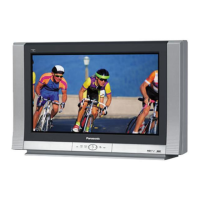
Panasonic CT-26WC15 - User Manual

Panasonic CT-26WC15
64 pages
Print Icon
To Next Page IconTo Next Page
Loading...
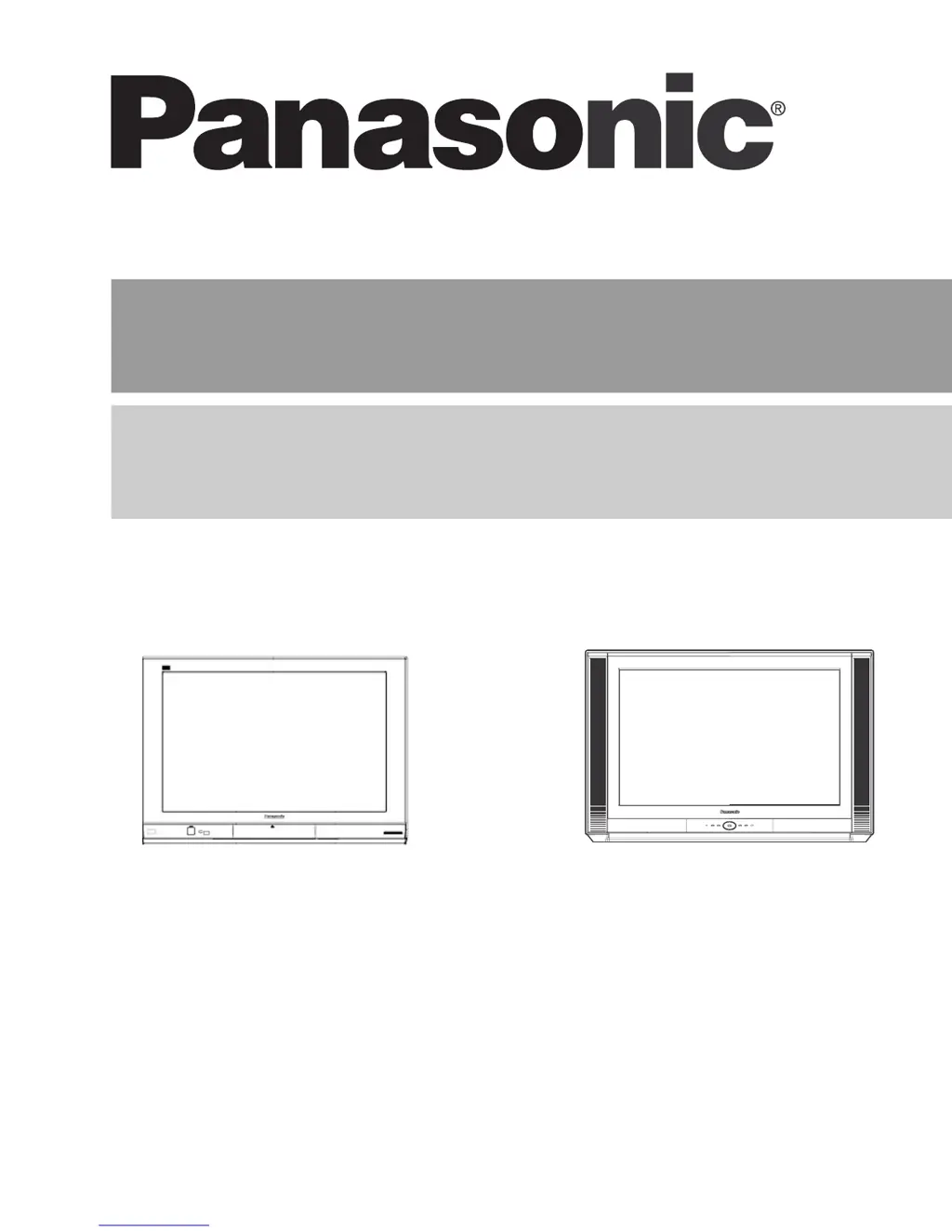
HDTV Monitor
Operating Instructions
Écran à haute définition
Manuel d’utilisation
TQB2AA0528-2 50331
PRINTED IN USA
IMPRESO EN EE.UU
IMPRIMÉ AUX ÉTATS-UNIS
CT-30WC15
CT-30WX15
CT-34WC15
CT-34WX15
CT-26WC15
CT-26WX15

Table of Contents

Questions and Answers

  • M
    Morgan GreenAug 13, 2025
    What to do if there is no audio on my Panasonic CT-26WC15 Monitor?
    • T
      Tracy HarrisAug 13, 2025
      If your Panasonic Monitor has no audio, first, increase the volume and check if the mute function is enabled. Then, verify the television SPEAKERS setting is on. Finally, try changing the channel.
  • R
    ryan31Aug 17, 2025
    How to fix noisy audio on a Panasonic Monitor?
    • J
      Joseph DanielsAug 17, 2025
      To address noisy audio on your Panasonic Monitor, try the following: Adjust the antenna's location and connection. Also, make sure the TV or Cable Mode is properly set and check the antenna cables.
  • D
    diaznicoleAug 20, 2025
    What can I do about noisy audio on my Panasonic Monitor?
    • C
      Charles JonesAug 20, 2025
      To resolve noisy audio on your Panasonic Monitor, adjust the antenna location and its connection. You may also need to check the antenna lead-in wire.
  • C
    Cody NashAug 25, 2025
    Why does my Panasonic CT-26WC15 Monitor have no audio?
    • N
      Nicole MarshallAug 25, 2025
      If your Panasonic Monitor has no audio, check that the power cord is plugged into an active outlet. Adjust the brightness and audio controls, and normalize the picture settings. Change the channel, check the cable connections, reprogram the remote control, check the second video source operation, and ensure a PC is not connected to the HDMI input.
  • M
    Marvin EvansAug 28, 2025
    How do I stop my Panasonic CT-26WC15 Monitor from having noisy audio?
    • J
      James MccormickAug 28, 2025
      To fix noisy audio on your Panasonic Monitor, move the television away from electrical appliances, lights, vehicles, and medical equipment.
  • J
    Jonathan RollinsAug 31, 2025
    What to do if my Panasonic Monitor has the wrong audio?
    • M
      Meghan OrrSep 1, 2025
      If you are getting the wrong audio on your Panasonic Monitor, check if the audio is set to Stereo or Mono, and not SAP.
  • F
    fgarciaSep 4, 2025
    How to troubleshoot normal audio on a Panasonic CT-26WC15 Monitor?
    • B
      Brad LambertSep 4, 2025
      If you are experiencing normal audio issues with your Panasonic Monitor, confirm that the cables are in the correct jacks, adjust the color settings, change the channel, and check for broken pins on the S-Video cable.
  • L
    laurawoodwardSep 8, 2025
    What to do if the TV front control panel keys are not working on my Panasonic Monitor?
    • J
      Jennifer GomezSep 8, 2025
      If the TV front control panel keys on your Panasonic Monitor are not working, the control panel may be locked. Press the ACTION and TV/VIDEO buttons on the TV front simultaneously, then quickly press the ACTION and W VOL buttons simultaneously.

Panasonic CT-26WC15 Specifications

General IconGeneral
Display TypeCRT
Resolution480i
Aspect Ratio4:3
Screen Size26 inches
InputsComposite

Related product manuals