EasyManua.ls Logo

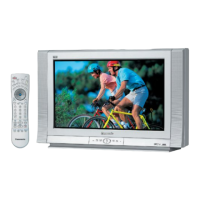
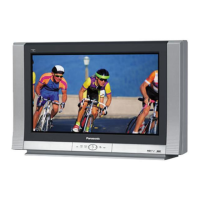
Panasonic CT-32HL43 - User Manual

Panasonic CT-32HL43
97 pages
Print Icon
To Next Page IconTo Next Page
Loading...
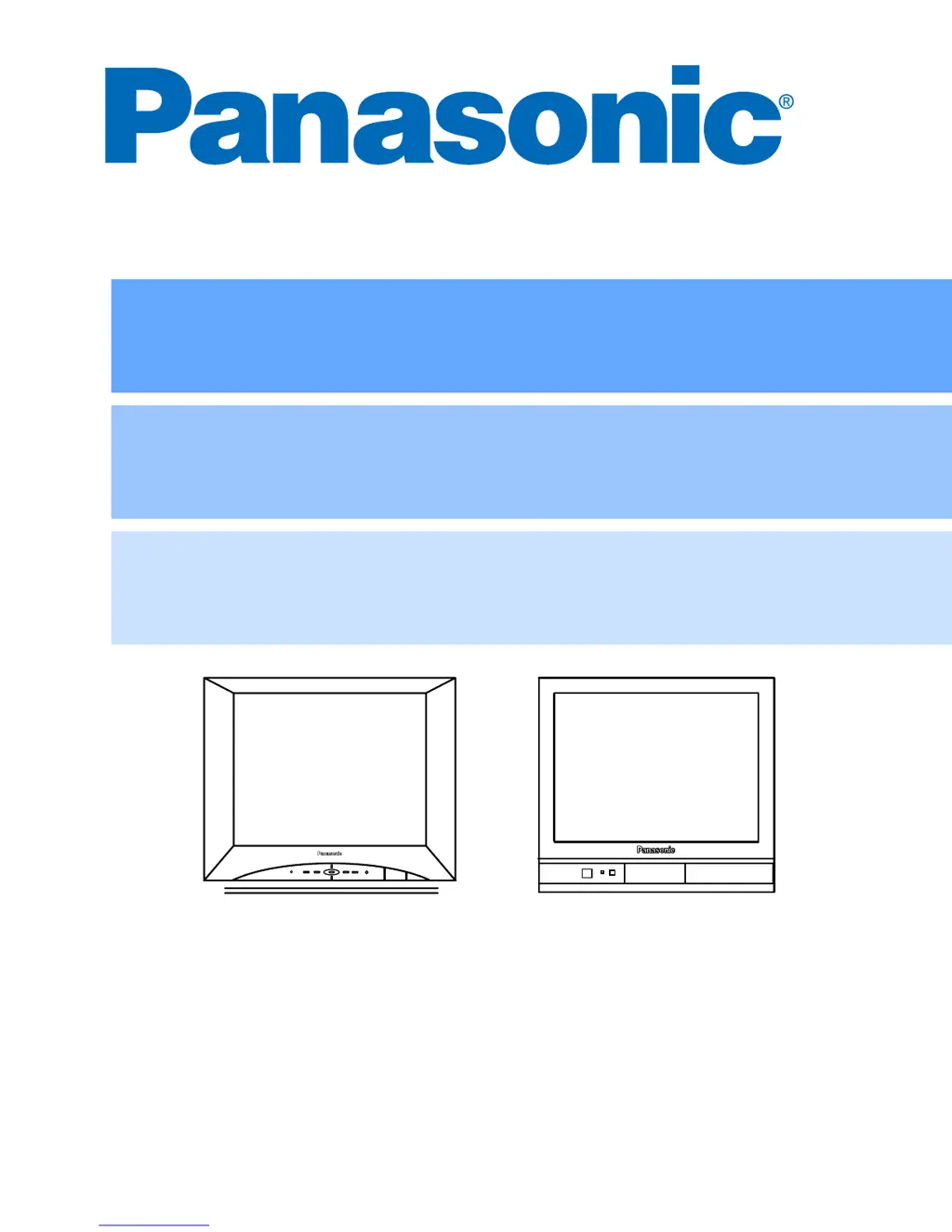
HDTV Monitor
Operating Instructions
Monitor HDTV
Instrucciones de Operación
Écran à haute définition
Manuel d’utilisation
TQB2AA0467 30422
PRINTED IN USA
IMPRESO EN EE.UU
IMPRIMÉ AUX ÉTATS-UNIS
CT-32HL43
CT-36HL43
CT-32HC43
CT-32HXC43
CT-36HC43

Table of Contents

Questions and Answers

  • H
    hdeanAug 11, 2025
    What to do if there is no audio on my Panasonic CT-32HL43 Monitor?
    • J
      Janet FarmerAug 11, 2025
      If you have no audio on your Panasonic Monitor, try these steps: increase the volume, ensure mute is off, check if the television SPEAKERS are on, and change the channel. Also, verify the power cord is properly plugged into an active outlet. You may also want to adjust the brightness and audio controls. Check all cable connections and reprogram the remote control if necessary. Check a second video source to see if the problem persists. Ensure that a PC is not connected to the DVI (DIGITAL-IN) input, as this HDTV Monitor is not intended for PC use.
  • M
    Mr. Connor HarrisAug 17, 2025
    How to fix noisy audio on a Panasonic CT-32HL43?
    • M
      moniquethompsonAug 17, 2025
      If you are experiencing noisy audio on your Panasonic Monitor, try adjusting the antenna location and connection. You may also want to check the antenna lead-in wire.
  • J
    jenniferdavisAug 22, 2025
    Why does my Panasonic Monitor have noisy audio?
    • D
      donald47Aug 22, 2025
      To resolve noisy audio on your Panasonic Monitor, try moving the television away from electrical appliances, lights, vehicles, and medical equipment.
  • A
    Adam BartlettAug 29, 2025
    What to do if my Panasonic Monitor has noisy audio?
    • W
      Wayne ClarkAug 29, 2025
      To fix noisy audio on your Panasonic Monitor, ensure the TV or cable mode is set correctly and check the antenna cables.
  • A
    Angela LloydSep 4, 2025
    How to troubleshoot no audio on a Panasonic Monitor?
    • Y
      ymendozaSep 4, 2025
      If your Panasonic Monitor has no audio, verify the power cord is plugged into an active outlet. Adjust the brightness and audio controls. Change the channel and check the cable connections. Program the remote control again and check a second video source. Make sure that a PC is not connected to the DVI (DIGITAL-IN) input, as this HDTV Monitor is not intended to be used with a PC.

Panasonic CT-32HL43 Specifications

General IconGeneral
Display TypeCRT
Resolution480i
Aspect Ratio4:3
HDTV CompatibilityNo
Screen Size32 inches
Weight99.2 lbs
Comb Filter3D Digital Comb Filter
InputsComposite, S-Video

Related product manuals