•oca,,ono,Contro,s
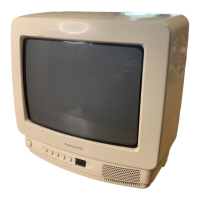
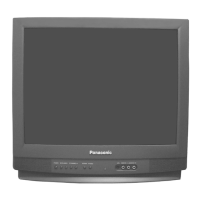
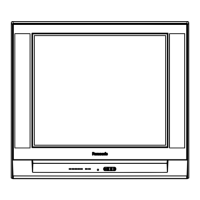
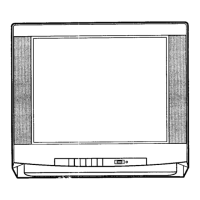
Front Control Panel for Some Models
On ,_,
( ) Ligiht r
Remote Control
Sensor
f POWER • VOLUME I_
@,
@
®
Front Control Panel for Some Models
•c....EL. .cT,o._N,0EO(_)iC)
V _ _ Remote Control @
Sensor
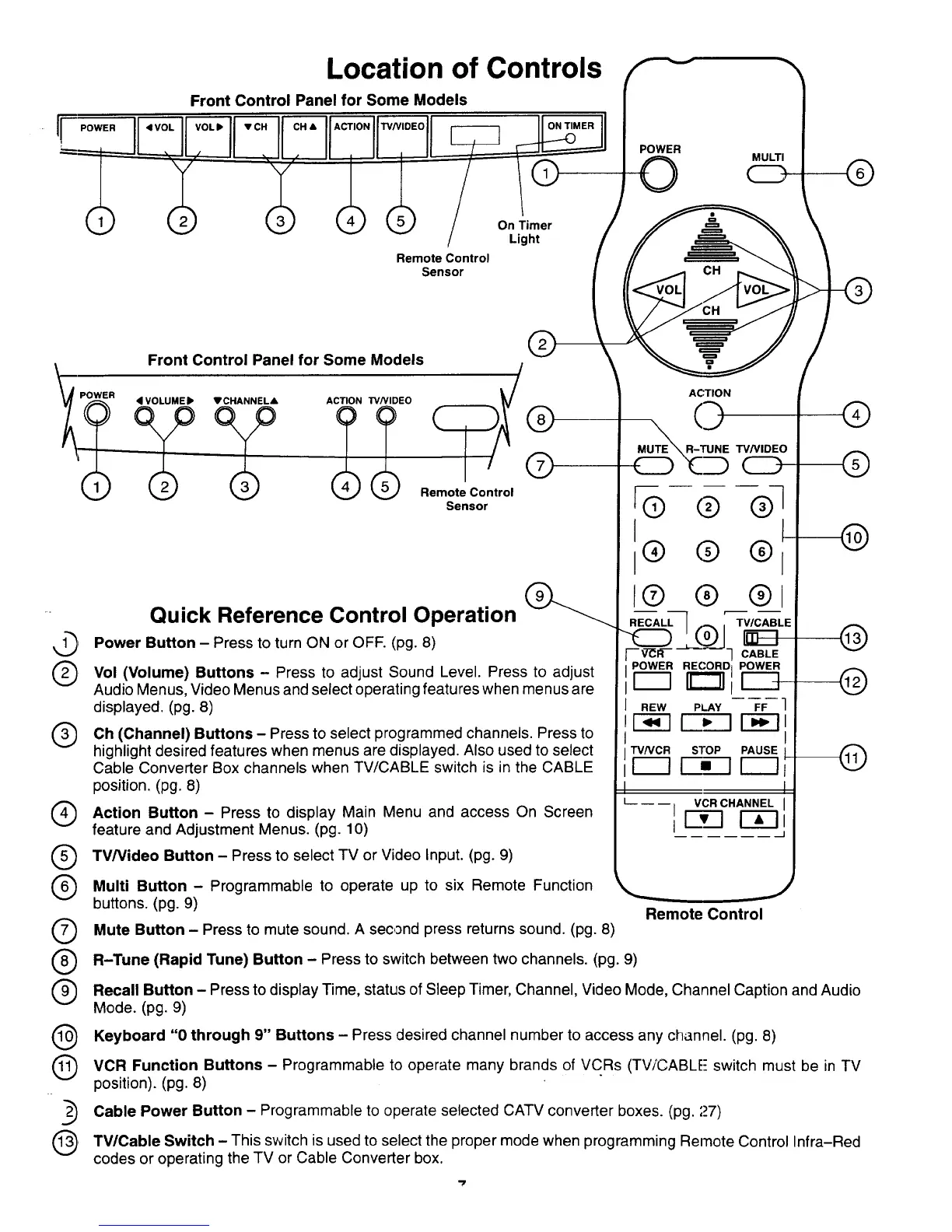
Quick Reference Control Operation
Power Button - Press to turn ON or OFF. (pg. 8)
Vol (Volume) Buttons - Press to adjust Sound Level. Press to adjust
Audio Menus, Video Menus and select operating features when menus are
displayed. (pg. 8)
Oh (Channel) Buttons - Press to select programmed channels. Press to
highlight desired features when menus are displayed. Also used to select
Cable Converter Box channels when TV/CABLE switch is in the CABLE
position. (pg. 8)
Action Button - Press to display Main Menu and access On Screen
feature and Adjustment Menus. (pg. 10)
®
®
®
@
@
TV/Video Button - Press to select TV or Video Input. (pg. 9)
ACTION
_ "W/VIDEO
CD
@@@1
® ® ®
L®
RECALL TV/CABLE
F - V--CR-- - "1 CABLE
POWER RECORD I POWER
r--q _r
I REW PLAY FF ]
E_3 _ E_3
TV/VCR STOP PAUSE I
_ Fi_ EZ2
V
I
L __ __ VCR CHANNEL
I
1
®
@
@
Multi Button - Programmable to operate up to six Remote Function
buttons. (pg. 9)
Mute Button - Press to mute sound. A second press returns sound. (pg. 8)
Remote Control
R-Tune (Rapid Tune) Button - Press to switch between two channels. (pg. 9)
Recall Button - Press todisplay Time, status of Sleep Timer, Channel, Video Mode, Channel Caption and Audio
Mode. (pg. 9)
Keyboard "0 through 9" Buttons - Press desired channel number to access channel. (pg. 8)
any
, VCR Function Buttons - Programmable to operate brands of VCRs (TViCABLE- switch must be in TV
many
position). (pg. 8)
__, Cable Power Button - Programmable to operate selected CATV converter boxes. (pg. 27)
, TV/Cable Switch - This switch is used to select the mode when programming Remote Control Infra-Red
proper
codes or operating the TV or Cable Converter box.



 To Next Page