3
English
Quick guide
1
2
3
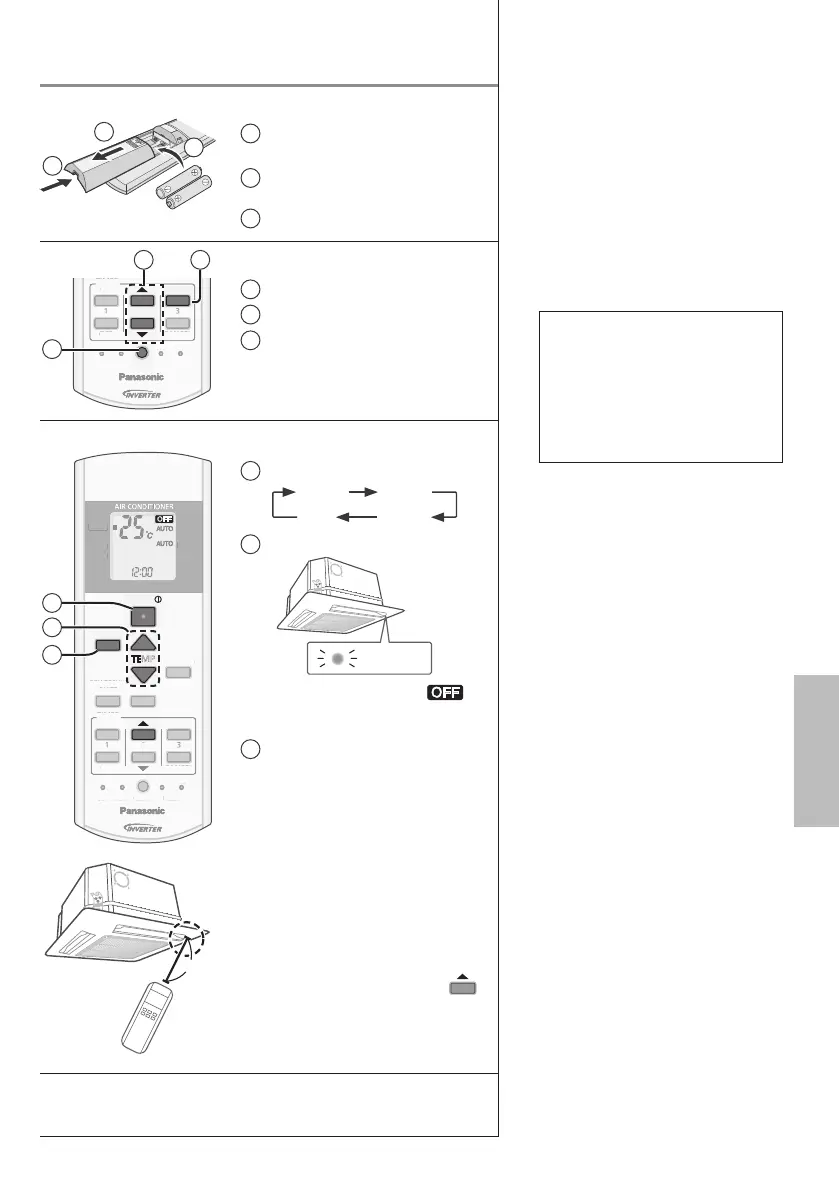
Inserting the batteries
1
Pull out the back cover of
remote control
2
Insert AAA or R03 batteries
(can be used ~ 1 year)
3
Close the cover
TIMER
SET
CANCEL
ON
OFF
1
2
3
SET CHECK CLOCK RESET
AC
RC
AN
E
FF
ET
HE
E
ET
2 3
1
Clock setting
1
Press CLOCK
2
Set the time
3
Confi rm
8m
MODE
POWERFUL/
QUIET
TEMP
OFF/ON
TIMER
SET
CANCEL
ON
OFF
1
2
3
FAN SPEED
SET CHECK CLOCK RESET
AC
RC
AIR SWING
FAN
SPEED
AIR
SWING
AUTO
HEAT
COOL
DRY
P
WERFUL/
UIET
ET
AN
E
FF
AN
PEE
ET
HE
CL
C
E
ET
A
IR
WIN
PEE
WIN
AUT
C
1
2
3
Basic operation
1
Select the desired mode
DRY
AUTO HEAT
COOL
2
Start/stop the operation
POWER
• Please note that the
indication is on display to
start the unit.
3
Select the desired
temperature
• Selection range:
16 °C ~ 30 °C.
• Operating the unit within the
recommended temperature
range may save energy.
HEAT : 20 °C ~ 24 °C.
COOL: 26 °C ~ 28 °C.
DRY : 1 °C ~ 2 °C
lower than room
temperature.
• To dim or restore the unit’s
indicator brightness, press
and hold for 5 seconds.
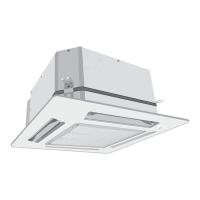
• Use remote control within 8 m
from the remote control receiver
of the indoor unit.
The illustrations in this manual are for explanation purposes
only and may differ from the actual unit. They are subject to
change without notice for future improvement.
Table of contents
Safety precautions ...................4-5
How to use...............................6-7
Cleaning instructions ..................8
Troubleshooting .......................... 9
Information................................10
Accessories
• Remote control
• AAA or R03 batteries × 2
• Remote control holder
• Screws for remote control
holder × 2





 To Next Page