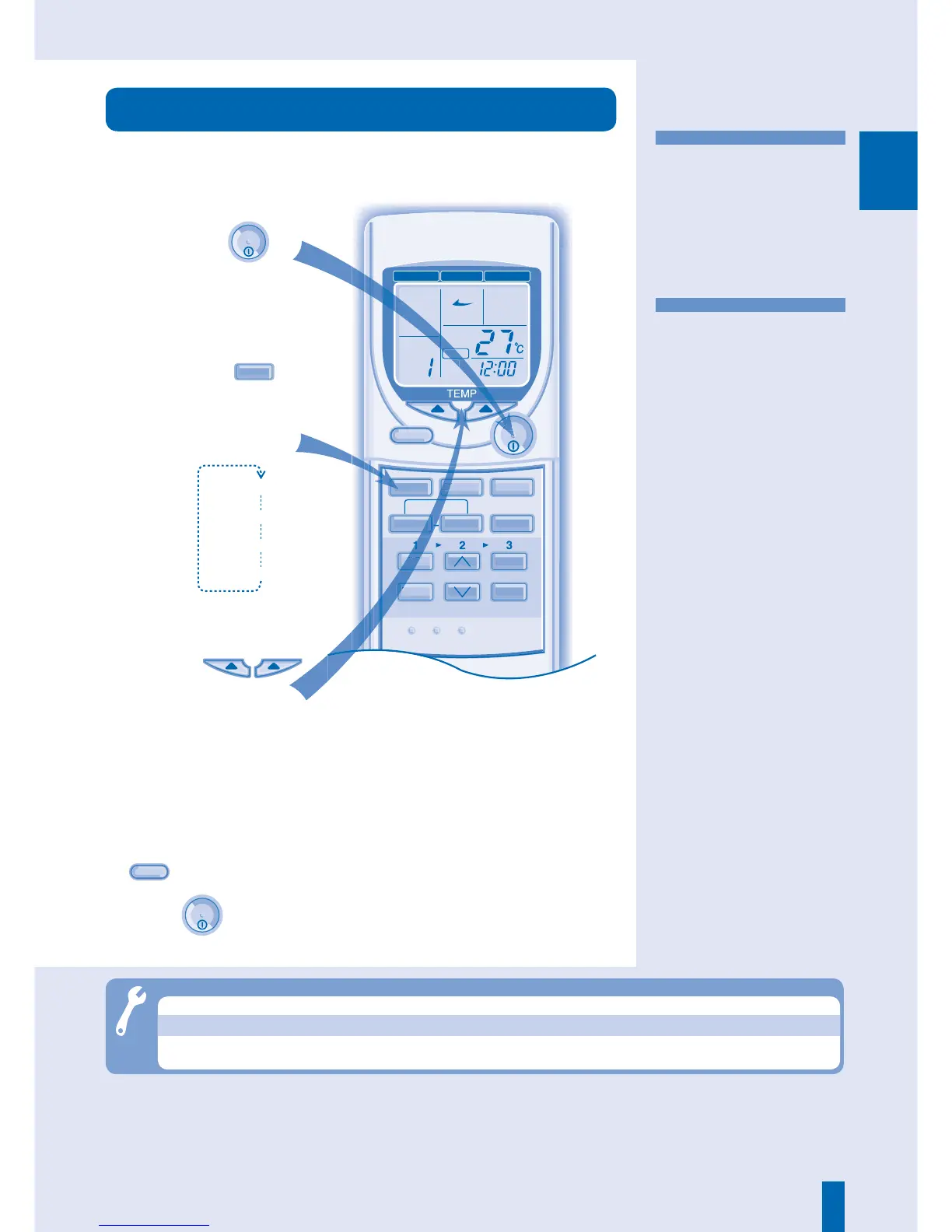
• Keep your environment
dehumidifi ed by running a very
gently cooling operation.
• During soft dry operation, the
indoor fan operates at a low fan
speed.
• The louvers movement might
not align with the remote control
display.
DRY - Soft Dry Mode
• Enables air circulation in the room.
FAN - Fan Mode
■ Hint
• A temperature setting 1°C higher
than the desired temperature
equates to a 10% power saving.
Start the
operation.
OFF/ON
3
●
During Auto, Cooling and Drying modes, you can activate
ECONOMY
operation.
●
Press
OFF/ON
to stop the operation.
Troubleshooting
● Cracking sound during operations.
► Changes of temperature causes the expansion/contraction of the unit.
● Operation is delayed a few minutes after restart.
► The delay is a protection to the unit’s compressor.
● Unit switch to FAN operation and air become humid.
► This happens when the room temperature reaches the set temperature,
operation switches to FAN mode and the humidity increase.
AUTO, FAN, COOL, DRY





 To Next Page