3
English
Econavi
The intelligent sunlight sensor
monitors sunlight intensity.
See “To learn more...” for details.
Table of contents
Safety precautions..................
4-7
How to use........................
8-9
To learn more...
.................10-11
Cleaning instructions................
12
Troubleshooting...................
13-15
Information............................... 72
B
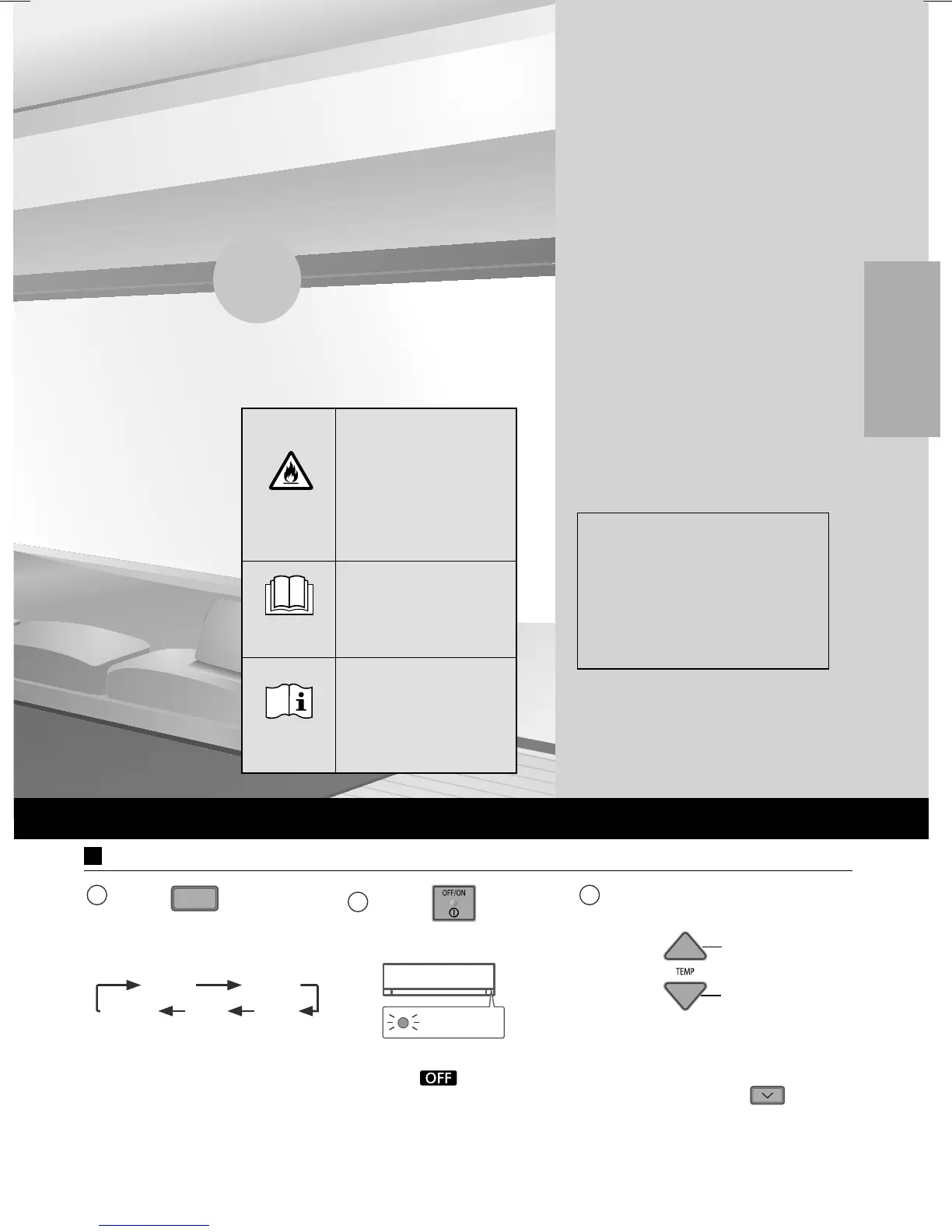
Basic operation
1
Press
MODE
to select
the desired mode.
AUTO
HEAT COOL
FAN DRY
2
Press
to start/
stop the operation.
POWER
• Please note that
the
indication
is on display to
start the unit.
3
Select the desired
temperature.
Up
Down
Selection range:
16.0 °C ~ 30.0 °C /
60 °F ~ 86 °F.
• Press and hold
for
approximately 10 seconds
to switch the temperature
indication in °C or °F.
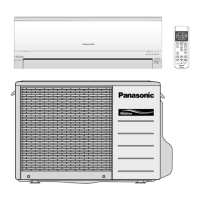
Thank you for purchasing Panasonic
Air Conditioner.
The illustrations in this manual are for
explanation purposes only and may diff er
from the actual unit. They are subject
to change without notice for future
improvement.
Accessories
• Remote control
• AAA or R03 batteries × 2
• Remote control holder
• Screws for remote control
holder × 2
WARNING
This symbol shows that
this equipment uses a
fl ammable refrigerant.
If the refrigerant is
leaked, together with an
external ignition source,
there is a possibility of
ignition.
CAUTION
This symbol shows
that the Operation
Instructions should be
read carefully.
CAUTION
This symbol shows that
there is information
included in the
Operation Instructions
and/or Installation
Instructions.
00_ACXF55_05640_YZ0617-0.indb 300_ACXF55_05640_YZ0617-0.indb 3 5/30/2017 9:38:08 AM5/30/2017 9:38:08 AM



 To Next Page