While stopped
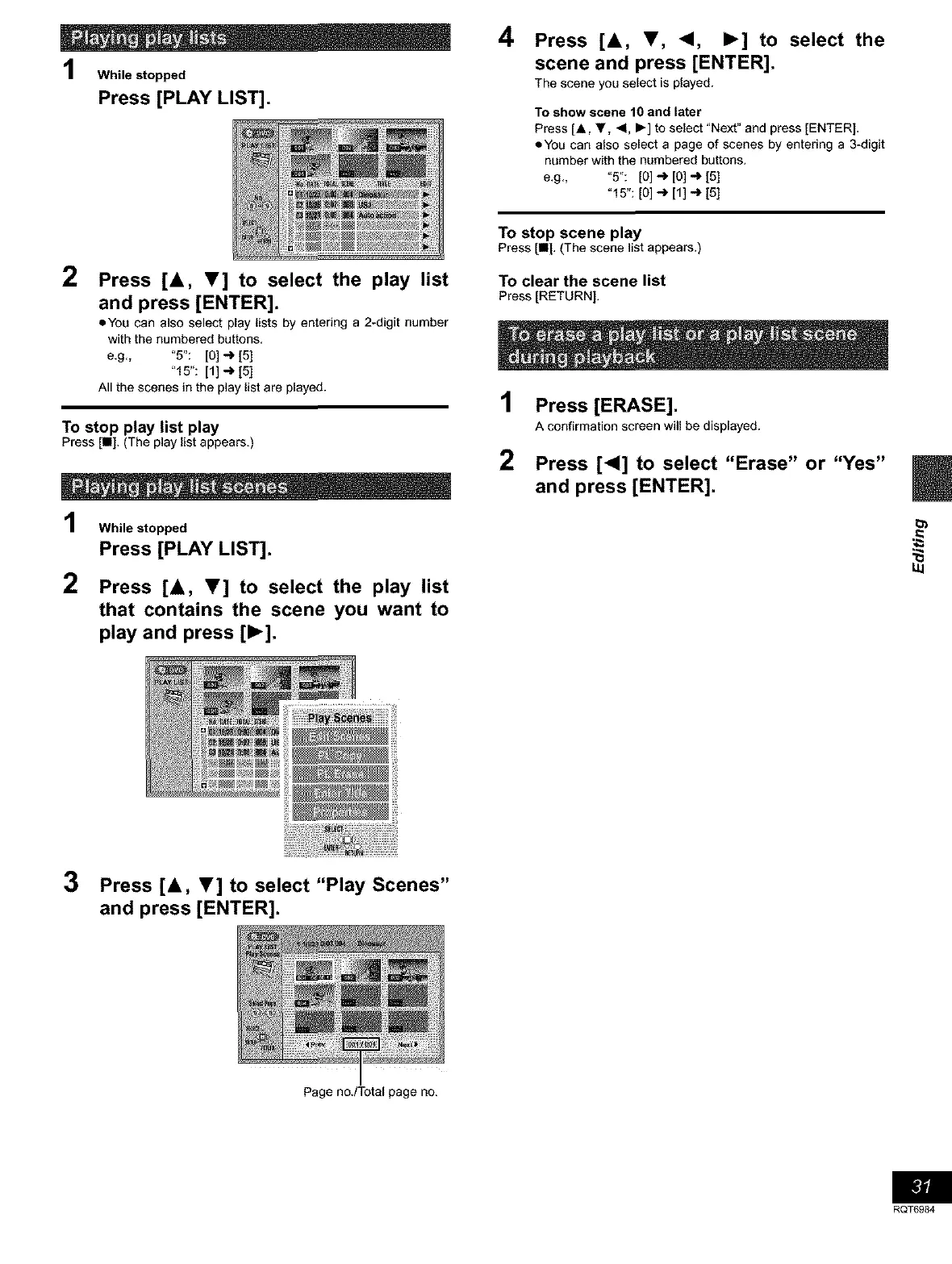
Press [PLAY LIST].
2
Press [A, V] to select the play list
and press [ENTER].
oYou can also select play lists by entering a 2-digit number
with the numbered buttons,
e,g,, "5": [0] _ [5]
"15": [1] _ [5]
All the scenes in the play list are played.
To stop play list play
PressIn], (The playlist appears.)
While stopped
Press [PLAY LIST].
2
Press [A, V] to select the play list
that contains the scene you want to
play and press [1_].
4
Press [&, T, <1, I_] to select the
scene and press [ENTER].
The scene you select is played.
To show scene 10 and later
Press [A, Y, <1, I_] to select "Next" and press [ENTER],
oYou can also select a page of scenes by entering a 3-digit
number with the numbered buttons.
e,g,, "5": [0] _ [0] _ [5]
"l 5":[o]-_ [1]_ [5]
To stop scene play
Press [11[,(The scene list appears.)
To clear the scene list
Press[RETURN],
1
2
Press [ERASE].
A confirmation screen will be displayed.
Press [<1] to select "Erase" or "Yes"
and press [ENTER].
3 Press [&, T] to select "Play Scenes"
and press [ENTER].
Page no,/Total page no.
RQT6984









 To Next Page