• When "User" is selected
Select _Detailpicture adjustment".
("User"-) [<1]-) [Y]-) [ENTER])
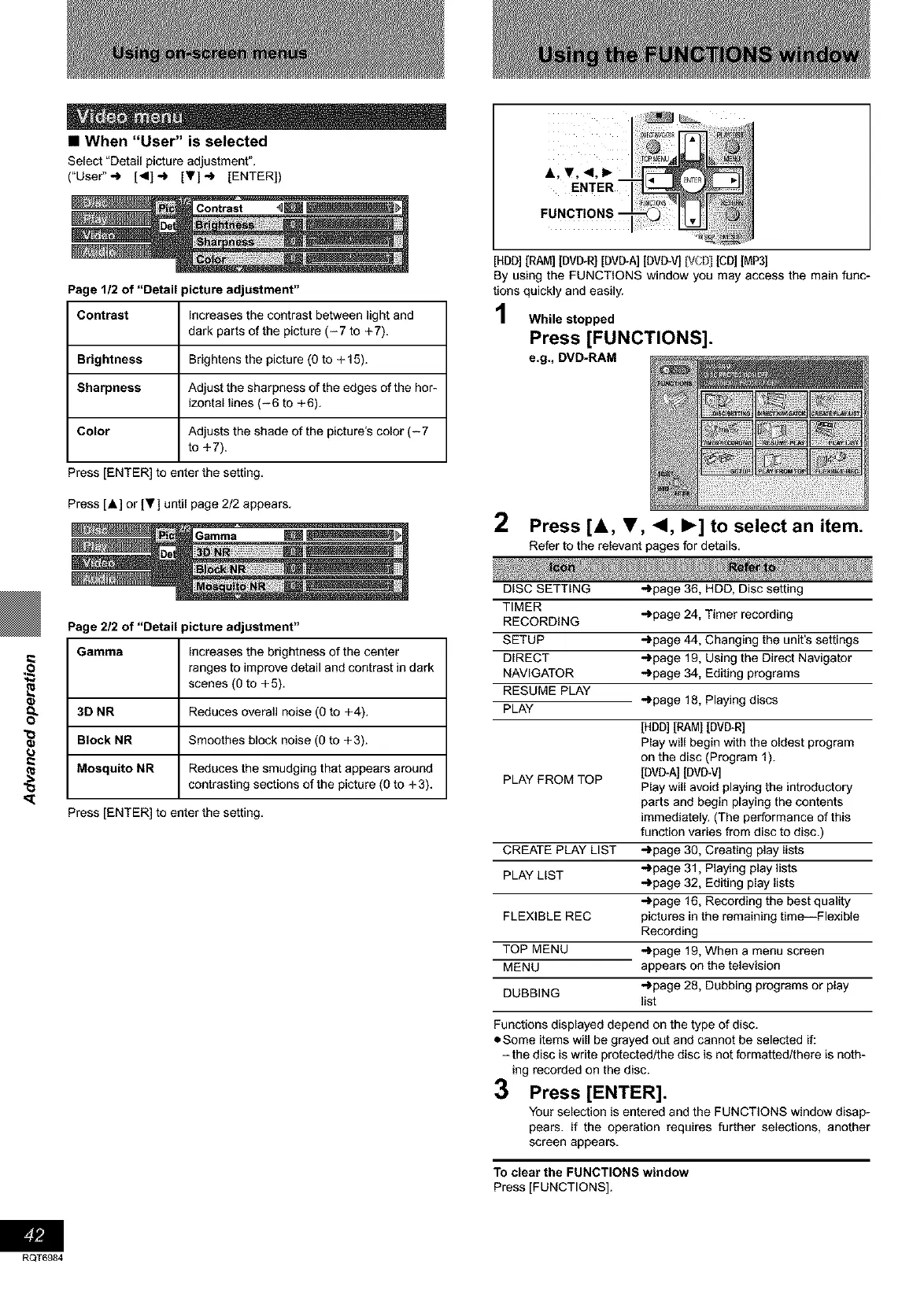
A, Y, <1, I_
ENTER
Page 1/2 of "Detail picture adjustment"
Contrast Increases the contrast between light and
dark parts of the picture (-7 to +7).
Brightness Brightens the picture (0 to + 15).
Sharpness Adjust the sharpness of the edges of the hor-
izontal lines (-6 to +6).
Color Adjusts the shade of the picture's color (-7
to +7).
Press [ENTER] to enter the setting.
Press [A] or IT] until page 2/2 appears.
[HBD] [RAM] [DMITRI[DVD-A][BVD-V] VCD] [CD]IMP3]
By using the FUNCTIONS window you may access the main func-
tions quickly and easily.
While stopped
Press [FUNCTIONS].
e.g., DVD-RAM
2 Press [&, T, <1, I_] to select an item.
Refer to the relevant pages for details.
(J
RQT6984
Page 2/2 of "Detail picture adjustment"
Gamma Increases the brightness of the center
ranges to improve detail and contrast in dark
scenes (0 to +5).
3D NR Reduces overall noise (0 to +4).
Block NR Smoothes block noise (O to +3).
Mosquito NR Reduces the smudging that appears around
contrasting sections of the picture (0 to + 3).
Press [ENTER] to enter the setting.
DISC SETTING
TIMER
RECORDING
SETUP
DIRECT
NAVIGATOR
RESUME PLAY
PLAY -)page 18, Playing discs
[HDD] [RAMI [BVB-R]
Play will begin with the oldest program
on the disc (Program 1).
PLAY FROM TOP [BVB*A[ [DVD_V]
Play will avoid playing the introductory
parts and begin playing the contents
immediately. (The performance of this
function varies from disc to disc.)
CREATE PLAY LIST -)page 30, Creating play lists
PLAY LIST -)page 31, Playing play lists
-)page 32, Editing play lists
-)page 16, Recording the best quality
pictures in the remaining time--Flexible
Recording
-)page 19, When a menu screen
appears on the television
-)page 28, Dubbing programs or play
list
FLEXIBLE REC
TOP MENU
MENU
DUBBING
-)page 36, HDD, Disc setting
-)page 24, Timer recording
-)page 44, Changing the unit's settings
-)page 19, Using the Direct Navigator
-)page 34, Editing programs
Functions displayed depend on the type of disc.
• Some items will be grayed out and cannot be selected if:
-the disc is write protected/the disc is not formattedtthere is noth-
ing recorded on the disc.
3 Press [ENTER].
Your selection is entered and the FUNCTIONS window disap-
pears, if the operation requires further selections, another
screen appears.
To clear the FUNCTIONS window
Press [FUNCTIONS].









 To Next Page