12
English
Removing and mounting the blade
► Remove(Fig.8)
Hold the main body with the switch facing upward and push
the blade with your thumb while catching the blade in your
other hand.
► Mount(Fig.9)
Fit the mounting hook (b) into the blade mounting (c) on the
main body and push in until it clicks.
Replacement parts
Replacement parts are available at your dealer or Service Centre.
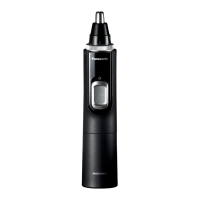
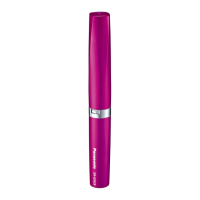
Replacement parts for
ER‑GP23
Blade WER9352
Lubrication oil WES003P
• We recommend Panasonic lubrication oil WES003P.
Lubrication(Fig.10)
•
Apply the lubrication oil to the blade before and after each use.
1
Removetheblade.
2
Applyadropofthelubricationoiltoeachindicatedpoint.
3
Attachthebladetothemainbody,turnonthepower
andallowtorunforapproximately5seconds.
Troubleshooting
Problem Action
The appliance has
become blunt.
Operating time is short.
Appliance stopped
functioning.
Until problems are solved, please
follow each procedure as follows;
1. Charge the appliance.
(See page 10.)
2. Clean the blade and apply
lubrication oil.
(See pages 11 and 12.)
3. Replace the blade.
(See this page.)
4. Have the battery replaced by
an authorized service centre.
The appliance cannot
be charged.
Push the main body into the
charging stand or appliance plug
all the way.
Charge within the recommended
charging temperature of 10 °C to
35 °C.
Makes a loud sound.
Apply lubrication oil.
(See this page.)
Conrm that the blade is properly
attached.
If the problems still cannot be solved, contact your dealer or a
service centre authorized by Panasonic for repair.






 To Next Page