(Refer to WIRING CONNECTION DIAGRAM)
5 TROUBLESHOOTING GUIDE
< TROUBLE >
<CHECK.> <REMEDY>
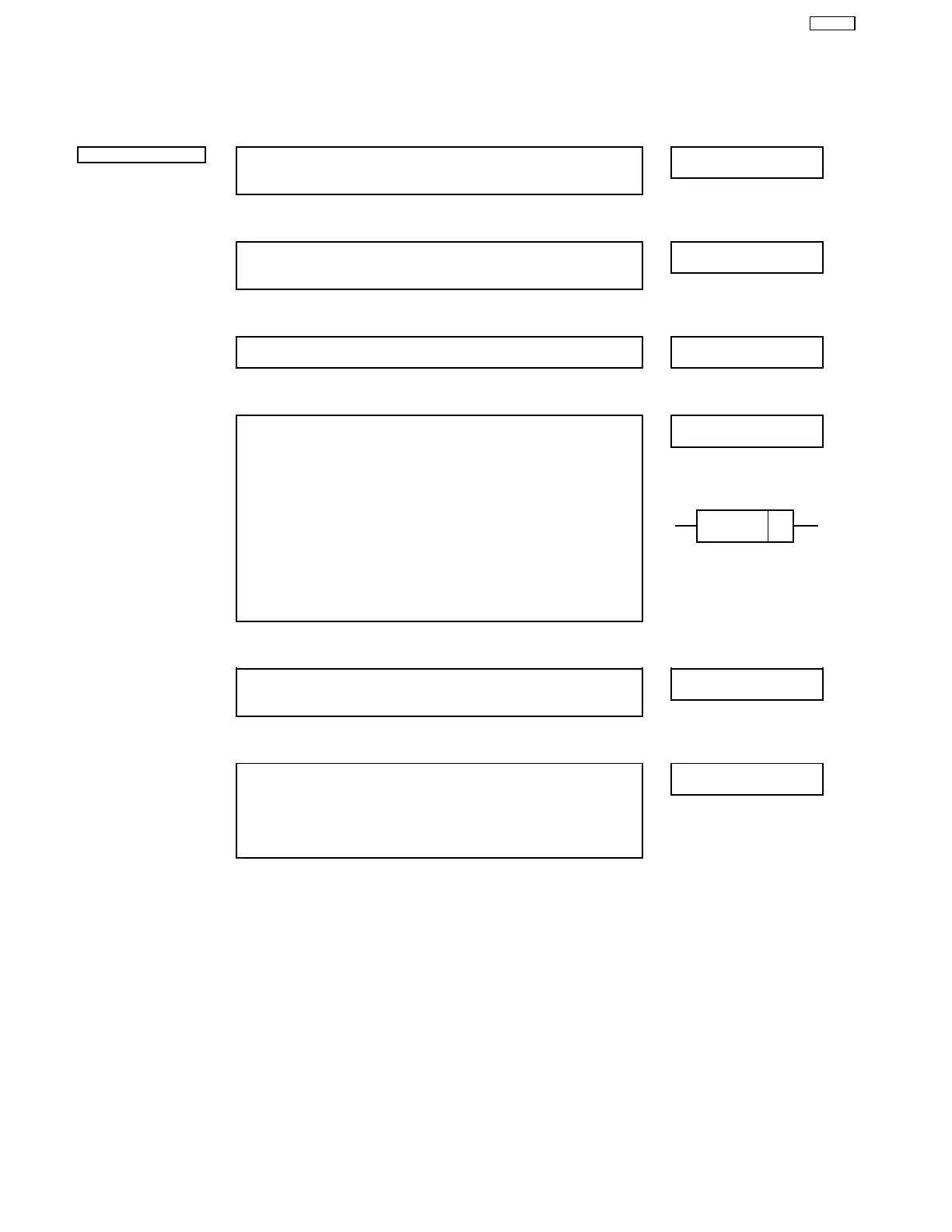
Does not operate. →
→→
→ <CHECK CHARGING ADAPTOR.>
NO
Replace charging
Supply rated voltage to the adaptor. OK if it is approx. DC 1.6 - 2.4V →
→→
→ adaptor.
between the terminals of the plug.
↓
↓↓
↓ OK
<CHECK SWITCH.> NO Replace the switch
Replace the battery. If there is continuity between A and B, the switch is →
→→
→ terminal plate.
normal.
↓
↓↓
↓ OK
<CHECK MOTOR.>
NO
Replace the motor.
The motor should turn when 1.2V DC is applied to terminals. →
→→
→
↓
↓↓
↓ OK
<CHECK MODULE. (RESISTER & DIODE)>
NO
Replace the module.
1 Measurement of resistance values. →
→→
→
RBQ = 100Ω
R2 = 0.24Ω
R3 = 3.3Ω
2 Check polarity of diode.
Tester range = 100Ω C D
Ok if;
- approximately 80Ω when (+) on C side and (-) on D side. Cathode
- infinite when (+) and (-) reversed.
NOTE: The resistance value will vary depending on the internal
resistance of the tester.
↓
↓↓
↓ OK
<CHECK RECHARGEABLE BATTERY.>
NO
Replace rechargeable
Okay if the voltage of rechargeable battery is more than approximately →
→→
→ battery.
1.2V DC between (+) and (-) terminals.
↓
↓↓
↓ OK
<CHECK CHARGING CURRENT.>
OK
Replace module.
1 Unsolder (+) terminal of battery, and connect the adaptor to AC power →
→→
→
supply with switch OFF.
Measure the charging current if it is approximately 130 ± 15mA.
2 The case of LED does not lit even the charging adaptor is normal,
either LED or RBQ may be damaged.
5
ER507-E2



 To Next Page