EasyManua.ls Logo

Panasonic KX-TG6412E - User Manual

Panasonic KX-TG6412E
48 pages
Print Icon
To Next Page IconTo Next Page
Loading...
Thank you for purchasing a Panasonic product.
This unit is compatible with Caller ID. You must subscribe to the appropriate
service offered by your service provider/telephone company.
Please read these operating instructions before using the unit and save
them for future reference.
Charge the batteries for about 7 hours before initial use.
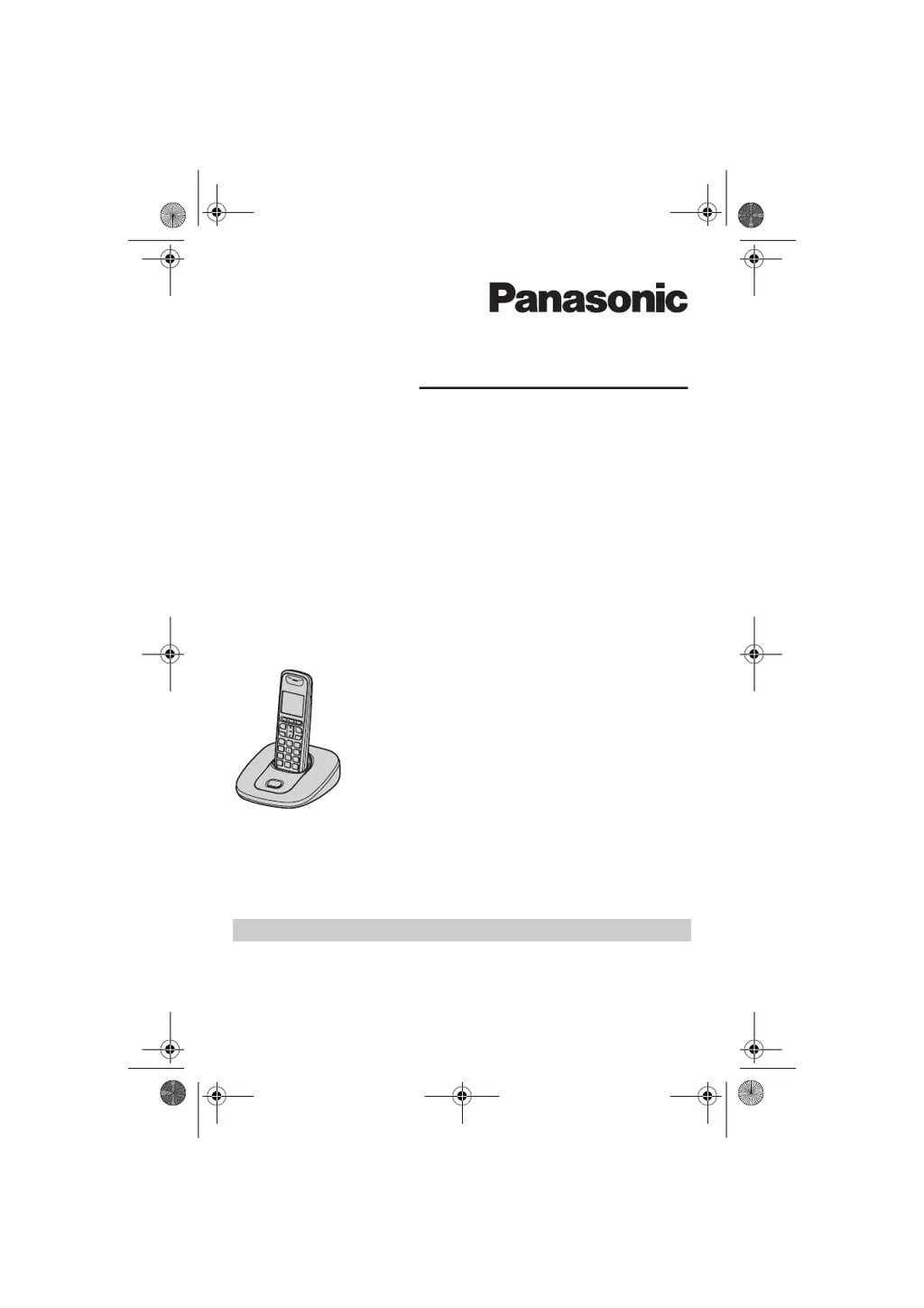
Operating Instructions
Model No. KX-TG6421E
KX-TG6422E
Digital Cordless Answering System
Model No. KX-TG6411E
KX-TG6412E
KX-TG6413E
Digital Cordless Phone
KX-TG6423E
KX-TG6424E
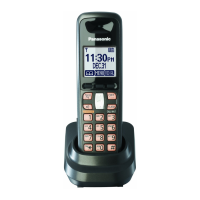
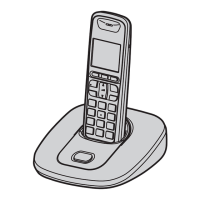
Model shown is KX-TG6411.
TG6411-6421E(e).book Page 1 Tuesday, December 16, 2008 7:54 AM

Questions and Answers

  • R
    Rachel GarnerAug 16, 2025
    Why can't I hear a dial tone on my Panasonic Cordless Telephone?
    • D
      dwayne32Aug 16, 2025
      If you cannot hear a dial tone on your Panasonic Cordless Telephone, ensure that you are using the supplied telephone line cord, as your old telephone line cord may have a different wiring configuration. Also, check that the base unit’s AC adaptor or telephone line cord is connected properly. If you are using a splitter, remove it and connect the unit to the wall jack directly to see if the splitter is the issue. If the unit operates properly, check the splitter. Disconnect the base unit from the telephone line and connect the line to a known working telephone. If the working telephone operates properly, contact our service personnel to have the unit repaired. If the working telephone does not operate properly, contact your service provider/telephone company.
  • M
    Mr. Cody Hamilton DDSAug 19, 2025
    What to do if my Panasonic Cordless Telephone doesn't work?
    • I
      ivandiazSep 12, 2025
      If your Panasonic Cordless Telephone is not working, ensure the batteries are installed correctly. Fully charge the batteries. Check the connections. Unplug the base unit’s AC adaptor to reset the unit and turn off the handset. Reconnect the adaptor, turn on the handset and try again. Also, the handset may not be registered to the base unit. Register the handset.
  • L
    linda41Aug 22, 2025
    Why does my Panasonic Cordless Telephone handset beep and flash?
    • M
      Melissa FieldsAug 22, 2025
      If your Panasonic Cordless Telephone handset beeps and flashes, the battery charge is likely low. Fully charge the batteries.
  • G
    gregorycarterAug 26, 2025
    Why can't I register a handset to my Panasonic Cordless Telephone base unit?
    • A
      Allen HarperAug 26, 2025
      You may not be able to register a handset to your Panasonic Cordless Telephone base unit if the maximum number of handsets (6) is already registered. Cancel unused handset registrations from the base unit. Also, check if you entered the wrong PIN. Place the handset and the base unit away from other electrical appliances.
  • C
    Catherine RichardsonAug 28, 2025
    What to do if Panasonic Cordless Telephone handset does not turn on after replacing batteries?
    • J
      joannamoranAug 28, 2025
      If the handset does not automatically turn on after installing/replacing batteries, the battery is likely empty or too weak. Place the handset on the base unit or charger, and let it charge.
  • C
    Christopher BellAug 31, 2025
    Why is caller ID not showing on my Panasonic Cordless Telephone?
    • D
      David WilsonAug 31, 2025
      There are several reasons why caller information may not be displayed on your Panasonic Cordless Telephone. First, you must subscribe to a Caller ID service. Contact your service provider/telephone company for details. Also, if your unit is connected to any additional telephone equipment, remove it and plug the unit directly into the wall jack. If you use a DSL/ADSL service, consider connecting a DSL/ADSL filter between the base unit and the telephone line jack. Contact your DSL/ADSL provider for details. Finally, other telephone equipment may be interfering with this unit. Disconnect the other equipment and try again.
  • L
    Lori CastroSep 3, 2025
    What to do if my Panasonic Cordless Telephone doesn't record new messages?
    • K
      kayla88Sep 4, 2025
      If your Panasonic Cordless Telephone is not recording new messages, there might be several reasons: * The answering system could be turned off. Turn it on. * The message memory might be full. Erase unnecessary messages. * The recording time may be set to “Greeting Only”. Change the setting. * If your own greeting message is not recorded properly, callers are unable to leave a message. Record your own greeting message again. * If you subscribe to a voice mail service, messages are recorded by your service provider/telephone company, not your telephone. Change the unit’s number of rings setting or contact your service provider/ telephone company.
  • A
    Anthony BeardSep 6, 2025
    Why I cannot make a call from my Panasonic Cordless Telephone?
    • R
      rwardSep 6, 2025
      If you cannot make a call from your Panasonic Cordless Telephone, it may be because the handset is too far from the base unit; move closer and try again. Another unit might be in use, so wait and try again later. The answering system could be in use, so wait and try again later. Also, the key lock feature may be turned on; turn it off.
  • H
    hudsoncolleenSep 9, 2025
    What to do if my Panasonic Cordless Telephone still flashes after fully charging the batteries?
    • S
      shelly08Sep 9, 2025
      If your Panasonic Cordless Telephone still flashes after fully charging the batteries, clean the charge contacts and charge again. If the issue persists, it may be time to replace the batteries.
  • A
    Amanda MorrowSep 12, 2025
    What to do if liquid entered my Panasonic Cordless Telephone handset or base unit?
    • R
      Robert BrownSep 12, 2025
      If liquid or other form of moisture has entered the handset/base unit, disconnect the AC adaptor and telephone line cord from the base unit. Remove the batteries from the handset and leave to dry for at least 3 days. After the handset/base unit are completely dry, reconnect the AC adaptor and telephone line cord. Insert the batteries and charge fully before use.

Panasonic KX-TG6412E Specifications

General IconGeneral
DECTYes
GAP compatibleYes
Number of Handsets Included2
Caller IDYes
Phonebook Entries100
DisplayLCD
Frequency1.9 GHz
Range (Outdoor)300 meters
Number of Handsets Supported6
Call WaitingYes
SpeakerphoneYes
IntercomYes
Answering MachineNo
Headset JackYes
TypeCordless
Standby Time170 hours
Battery TypeNiMH
Range (Indoor)50 m
Battery Life (Standby)170 hours
Battery2 x AAA
Display TypeLCD

Related product manuals