EasyManua.ls Logo

Panasonic KX-TGDA51 - User Manual

Panasonic KX-TGDA51
16 pages
Print Icon
To Next Page IconTo Next Page
Loading...
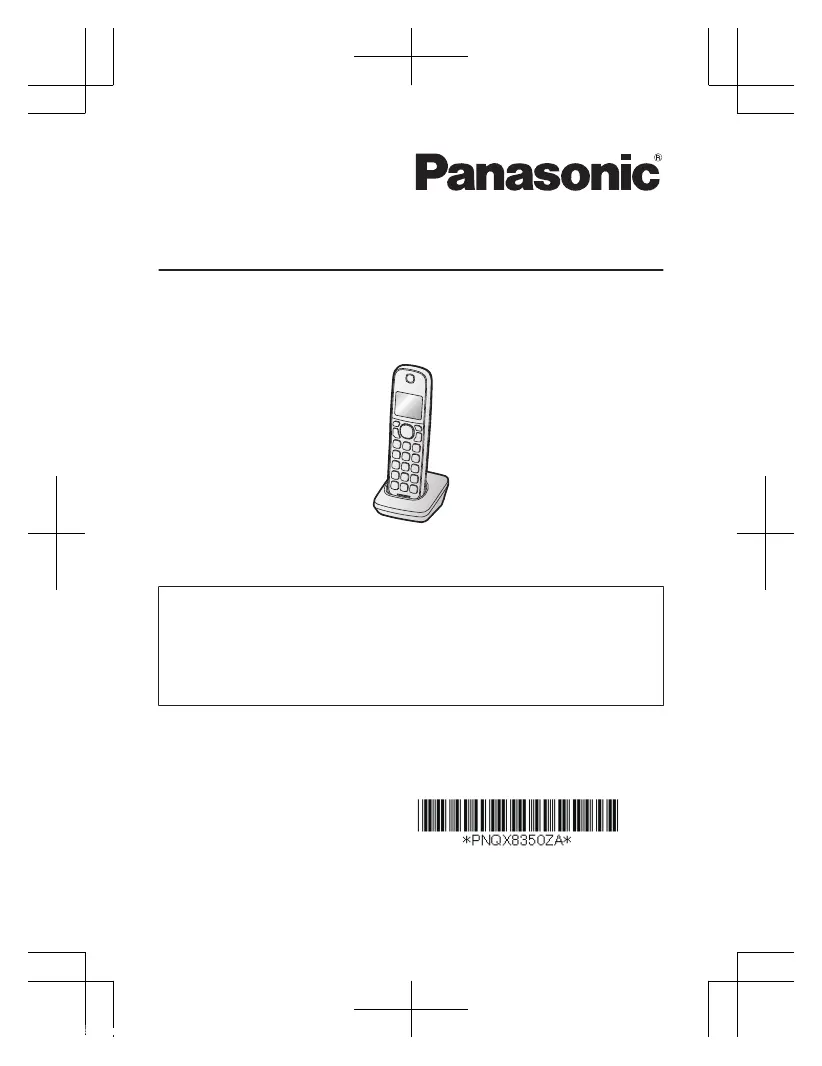
Installation Manual
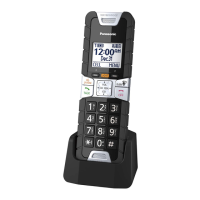
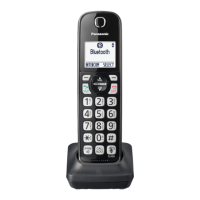
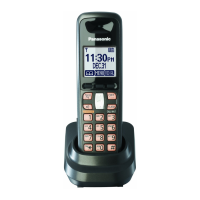
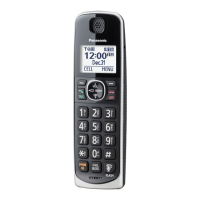
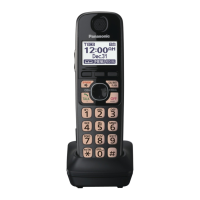
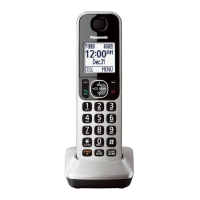
Additional Digital Cordless Handset
Model No. KX-TGDA50
KX-TGDA51
Thank you for purchasing a Panasonic product.
This unit is an additional handset compatible with the following series of
Panasonic Digital Cordless Phone:
KX-TGD510/KX-TGD530/KX-TGD560
(The corresponding models are subject to change without notice.)
You must register this handset with your base unit before it can be used. This
installation manual describes only the steps needed to register and begin using
the handset. Please read the base unit’s operating instructions for further details.
Please read this installation manual before using the unit and save it for future
reference.
For assistance, visit our Web site: http://shop.panasonic.com/support
for customers in the U.S.A.
Printed in Malaysia
PNQX8350ZA
TT1116KT0
TGDA50_51(en)_1125-2_ver031.pdf 1 2016/11/25 16:20:50

Questions and Answers

  • J
    Jeremy RaySep 23, 2025
    Why is the 2nd caller’s information not displayed during an outside call on my Panasonic Cordless Telephone?
    • M
      Michele ChavezSep 23, 2025
      In order to use Caller ID, call waiting, or Call Waiting Caller ID (CWID), you must first contact your phone service provider and subscribe to the desired service. After subscribing, you may need to contact your phone service provider again to activate this specific service, even if you already subscribed to both Caller ID and Call Waiting with Caller ID services (CWID).
  • C
    christopherclarkAug 25, 2025
    What to do if my Panasonic Cordless Telephone does not work?
    • J
      james37Aug 25, 2025
      If your Panasonic Cordless Telephone isn't working, ensure the batteries are installed correctly. Fully charge the batteries. Check the connections. Unplug the base unit’s AC adaptor to reset the unit, then reconnect it and try again. Also, the handset may not be registered to the base unit; register the handset.
  • J
    Jennifer VazquezAug 25, 2025
    Why can't I hear a dial tone on my Panasonic Cordless Telephone?
    • A
      Alyssa BrownAug 26, 2025
      If you cannot hear a dial tone, the base unit’s AC adaptor or telephone line cord is not connected. Check the connections. Disconnect the base unit from the telephone line and connect the line to a known working telephone. If the working telephone operates properly, contact our service personnel to have the unit repaired. If the working telephone does not operate properly, contact your phone service provider.
  • A
    Ann RiceAug 27, 2025
    Why does my Panasonic Cordless Telephone have noise and sound cutting in and out?
    • E
      Emily ThomasAug 27, 2025
      If you are experiencing noise or sound cutting in and out on your Panasonic Cordless Telephone, it could be due to electrical interference. Try repositioning the base unit and using the handset away from sources of interference. Also, move closer to the base unit. If you use a DSL/ADSL service, consider connecting a DSL/ADSL filter between the base unit and the telephone line jack.
  • D
    Dylan LinAug 27, 2025
    Why is caller information not displayed on my Panasonic Cordless Telephone?
    • B
      bmarshallAug 27, 2025
      If caller information isn't displayed on your Panasonic Cordless Telephone, ensure that you subscribe to Caller ID service. If you have additional telephone equipment connected, plug the unit directly into the wall jack. If you use a DSL/ADSL service, connect a DSL/ADSL filter between the base unit and the telephone line jack. Also, other telephone equipment may be interfering with this unit, so disconnect the other equipment and try again.
  • S
    Sandra AriasSep 14, 2025
    Why can't I make a call using a landline on my Panasonic Cordless Telephone?
    • V
      vhatfieldSep 14, 2025
      If you cannot make a call using a landline, the dialing mode may be set incorrectly. Change the setting.
  • R
    Russell ClarkSep 12, 2025
    Why can't I make local calls with my Panasonic Cordless Telephone handset using a cellular line?
    • D
      David ThomasSep 12, 2025
      If you cannot make local calls with the handset using a cellular line, you may need to add your area code when making cellular calls. Store your area code in order to automatically add it to the beginning of the 7-digit phone number when making cellular calls.
  • M
    Mr. Mason AdamsSep 13, 2025
    Why can't I switch cellular calls from the Panasonic Cordless Telephone unit to the cellular phone?
    • M
      Marcus CraigSep 13, 2025
      Your cellular phone may not support this feature.
  • W
    walkeremilySep 5, 2025
    What to do if my Panasonic Cordless Telephone batteries still flashes after fully charged?
    • L
      Lauren HarrellSep 5, 2025
      If, after fully charging the batteries, the indicator still flashes, the display shows a specific symbol, or the operating time seems shorter, clean the battery ends and the charge contacts with a dry cloth and charge again. It may also be time to replace the batteries.
  • R
    Ronald HarveySep 2, 2025
    Why can't I connect a cellular phone to my Panasonic Cordless Telephone base unit?
    • F
      fstevensSep 2, 2025
      If you cannot connect a cellular phone to the base unit, confirm that your cellular phone is turned on and within the base unit range. Ensure your cellular phone’s Bluetooth feature is turned on. Also, the cellular phone may not have been paired to the base unit, so pair the cellular phone. If your cellular phone is already connected to another Bluetooth device, disconnect the device, then perform the connecting procedure to the base unit. If your cellular phone is already registered on another Panasonic DECT phone, remove the registration of this phone on both your cellular phone and on the other Panasonic DECT phone.

Panasonic KX-TGDA51 Specifications

General IconGeneral
BrandPanasonic
ModelKX-TGDA51
DECT 6.0 TechnologyYes
Frequency1.9 GHz
ExpandableYes
DisplayYes
Backlit KeypadYes
SpeakerphoneYes
Headset JackYes
Ringer Volume ControlYes
Wall MountableYes
Battery TypeNi-MH
Talk TimeUp to 10 hours
IntercomYes
Call BlockYes
Silent ModeYes
Caller IDYes
Call WaitingYes
TypeHandset

Related product manuals