EasyManua.ls Logo

Panasonic KX-TGE275S - User Manual

Panasonic KX-TGE275S
96 pages
Print Icon
To Next Page IconTo Next Page
Loading...
Operating Instructions
Link-to-Cell Bluetooth Convergence Solution
Model No.
KX-TGE260
KX-TGE262
KX-TGE263
KX-TGE264
KX-TG454SK
KX-TG484SK
KX-TGE270
KX-TGE272
KX-TGE273
KX-TGE274
KX-TGE275
KX-TG465SK
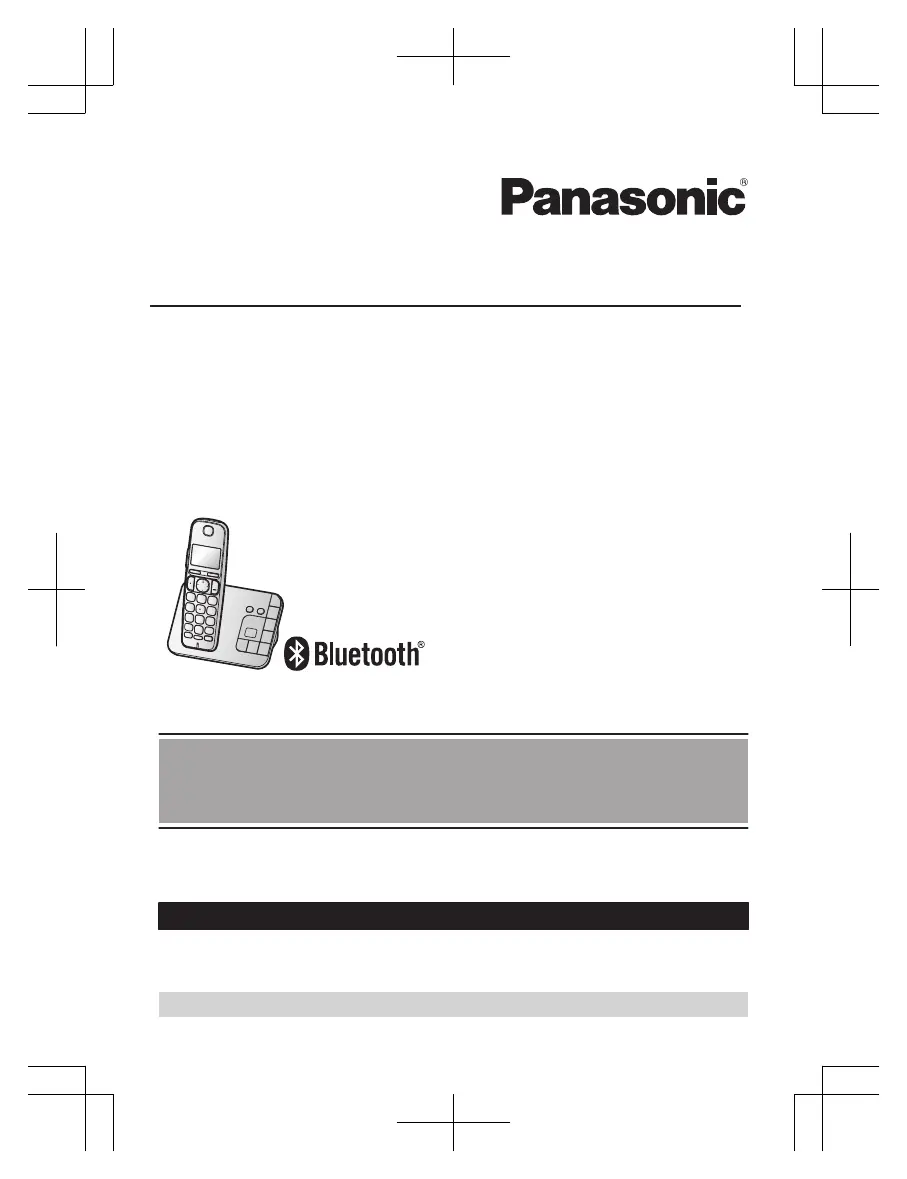
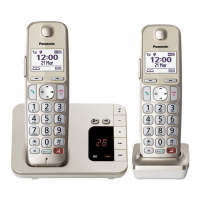
Model shown is KX-TGE260.
Before initial use, see “Getting Started”
on page 11.
Thank you for purchasing a Panasonic product.
Please read these operating instructions before using the unit and save them for
future reference.
Consulte “Guía Rápida Española”, página 79.
For assistance, visit our Web site: http://www.panasonic.com/help for customers
in the U.S.A. or Puerto Rico.
Please register your product: http://www.panasonic.com/prodreg
TGE26x_27x(en)_0123_ver110.pdf 1 2015/01/23 9:57:38

Table of Contents

Other manuals for Panasonic KX-TGE275S

Questions and Answers

  • V
    victoriaarnoldAug 8, 2025
    Why can't I pair my cellular phone to my Panasonic KX-TGE275S?
    • D
      Danielle MedinaAug 8, 2025
      If you are having trouble pairing your cellular phone to the Panasonic Cordless Telephone base unit, there might be a few reasons. It could be a compatibility issue, so ensure your phone supports the hands-free profile (HFP) specification. Also, double-check that Bluetooth is enabled on your phone. Try turning your cellular phone off and on again, as the Bluetooth technology may not be working correctly. Disconnect any other Bluetooth devices connected to your phone, like a headset, and make sure you're entering the correct Bluetooth PIN if prompted.
  • L
    Leslie JonesAug 18, 2025
    What to do if my Panasonic KX-TGE275S does not work?
    • S
      Stephanie FarleyAug 18, 2025
      If your Panasonic Cordless Telephone unit isn't working, there are several things you can check: * Make sure the batteries are correctly installed. * Ensure the batteries are fully charged. * Check all the connections. * Try resetting the unit by unplugging the base unit’s AC adapter, then reconnecting it. * The handset may not be registered to the base unit; in this case, register the handset.
  • J
    John DukeAug 27, 2025
    How to turn on Panasonic Cordless Telephone handset?
    • C
      Cynthia SandovalAug 27, 2025
      If your Panasonic Cordless Telephone handset doesn't turn on even after installing charged batteries, place the handset on the base unit or charger to turn it on.

Summary

Important Information

For your safety

Crucial safety instructions for product usage and power connection.

Important safety instructions

Core safety precautions to reduce risks of fire, shock, and injury.

Getting Started

Setting up

Step-by-step guide for connecting the base unit and charger.

Link to Cell

Link to cell feature

Explains how to connect a cell phone for making/answering calls.

Pairing a cellular phone

Step-by-step guide to pair a Bluetooth cellular phone.

Making;Answering Calls Using the Handset

Answering calls

How to answer incoming calls.

Power back-up operation for landline

Making;Answering Calls Using the Base Unit

Making cellular calls

Instructions for making cellular calls from the base unit.

Making landline calls

Instructions for making landline calls from the base unit.

Phonebook

Programming

Caller ID Service

Using Caller ID service

Overview of Caller ID features and requirements.

Using Bluetooth Devices

Answering System for Landline

Turning the answering system on;off

How to activate or deactivate the answering system.

Listening to messages

How to access recorded messages.

Remote operation

Troubleshooting

General use

General troubleshooting guide for common problems.

IMPORTANT!

Panasonic KX-TGE275S Specifications

General IconGeneral
BrandPanasonic
ModelKX-TGE275S
CategoryCordless Telephone
LanguageEnglish

Related product manuals