
 To Next Page
J
jose11Aug 2, 2025
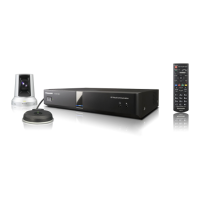
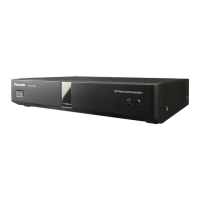
Why is there no display on my Panasonic Conference System?
- CcareyjacobAug 2, 2025
Several factors might cause a missing display. Ensure all cables are properly connected. Verify that the main video camera is turned on. Check that the display is on and the correct input is selected. If the system is in screen standby mode, push a button on the remote or receive a video conference call to exit standby mode. If an image is not correctly displayed, do not connect an HDCP-equipped device.
 General