EasyManua.ls Logo

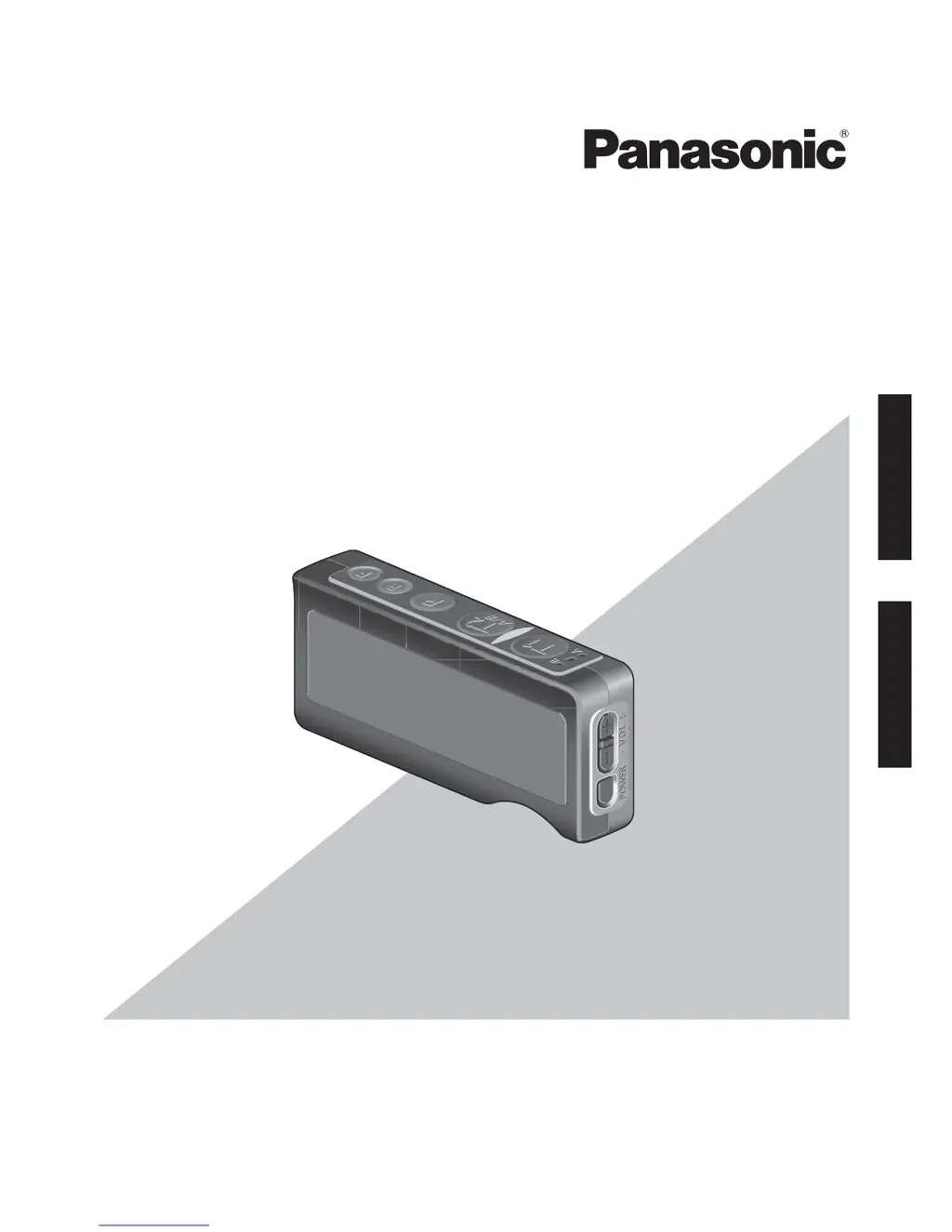
Panasonic WX-CT420 - User Manual

Panasonic WX-CT420
48 pages
Print Icon
To Next Page IconTo Next Page
Loading...
Operating Instructions
Belt Pack
Model No.
WX-CT420
English Français
Before attempting to connect or operate this product,
please read these instructions carefully and save this manual for future use.
No model number suffix is shown in this Operating Instructions.

Table of Contents

Questions and Answers

  • R
    Rachel JonesAug 8, 2025
    Why can't I communicate with personnel or customers on my Panasonic Conference System?
    • J
      Jake FlemingAug 8, 2025
      If you cannot communicate with other store personnel or the customer using your Panasonic Conference System, first, check if the Center Module is turned on. If the issue persists, the headset ID might not be registered. Register the ID in the Center Module.
  • V
    Veronica SmithAug 13, 2025
    What to do if my Panasonic WX-CT420 Conference System Belt Pack won't turn on?
    • A
      April ScottAug 13, 2025
      If you cannot turn on the Panasonic Conference System Belt Pack, the battery may be exhausted or not inserted correctly. Try replacing the battery with a charged one and ensure it is properly positioned.
  • L
    Lisa WrightAug 17, 2025
    What to do if I can't hear customers on my Panasonic WX-CT420 Conference System?
    • S
      Sydney GonzalezAug 17, 2025
      If you cannot hear or talk to the customer, but communications with the store personnel are OK on your Panasonic Conference System, the vehicle detector may be malfunctioning. Check that the vehicle detector is plugged in and has power. If the problem persists, consult your dealer for repairs.
  • E
    Edgar HornAug 20, 2025
    Why is the power indicator light red on my Panasonic WX-CT420?
    • E
      Ethan SalinasAug 21, 2025
      If the power indicator on your Panasonic Conference System is lighting red, the battery is almost exhausted. Replace the battery with a charged one.
  • C
    curtis81Aug 26, 2025
    How to fix Panasonic Conference System when I cannot talk or page in certain areas?
    • M
      Michelle CastilloAug 26, 2025
      If you cannot "talk" or "page" in certain areas using your Panasonic Conference System, radio waves may not be reaching the area. Try removing any metal obstacles that could be blocking the radio waves.
  • C
    Connor WashingtonAug 29, 2025
    Why is the power indicator blinking red on my Panasonic Conference System?
    • A
      Andrew WeissAug 30, 2025
      If the power indicator on your Panasonic Conference System blinks red, the ID of the product is not yet registered in the Center Module, preventing a wireless connection. Register the ID in the Center Module.
  • M
    Mark CohenSep 3, 2025
    Why can't I talk or page when the Panasonic Conference System Belt Pack is in manager mode?
    • R
      Robert RobinsonSep 3, 2025
      If talk or page operation is impossible from the Belt Pack set in the manager mode on your Panasonic Conference System, the unit in manager mode is likely receiving a phone call. Once the phone call has ended, “talk” or “page” operation will be enabled.

Panasonic WX-CT420 Specifications

General IconGeneral
ConnectivityWired
MicrophoneElectret Condenser
Output Level-38 dB (1V/Pa at 1 kHz)
Operating Temperature0 °C to +40 °C
Operating Humidity20% to 90% (non-condensing)

Related product manuals