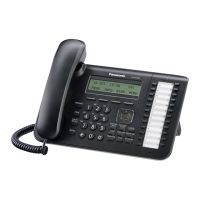
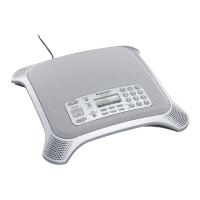
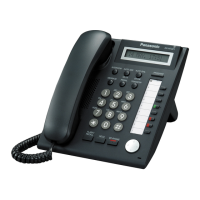
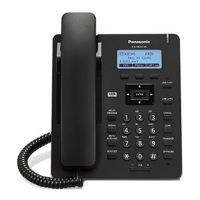
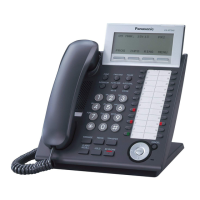
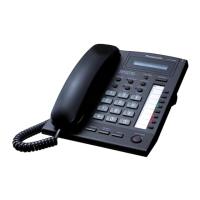
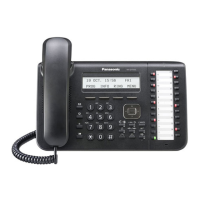
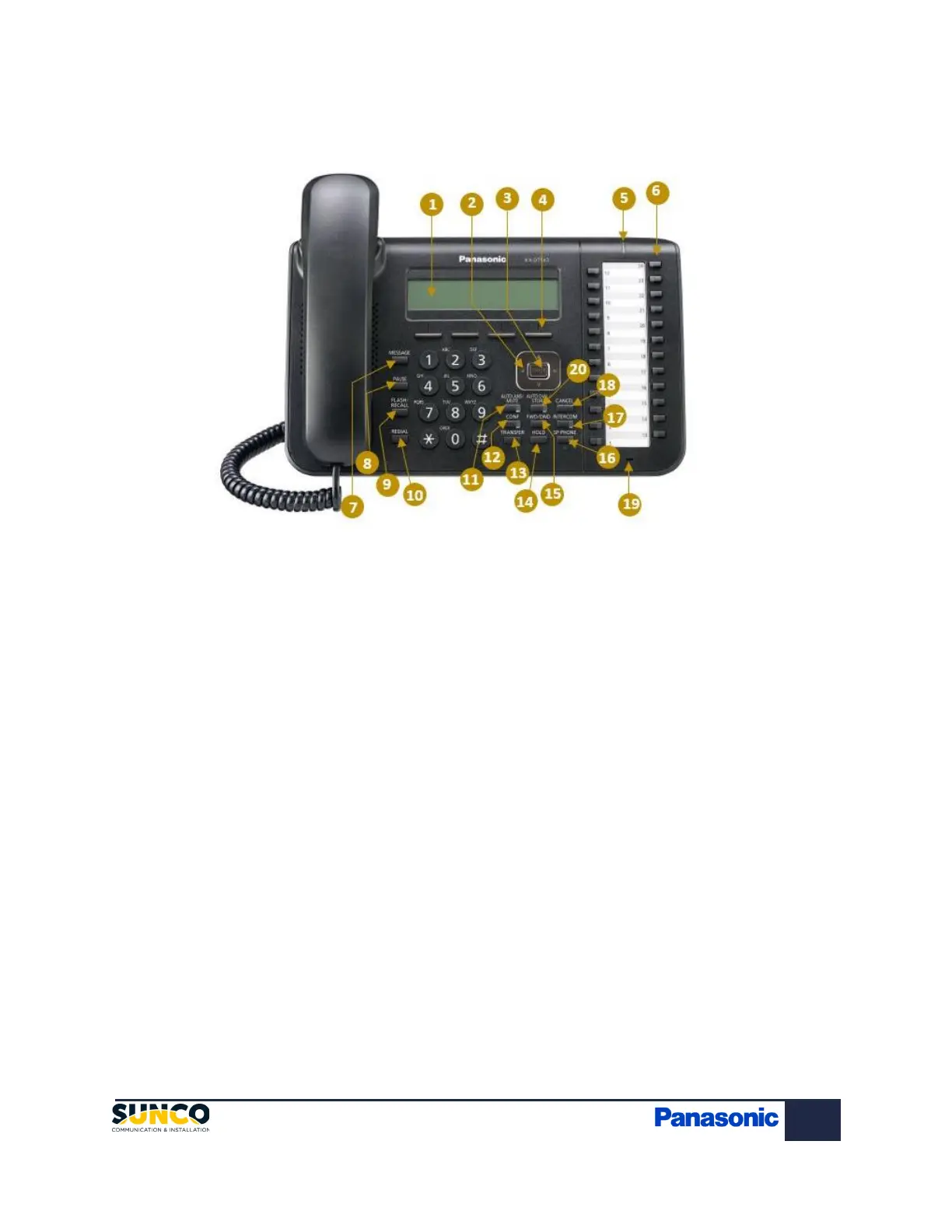
1. LCD (Liquid Crystal Display)
2. Navigator Key: Used to adjust the volume and the
display contrast or select desired items.
3. Enter: Used to assign the selected item.
4. Soft buttons (S1-S4): S1-S4 (located from left to right)
are used to select the item displayed on the bottom line of
the display.
5. Message/Ringer Lamp: When you receive an intercom
call, the lamp flashes green and on an outside call, the
lamp flashes red. When someone has left you a message,
the lamp stays on red.
6. Flexible Central Office Buttons: Where line one to
eight and other softkeys are held (See buttons labelled
Outgoing).
7. Message: Used to leave a message waiting indication
or call back the party who left the message waiting
indication.
8. Pause: Used to insert a pause when storing a
telephone number.
9. Flash/Recall: Used to disconnect the current call
and make another call without hanging up.
10. Redial: Used to redial the last dialed number.
11. Auto Ans/Mute: Used to receive an incoming call
in hands-free mode or mute the microphone/handset
during a conversation.
12. Conf: Used to establish a multiple party
conversation.
13. Transfer: Used to transfer a call to another party.
14. Hold: Used to place a call on hold.
15. FWD/DND: Used to switch Call Forwarding or Do
Not Disturb on your extension.
16. SP-Phone: Used for performing hands-free
operations.
17. Intercom: Used to make or receive intercom
calls.
18. Cancel: Used to cancel the selected item.
19. Microphone: Used for hands free conversations.
20. Auto Dial/Store: Used for System/Personal
Speed Dialing or storing programming changes.


 To Next Page
 Loading...