EasyManua.ls Logo

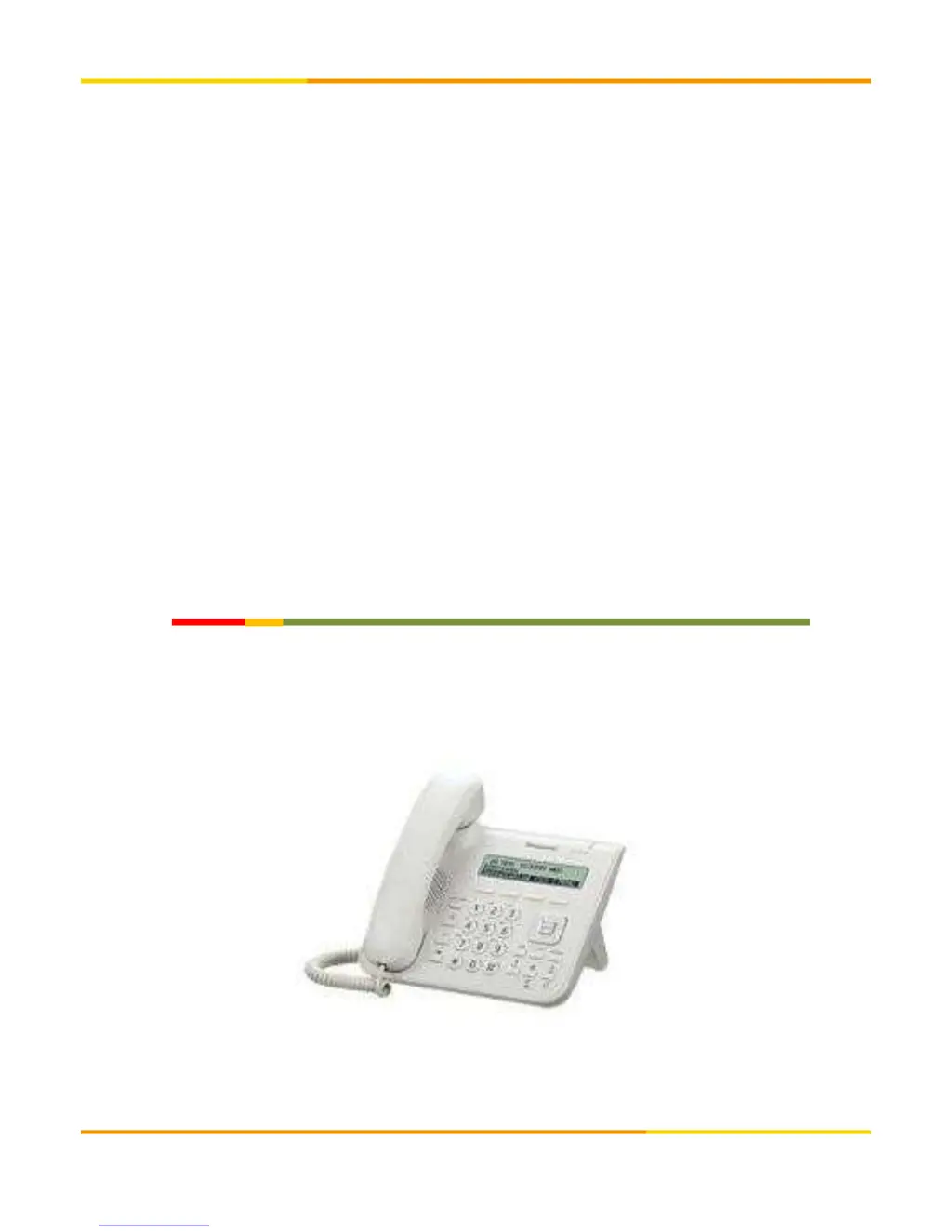
Panasonic KX-UT123 - User Manual

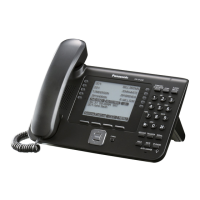
Panasonic KX-UT123
8 pages
Print Icon
To Next Page IconTo Next Page
Loading...
KX-UT123User'sManual
Ver2.0.2 november 07 2017
Ver2.0.1 november 09 2016
Copyright © cloudippbx.com

Other manuals for Panasonic KX-UT123

Questions and Answers

  • C
    cmosesAug 17, 2025
    How to reset the administrator password on a Panasonic KX-UT123 IP Phone?
    • C
      Carl RossAug 17, 2025
      To reset the login password for the Administrator or User account on your Panasonic IP Phone's Web user interface, reset the password directly from the unit. Note that this will reset the passwords for both Administrator and User accounts. For security, it's recommended to set new passwords immediately afterward.
  • R
    Ryan RyanAug 20, 2025
    How to correct the time on my Panasonic KX-UT123 IP Phone?
    • M
      Manuel JonesAug 20, 2025
      To correct the time on your Panasonic IP Phone, access the Web user interface to set NTP synchronization and DST (Summer Time) control. This allows the phone to adjust the time automatically. Also, check the firewall and port forwarding settings on the router.
  • E
    ericflemingAug 22, 2025
    Why is there no ringer sound on my Panasonic KX-UT123 IP Phone?
    • G
      Gregory PrestonAug 22, 2025
      The absence of a ringer sound on your Panasonic IP Phone could stem from a few things. First, verify that the Ethernet cable and AC adapter are properly connected. Also, check the volume settings using the volume button. If you've altered any settings on the display, reverting those changes might resolve the issue. As a troubleshooting step, try disconnecting and reconnecting the Ethernet cable.
  • D
    Deborah RiveraAug 25, 2025
    Why can't I hear a dial tone on my Panasonic IP Phone?
    • E
      elizabeth83Aug 26, 2025
      A missing dial tone on your Panasonic IP Phone can often be traced back to incorrect network settings. Try resetting all your equipment: modem, router, hub, unit, and PC. Power them back on in that specific order, one at a time.
  • T
    Tyler HuntAug 28, 2025
    What to do if my Panasonic KX-UT123 will not start up correctly?
    • M
      Melissa WilsonAug 28, 2025
      If your Panasonic IP Phone doesn't start up correctly, the Web user interface settings or configuration file settings may be incorrect. To initialize the settings, follow these steps: 1. Press Setup. 2. Press [#][1][3][6]. 3. Select "IP Reset" using the navigation keys and press [ENTER]. 4. Select "Yes" using the navigation keys and press [ENTER]. 5. Select "Yes" again and press [ENTER]. The unit will restart automatically after performing IP Reset.
  • S
    Samuel ThompsonAug 30, 2025
    What to do if my Panasonic IP Phone does not ring?
    • J
      jonathanhowardAug 30, 2025
      If your Panasonic IP Phone isn't ringing, check the VoIP status in the Web user interface to ensure each line is registered properly. Also, verify that the SIP server address, URLs of the configuration files, and encryption key are correct. Check the firewall and port forwarding settings on the router. Ensure that [Do Not Disturb] and [Unconditional (Enable Call Forward)] are set to [No], and [Block Anonymous Call] is also disabled. Finally, confirm that these settings are not controlled by your phone system.
  • C
    Christopher GonzalesSep 2, 2025
    What to do if I cannot make a call on my Panasonic KX-UT123 IP Phone?
    • C
      Chase KellySep 2, 2025
      If you're unable to make calls on your Panasonic IP Phone, first check the VoIP status in the Web user interface to confirm that each line is registered properly. Also, verify that the SIP server address, URLs of the configuration files, and encryption key are correct. Finally, check the firewall and port forwarding settings on the router.
  • M
    molly37Sep 5, 2025
    What does error code 90001 mean on a Panasonic KX-UT123?
    • C
      cochranmelissaSep 5, 2025
      Error code 90001 on a Panasonic IP Phone indicates a transmission error or that the unit is not registered. Check your network settings and confirm that the settings are correct for registration to the SIP server.
  • J
    Jessica NewtonSep 7, 2025
    What does error code 10001 mean on a Panasonic KX-UT123?
    • K
      kathleenmillerSep 7, 2025
      Error code 10001 on a Panasonic IP Phone indicates a MAC address error. No solution.
  • T
    Timothy WellsSep 12, 2025
    What does error code 21001 mean on a Panasonic KX-UT123?
    • M
      Michael ChaneySep 12, 2025
      Error code 21001 on a Panasonic IP Phone indicates an IEEE 802.1X authentication error (KX-UT248 only). No solution.

Summary

Connection Method

Fundamental Setting

Acquiring IP Address

Steps to automatically obtain an IP address via network settings.

Navigating to the Setting Screen

Instructions for accessing the device's setting menus.

Setup Information Registration

Unique Registration

Guide to registering SIP settings for the phone device.

Display Setting

Setting of Time

Other Settings

Safety Precautions

Troubleshooting

Initialization Method

Panasonic KX-UT123 Specifications

General IconGeneral
Expansion module supportYes
Ethernet LAN (RJ-45) ports2
Volume controlDigital
Number of handles included1 pc(s)
Voice codecsG.711a, G.722, G.726, G.729A
MountingDesk/Wall
Handset typeWired handset
Product typeIP Phone
Product colorBlack
Display resolution242 x 55 pixels
Lines quantity- lines
Call log entries60
Phonebook capacity500 entries
Number of VoIP accounts-
Supported network protocolsIPv4, DNS, HTTP, HTTPS, SNTP Client
Power consumption (typical)2 W
Power consumption (PowerSave)1.3 W
Operating temperature (T-T)0 - 40 °C
Compliance industry standardsIEEE 802.1q, 802.3af
Weight and Dimensions IconWeight and Dimensions
Depth160 mm
Width205 mm
Height170 mm
Weight870 g

Related product manuals