EasyManua.ls Logo

Panasonic KX-UT133 - User Manual

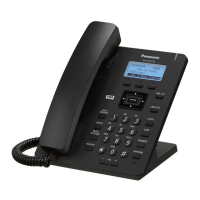
Panasonic KX-UT133
100 pages
Print Icon
To Next Page IconTo Next Page
Loading...
Document Version 2013-03
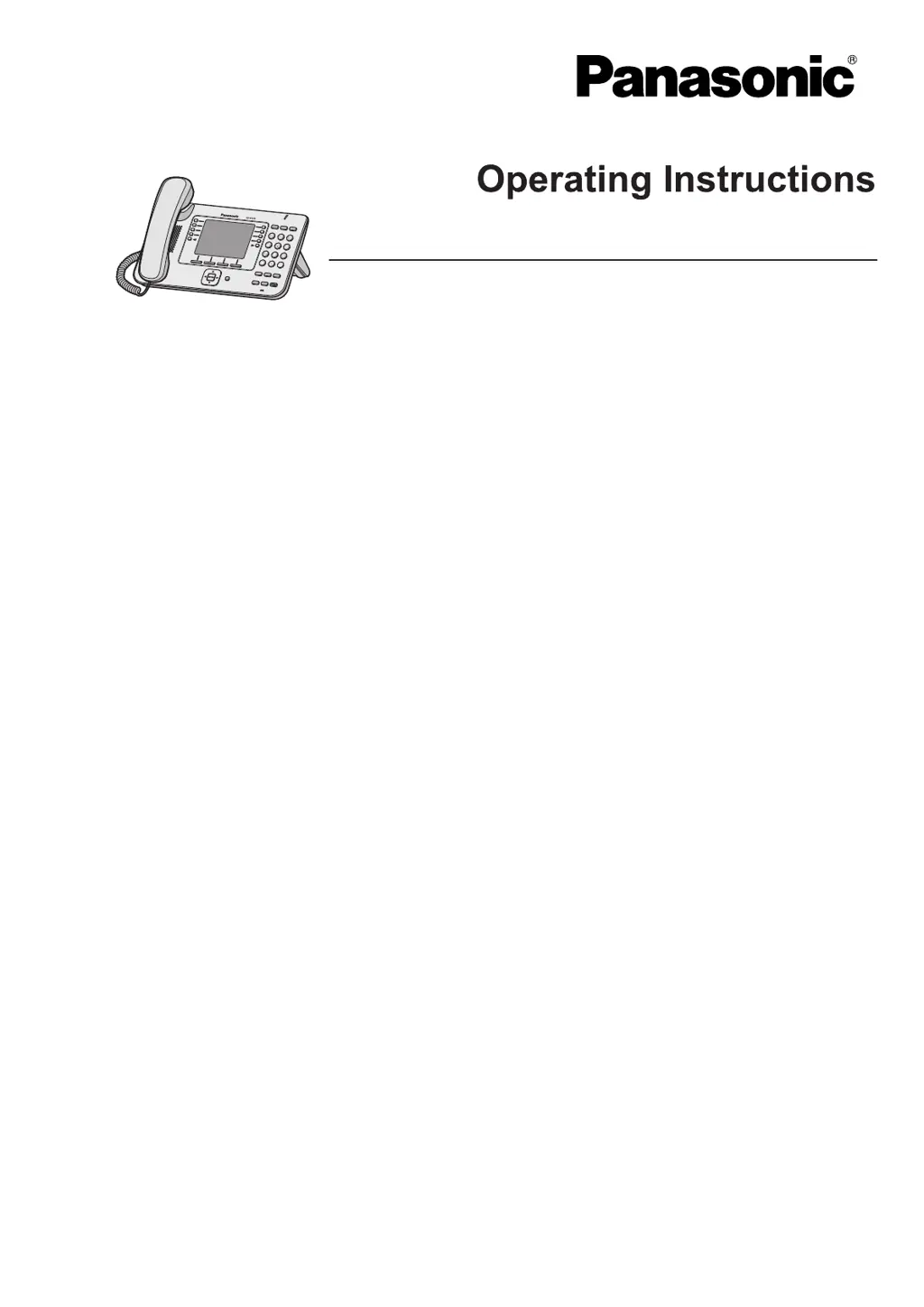
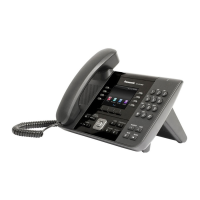
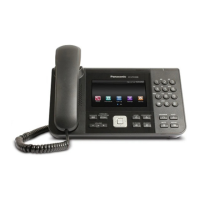
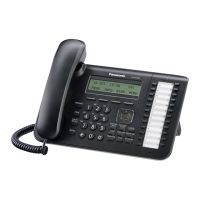
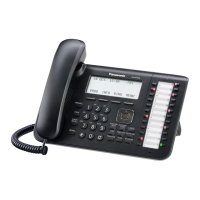
Model No. KX-UT113/KX-UT123
KX-UT133/KX-UT136
SIP Phone
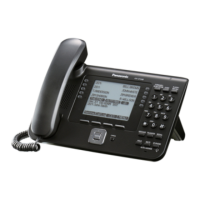
KX-UT248
<KX-UT248>
Thank you for purchasing this Panasonic product.
Please read this manual carefully before using this product and save this manual for future use.
KX-UT113/KX-UT123/KX
-UT133/KX-UT136/KX-UT248: Software File Version 01.250 or later
In this manual, the suffix of each model number (e.g., KX-UT113NE) is omitted unless necessary.

Table of Contents

Other manuals for Panasonic KX-UT133

Questions and Answers

  • K
    Kenneth ReidSep 7, 2025
    What to do if I cannot add or edit entries to the phonebook list on my Panasonic KX-UT133 IP Phone?
    • K
      karen72Sep 7, 2025
      If you cannot add or edit entries, the phonebook list may be full. Delete any unnecessary entries. The maximum number of entries in the phonebook list is 500 for the KX-UT123/ KX-UT133/KX-UT136 and 100 for the KX-UT113.
  • D
    David WilliamsAug 25, 2025
    What to do if I forgot my PIN number on Panasonic Telephone?
    • P
      Patricia GonzalezAug 25, 2025
      If you forgot your PIN number on your Panasonic Telephone, consult your administrator or dealer.
  • J
    Jill YoungAug 25, 2025
    Why is the display blank on my Panasonic Telephone?
    • E
      Eric MclaughlinAug 26, 2025
      If the display on your Panasonic Telephone is blank, ensure that the device supplying PoE is receiving power and that the Ethernet cable is properly connected. If you're using an AC adapter, check that it's correctly connected and powered.
  • A
    Amy JacksonSep 16, 2025
    What does 'Memory Full' mean on my Panasonic IP Phone?
    • C
      Christopher DeleonSep 16, 2025
      This message indicates that a new entry for the phonebook or call block list cannot be stored because the phonebook or call block list is full. Erase unneeded entries.
  • S
    Sarah OwensSep 23, 2025
    What does it mean when the Message/Ringer lamp is lit on my Panasonic KX-UT133 IP Phone?
    • M
      Mr. Robert SullivanSep 23, 2025
      If the Message/Ringer lamp is lit, you likely received a voice message while you were on the phone or away from your desk. Check the voice message.
  • F
    Frank RuizSep 12, 2025
    What does error code 10001 mean on a Panasonic KX-UT133?
    • V
      vancebrandySep 12, 2025
      Error code 10001 on a Panasonic IP Phone indicates a MAC address error. No solution.
  • M
    millergavinSep 2, 2025
    What to do if I cannot make long distance calls on my Panasonic IP Phone?
    • S
      Shannon WilsonSep 2, 2025
      If you cannot make long distance calls, make sure that you have subscribed to your telephone company’s long distance service, as your telephone service may not allow you to make long distance calls.
  • C
    Christopher GriffinSep 3, 2025
    What to do if the line is disconnected while talking to an outside party on my Panasonic KX-UT133 IP Phone?
    • C
      Christian RiceSep 3, 2025
      If the line is disconnected while talking to someone, your phone system/service may impose a time limit on outside calls. Consult your dealer to extend the time limit, if necessary.
  • E
    ericherreraSep 23, 2025
    Why my Panasonic IP Phone doesn't ring when I receive a call?
    • J
      Jose FrazierSep 23, 2025
      If the unit does not ring when you receive a call, the ringer may be turned off. Press [ ] while receiving a call, or change the ringer volume setting.
  • P
    Pamela TranAug 29, 2025
    What to do if I lost the login password of the Web user interface for the Administrator or User account on my Panasonic KX-UT133?
    • G
      Gene JohnsonAug 29, 2025
      If you have lost the login password for the Administrator or User account on your Panasonic IP Phone's Web user interface, reset the password from the unit. For security reasons, it is recommended that the passwords are set again immediately.

Summary

Important Information

For Your Safety

Provides essential safety precautions to reduce risks of injury, shock, fire, and malfunction.

Installation

Safety precautions related to electrical connections and AC adaptor usage.

General Safety

Data Security

Additional Information

Important Safety Instructions

General safety precautions for using the unit near water, during storms, and for gas leak reporting.

Before Operating the Telephone

Location of Controls

Diagrams and labels for controls on the front view of KX-UT248NE and KX-UT248RU models, including LCD details.

Soft Buttons (S1 to S4)

Explains the function and status indications of the soft buttons and Message/Ringer Lamp.

Adjusting the Volume

Guides on adjusting ringer, handset, headset, and speaker volume using the Navigator key.

Going off- and on-hook

Details various methods to go off-hook and on-hook using handset, speakerphone, or headset.

Hands-free Mode

Explains how to enable and cancel hands-free mode for conversations.

Status Icons

Feature Operations

Making Calls

Explains the basic methods for initiating calls from the unit.

Receiving Calls

Explains the basic methods for receiving incoming calls on the unit.

Holding a Call

Explains how to put a call on hold and retrieve it.

Talking to Two Parties Alternately (Call Splitting)

Explains how to switch between two parties during a conversation.

Mute

Explains how to mute and unmute the microphone during a conversation.

Conference Call (Local Three-way Conference)

Details how to add an additional party to establish a conference call.

Checking Messages

Explains how to check new voice messages and access the mailbox.

Call Forwarding;Do Not Disturb

Explains how to forward incoming calls or reject them using Do Not Disturb.

Flexible Buttons (KX-UT133;KX-UT136;KX-UT248 only)

Explains customisable flexible buttons: DN, One-Touch, Headset, BLF, ACD, Wrap Up.

Receiving a Second Call (Answering Call Waiting)

Details how to handle an incoming call while already on a call.

Transferring a Call (Call Transfer)

Details how to transfer calls to another destination.

Customising the Telephone

Editing a Phonebook Entry

Instructions on modifying existing phonebook contact details.

Available Settings

Lists all configurable settings with their corresponding page numbers.

Settings Details

Details specific settings like Ringer, ECO Mode, and LCD Contrast.

FWD;DND Setting

Settings for Call Forwarding and Do Not Disturb features.

FWD All

Settings to forward all incoming calls to a specified destination.

Web User Interface Programming

Explains the Web-based interface for configuring unit settings and features.

Adding a New Phonebook Entry

Steps to add new contacts to the phonebook, including name and number.

Accessing the Settings

Steps to navigate and access the unit's setting menus.

Ringer

Configuration options for Ringer Volume and Ringtone selection.

Do Not Disturb

Enabling the DND feature to reject all incoming calls.

FWD Busy

Settings to forward calls when the line is busy.

Network Settings

Configuration of basic network settings like DHCP and static IP addressing.

ECO Mode

Explains how to enable ECO mode to reduce electricity consumption.

Installation and Setup

Wall Mounting

Instructions for mounting the unit on a wall, including safety warnings.

Setting Up the Unit

Explains the initial settings configuration process upon starting the unit.

Appendix

Specifications

Presents detailed specifications for the KX-UT248 model.

Troubleshooting

Lists common issues, their possible causes, and solutions.

Making and Receiving Calls

Troubleshooting for call making, long distance calls, ringing, and disconnections.

Sound cuts out; I can hear myself through the speaker.

Troubleshooting for audio issues related to microphone obstruction or environment.

Error Messages

Lists common error messages, their causes, and solutions.

Common Issues and Solutions

General troubleshooting for display, unit performance, and connection problems.

Sound Quality

Troubleshooting for issues where the other party cannot hear the voice.

Panasonic KX-UT133 Specifications

General IconGeneral
Resolution320 x 240 pixels
Power over EthernetYes
SpeakerphoneYes
Dimensions200 x 160 x 60 mm
Weight900 g
Ethernet Ports2
ProtocolsSIP
Headset SupportYes
Audio CodecG.711, G.726, G.729
Network Interface10/100 Mbps Ethernet
Headset PortYes

Related product manuals