Recording
- 72 -
Note
• A digital picture is made of numerous dots called pixels. The higher the numbers of pixels, the
finer the picture will be when it is printed on a large piece of paper or displayed on a PC
monitor.
• The Extra Optical Zoom does not work when [Macro Zoom] is set or in [Transform],
[High Sens.], [Hi-Speed Burst], [Flash Burst], [Pin Hole] and [Photo Frame] in Scene Mode so
the Picture Size for [ ] is not displayed.
• Pictures may appear mosaic depending on the subject and the recording conditions.
• The setting is fixed to 3M(4:3), 2.5M(3:2), 2M(16:9) in [Transform] in Scene Mode.
• The setting is fixed to 2M(4:3) in [Photo Frame] in Scene Mode.
For details on [Rec] Mode menu settings, refer to P35.
This sets up the picture quality of motion pictures.
Applicable modes:
n
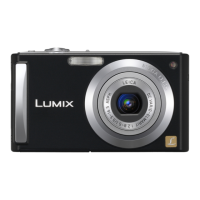
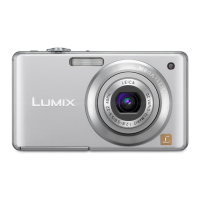
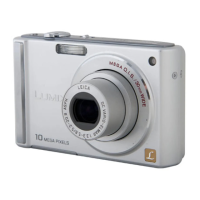
(DMC-FS35) (DMC-FS18)
(DMC-FS16) (DMC-FS14)
¢ Cannot be recorded in the built-in memory.
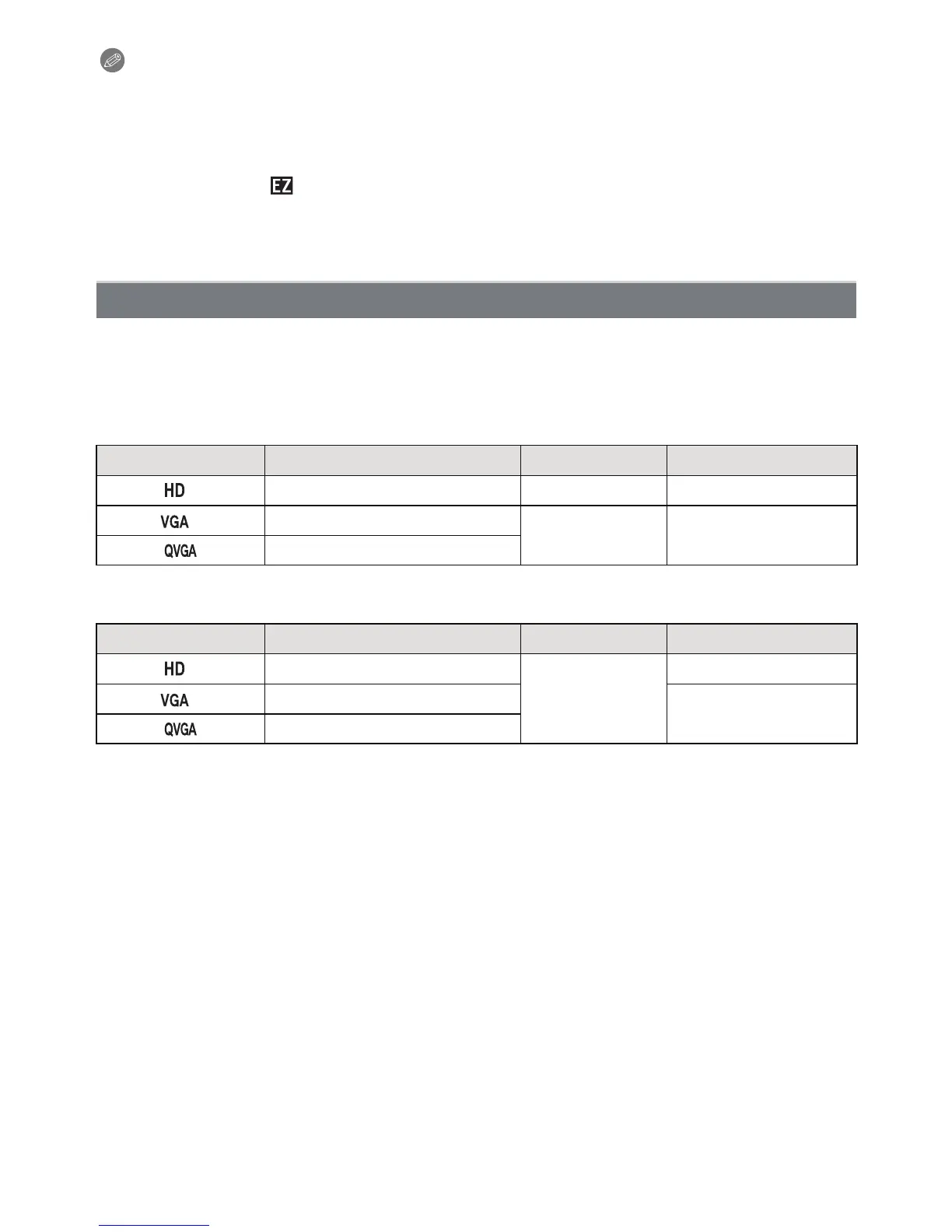
[Rec Quality]
Item Picture Size fps Aspect Ratio
¢
1280k720 pixels 24 16:9
¢
640k480 pixels
30 4:3
320k240 pixels
Item Picture Size fps Aspect Ratio
¢
1280k720 pixels
30
16:9
¢
640k480 pixels
4:3
320k240 pixels



 To Next Page
 Loading...