Basic
- 49 -
• [Auto Power Off] is set to [5MIN. ] in the Intelligent Auto Mode.
• [Auto Power Off] does not work in the following cases.
– When using the AC adaptor
– When connecting to a PC or a printer
– When recording or playing back motion pictures
– During a Slide Show
– [Auto Demo]
• The effect of the [LCD Power Save] is lower in the Digital Zoom range compared to the Optical
Zoom range.
• The effect of the [LCD Power Save] will not affect the image being recorded.
• Setting of [LCD Mode] has priority over the setting of [LCD Power Save] regarding the
brightness of the LCD monitor.
• [Auto Review] is activated regardless of its setting when using Auto Bracket, [Handheld Night
Shot], [Hi-Speed Burst] and [Flash Burst] in Scene Mode and [Burst] in [Rec] Mode menu.
• In Intelligent Auto Mode or [Photo Frame] in Scene Mode, the Auto Review function is fixed to
[2SEC.].
• [Auto Review] does not work when recording motion pictures.
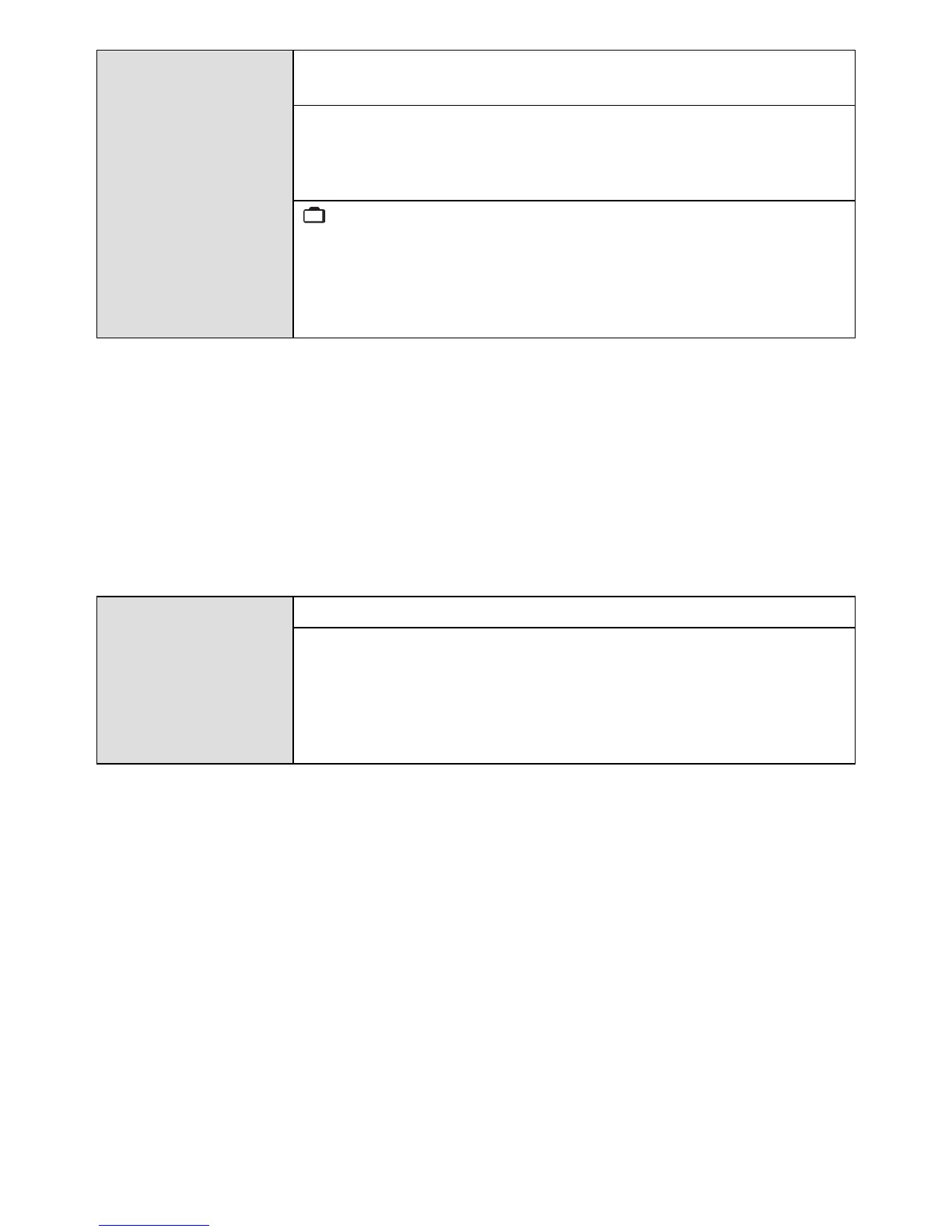
q [Economy]
You can conserve the battery life by setting these menus.
Also, the battery life is conserved by dimming the LCD monitor.
p [Auto Power Off]:
The camera is automatically turned off if the camera has not been
used for the time selected on the setting.
[2MIN.]/[5MIN.]/[10MIN.]/[OFF]
[LCD Power Save]:
Brightness of the LCD monitor is lowered. The battery life will be
conserved by lowering the image quality of the LCD monitor
further during the recording
.
Excluding the Digital Zoom range.
[ON]/[OFF]
o [Auto Review]
Set the length of time that the picture is displayed after taking it.
[1SEC.]
[2SEC.]
[HOLD]: The pictures are displayed until one any of the buttons
is pressed.
[OFF]
ECO


 To Next Page
 Loading...