Basic
- 53 -
• Use a battery with sufficient battery power or the AC adaptor (optional) and DC coupler
(optional) when formatting. Do not turn the camera off during formatting.
• If a card has been inserted, only the card is formatted. To format the built-in memory, remove
the card.
• If the card has been formatted on a PC or other equipment, format it on the camera again.
• It may take longer to format the built-in memory than the card.
• If you cannot format, contact the dealer or your nearest Service Center.
• If you set a different language by mistake, select [~] from the menu icons to set the desired
language.
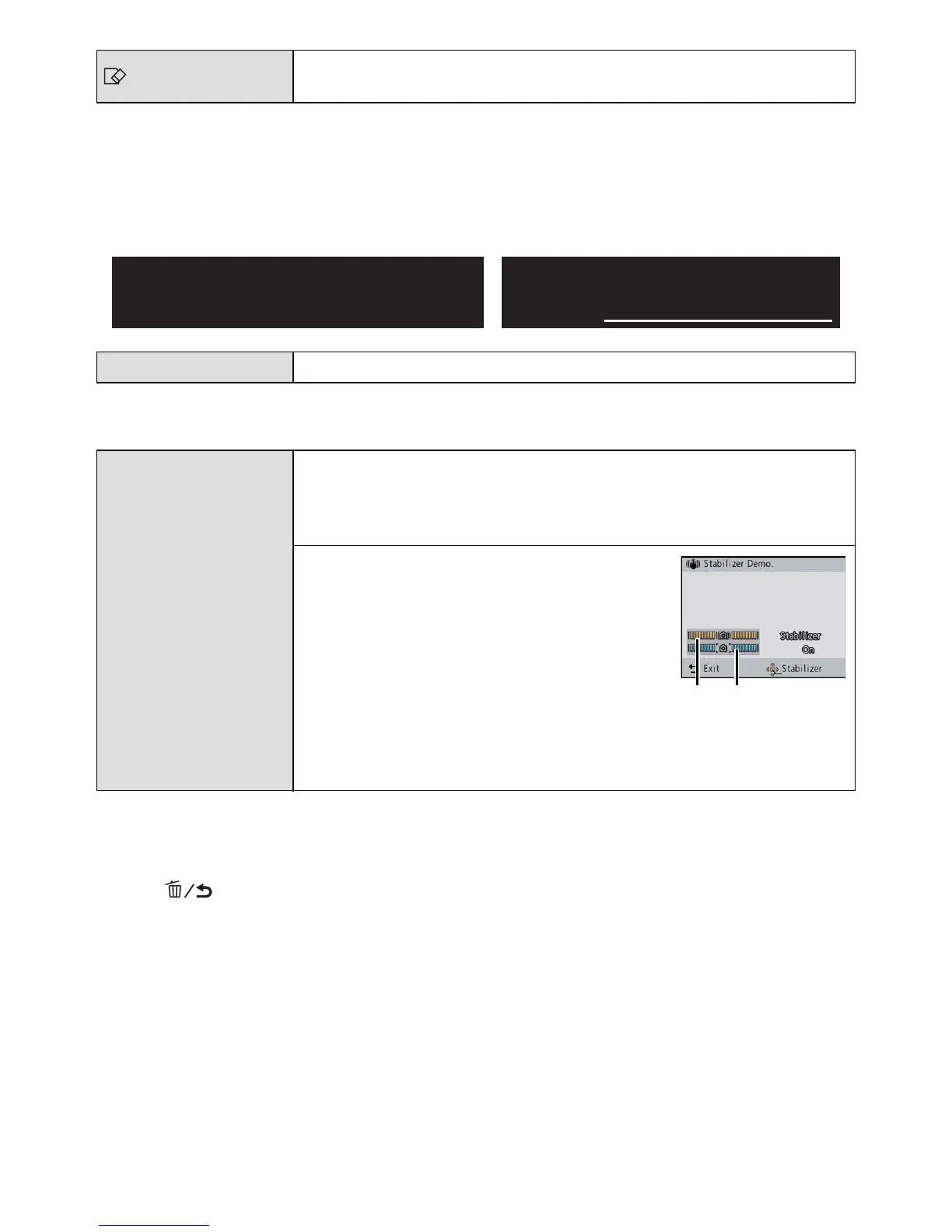
• The Stabilizer function is switched between [ON] and [OFF] every time [MENU/SET] is pressed
during the [Stabilizer Demo.].
• [Stabilizer Demo.] is an approximation.
• [Auto Demo] has no TV output capability even when it is in Playback Mode.
• Press [ ] to close [Auto Demo].
[Format]
The built-in memory or card is formatted. Formatting irretrievably
deletes all the data so check the data carefully before formatting.
~ [Language]
Set the language displayed on the screen.
[Demo Mode]
Displays the amount of jitter the camera has detected. ([Stabilizer
Demo.])
The camera’s features are displayed as Slide Shows.
([Auto Demo])
[Stabilizer Demo.]
Amount of jitter
Amount of jitter after correction
[Auto Demo]:
[ON]
[OFF]
For Canadian assistance, please call:
1-800-99-LUMIX (1-800-995-8649) or
send e-mail to: lumixconcierge@ca.panasonic.com
For USA and Puerto Rico assistance, please call:
1-800-211-PANA(7262) or, contact us via the web at:
http://www.panasonic.com/contactinfo
DEMO


 To Next Page
 Loading...