42
Auto Weight Cook Programs
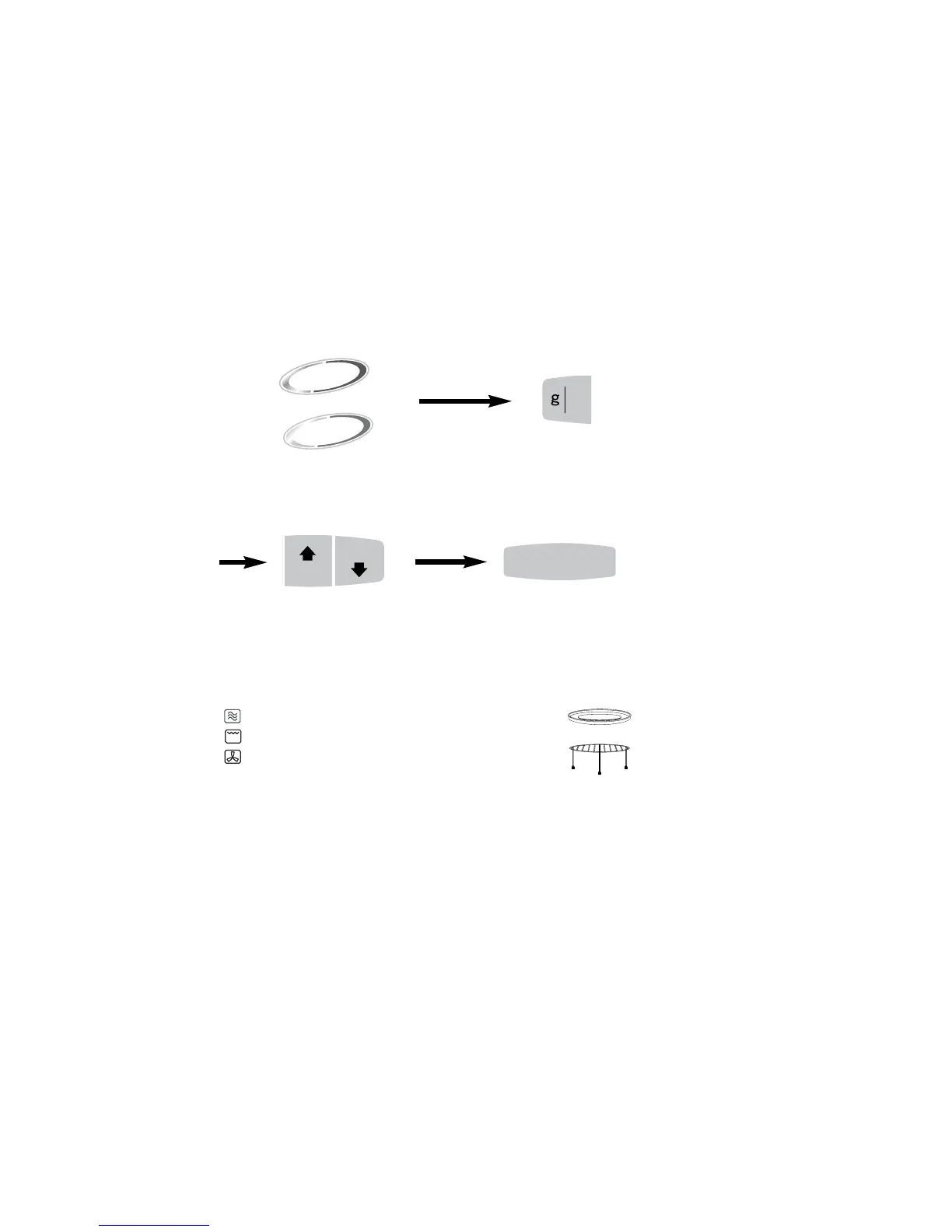
• Select the desired Auto Weight program, by
pressing the pad. The pad can be pressed
once or twice to select the desired program.
• Press to select grams or pounds and
ounces.
Guidelines for Use
The Auto Weight Programs are designed to take the guesswork out of cooking or reheating
your food. They must ONLY be used for the foods described.
1. Only cook foods within the weight ranges described (see table on page 43).
2. Only use the accessories as indicated on pages 44-46.
3. DO NOT cover food unless stated, as programs 7-10 use a Combination of Microwave and
Convection and it will prevent the food browning. The heat will also melt any plastic covering.
4. Most foods benefit from a STANDING time after cooking on an Auto Program, to allow heat
to continue conducting to the centre.
5. To allow for some variations that occur in food, check that food is thoroughly cooked and
piping hot before serving.
This feature allows you to cook or reheat ten foods by setting the weight only. The oven
determines the Microwave power level and/or Combination setting, then the cooking time
automatically. Select the category of food and then just enter the weight. The weight can be
entered in grams or pounds and ounces.



 To Next Page