14
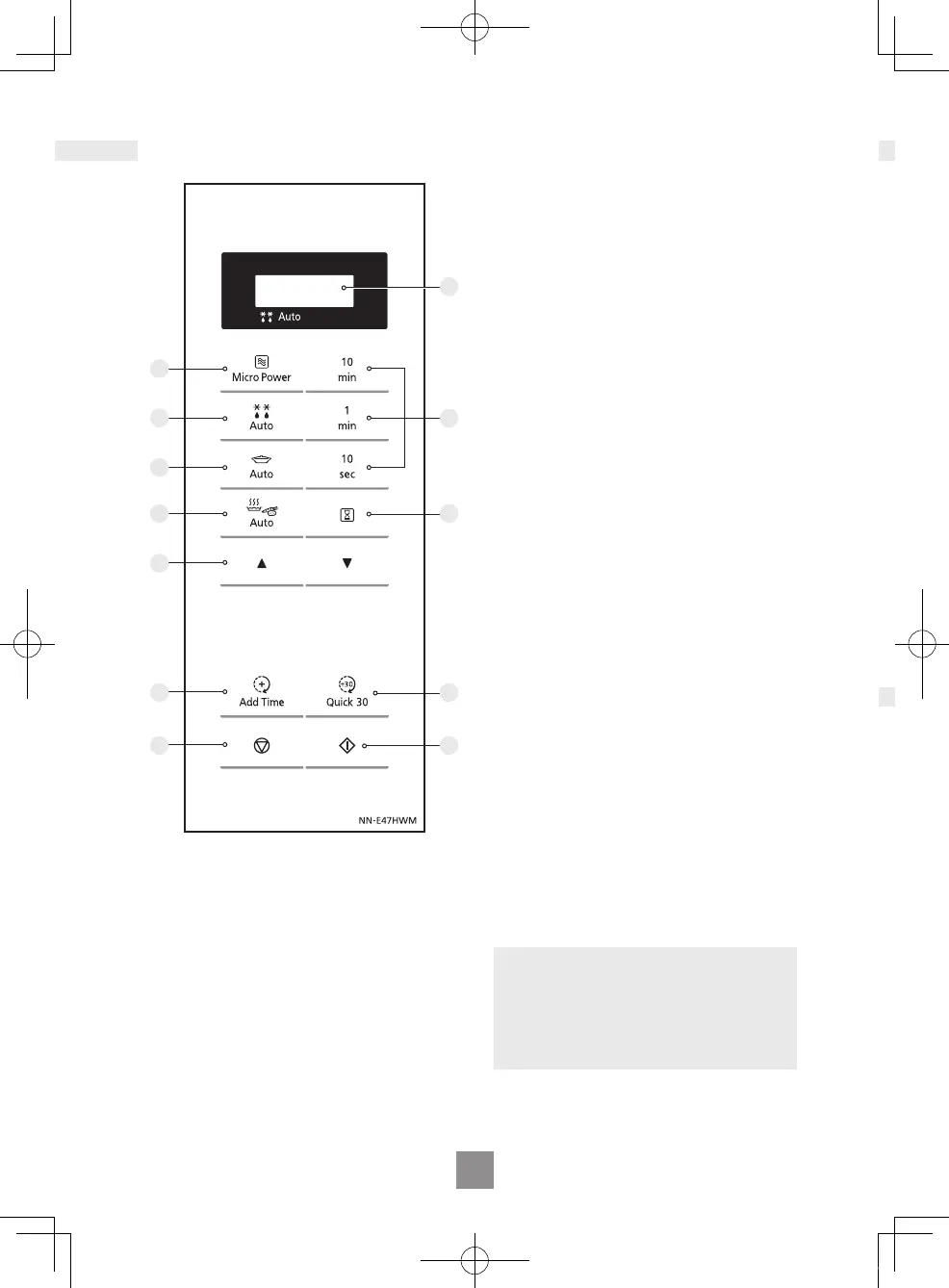
Control panel
1
7
12
10
2
3
4
6
8
9
11
5
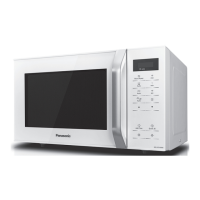
• Your control panel may have
differences in appearance, but the
words on the pads and functionality
will be the same.
Beep sound
When a pad is pressed correctly a
beep will be heard. If a pad is pressed
and no beep is heard, the unit has not
or cannot accept the instruction. The
oven will beep twice between
programmed stages. At the end of any
complete programme, the oven will
beep 5 times and "End" will be
displayed.
1 Display window
2 Micro Power pad
3 Auto Defrost pad
4 Auto Reheat pad
5 Time pads
6 Auto Cook pad
7 Timer / Clock pad
8 Up / Down pads for weight
setting
9 Add Time pad
10 Quick 30 pad
11 Stop / Reset pad
Before Cooking
One press clears your instructions.
During Cooking
One press temporarily stops the
cooking process. Another press
cancels all your instructions and a
colon or the time of day will appear
in the display.
12 Start pad
One press allows oven to begin
operation. If door is opened or
Stop/Reset is pressed once during
oven operation, Start must be
pressed again to restart oven.
Note
If Start is not pressed for 6 minutes
after cooking programme setting, the
oven will automatically cancel the
cooking programme. The display will
revert back to clock or colon.
NN-E47HWM_BPQ.indd 14 2018/07/25 13:51:07



 To Next Page