Before using
7
LSQT1134
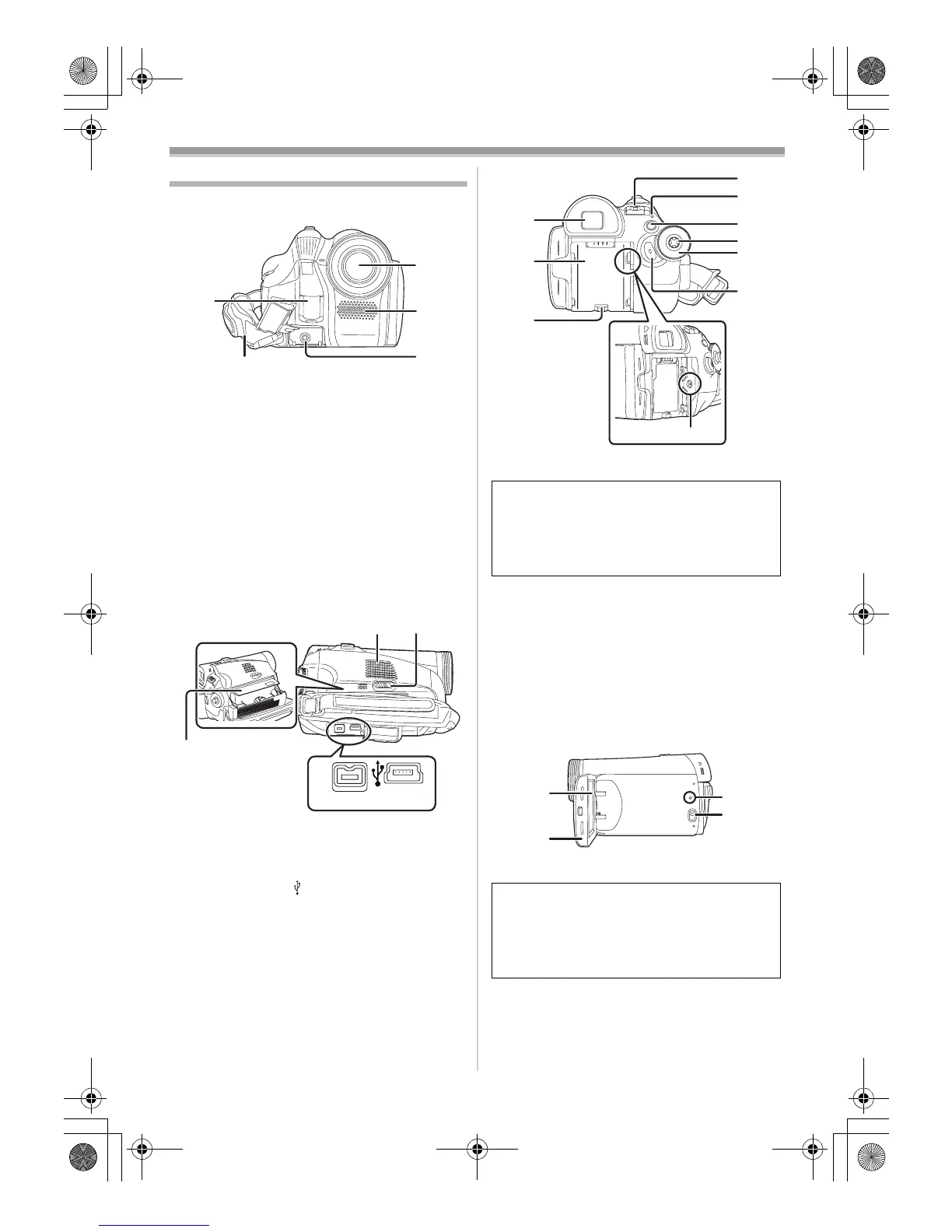
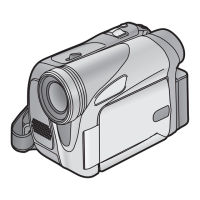
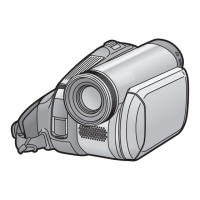
Parts identification and handling
ª Camera
(1) White balance sensor -28-
(2)
Grip belt -8-
(3)
Lens
≥Fit the MC protector (VW-LMC30E;
optional), the ND filter (VW-LND30E;
optional), the tele conversion lens
(VW-LT3014E; optional) or the wide
conversion lens (VW-LW3007E; optional) in
front of the lens. Do not fit the other
accessories. (except for the lens cap)
(4) Microphone (built-in, stereo) -22-, -25-
(5)
Audio-video output terminal [A/V] -32-
≥Use the supplied AV cable only, otherwise
audio may not be played back normally.
(6) Speaker -30-
(7)
Cassette eject lever [OPEN/EJECT] -14-
(8)
Cassette holder -14-
(9)
DV terminal [DV] -32-
(10)
USB terminal [ ]
(11) Viewfinder -12-, -44-
(12)
Battery holder -9-
(13)
Battery release lever
[BATTERY RELEASE]
-9-
(14)
DC input terminal [DC/C.C.IN] -9-
(15)
Power switch [OFF/ON] -10-
(16)
Status indicator -10-
(17)
Menu button [MENU] -17-
(18)
Joystick -15-
(19)
Mode dial -15-
(20)
Recording start/stop button -20-
(21)
LCD monitor -12-, -44-
(22)
LCD monitor open part [OPEN] -12-
(23)
Reset button [RESET] -39-, -41-
(24)
Mode select switch [AUTO/MANUAL/
FOCUS]
-19-, -26-, -28-, -29-
(1)
(3)
(4)
(5)
(2)
DV
(6) (7)
(8)
(9)
(10)
Due to limitations in LCD production
technology, there may be some tiny bright or
dark spots on the Viewfinder screen.
However, this is not a malfunction and does
not affect the recorded picture.
Due to limitations in LCD production
technology, there may be some tiny bright or
dark spots on the LCD monitor screen.
However, this is not a malfunction and does
not affect the recorded picture.
(11)
(12)
(13)
(15)
(16)
(17)
(18)
(19)
(20)
(14)
(21)
(22)
(23)
(24)
LSQT1134ENG.book 7 ページ 2007年1月17日 水曜日 午前11時49分





 To Next Page