
 Need help?
Do you have a question about the Panasonic NV-SD400 Series and is the answer not in the manual?
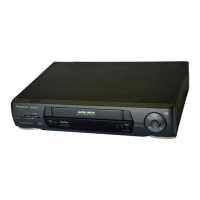
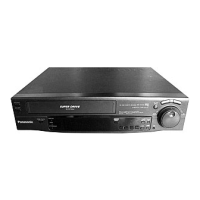
Details buttons and indicators like POWER, EJECT, REC, and PLAY on the VTR's front panel.
Explains all input and output terminals including RF IN, VIDEO IN, AUDIO OUT.
Details the functions of various buttons on the remote controller, such as POWER, PLAY, and REC.
Step-by-step guide to tune the TV to view VTR playback correctly.
Guide to set the VTR's internal clock and use the time reset function.
Overview of basic playback functions and controls like PLAY, FF, REW, and STOP.
Step-by-step guide for performing manual recordings on the VTR.
Detailed steps to set up timer recording programs for future broadcasts.
Guide on how to program recordings using G-Code numbers for automatic setup.





 To Next Page
 General