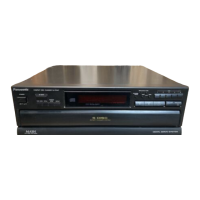
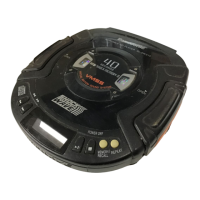
Step 2 Bent the front panel unit forward as arrow shown.
Step 3 Press the 2 catch holders on both sides of the front
panel unit to release the claws.
Step 4 Remove the front panel unit.
Note: Ensure 2 claws on bottom chassis is properly and fully
catched to the front panel holes.
33
SA-VK725DEE



 To Next Page