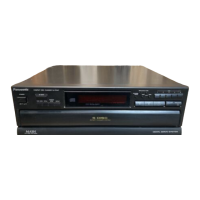
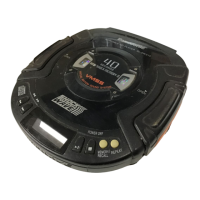
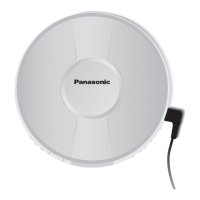
Step 1 Remove volume knob.
Step 2 Remove 2 screws.
Step 3 Lift up Mic Jack holder.
·
Disassembly of Panel P.C.B.
Step 4 Remove 10 screws.
Step 5 Disconnect FFC cable at CP6800.
Step 6 Release 2 catches.
15.11.1. Disassembly of Lid
Step 1 Lift the spring sideward.
Step 2 Remove Lid.
Note: Do not misplace the spring.
15.11. Disassembly for Mic P.C.B. & Panel P.C.B.
·
Follow the (Step 1) - (Step 2) of Item 15.3 - Disassembly of Top Cabinet
·
Follow the (Step 1) - (Step 4) of Item 15.5 - Disassembly of DVD Changer Unit
·
Follow the (Step 1) - (Step 4) of Item 15.10 - Disassembly of Front Panel Unit
34
SA-VK725DEE



 To Next Page