t_
Dear customer
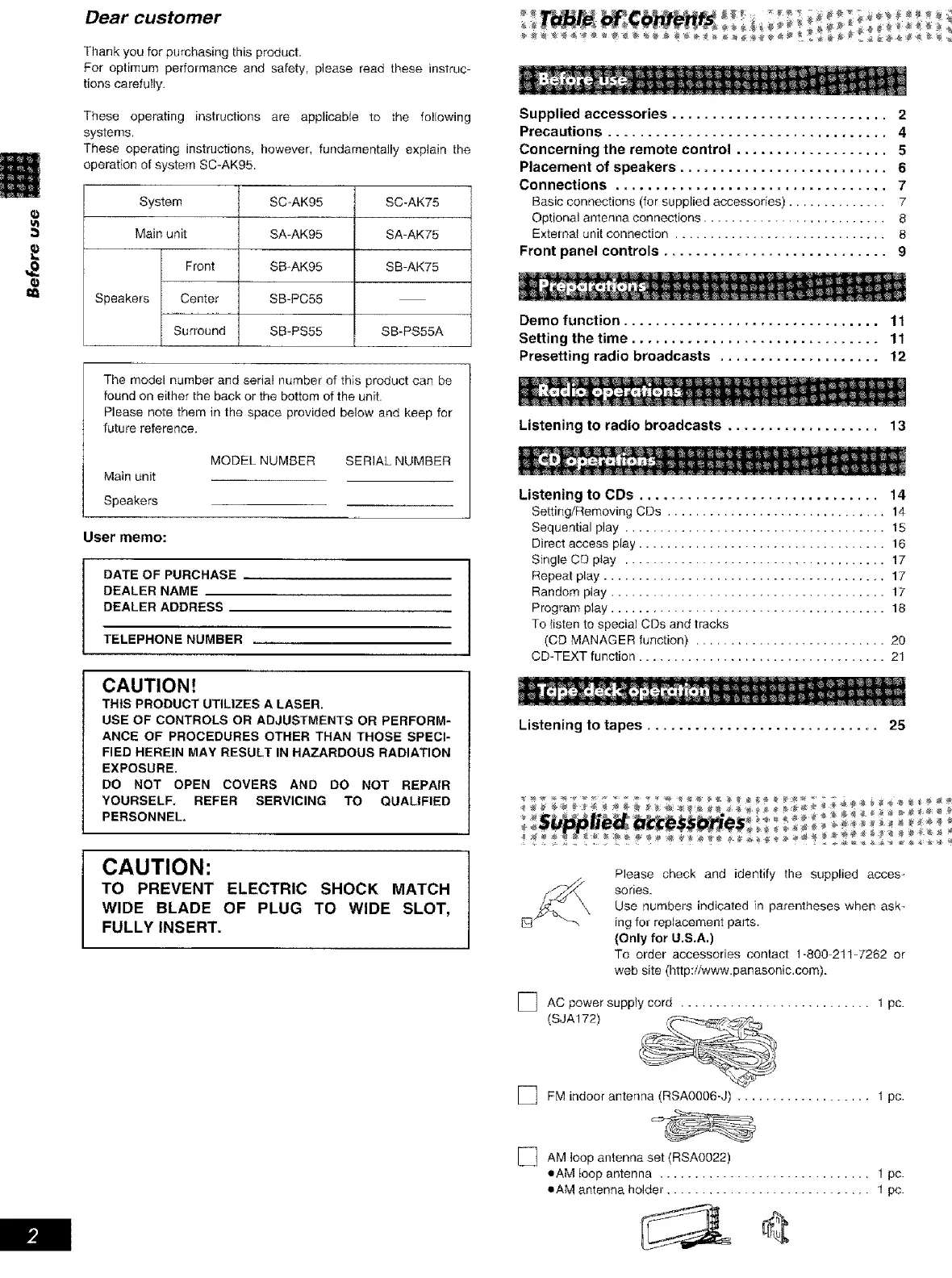
Thank you for purchasing this product.
For optimum performance and safety, please read these instruc
tions carefully.
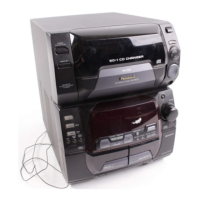
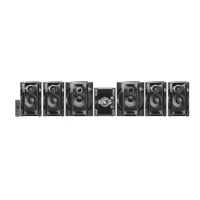
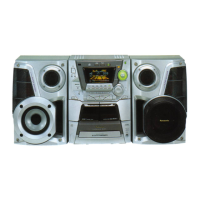
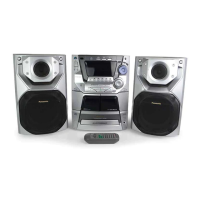
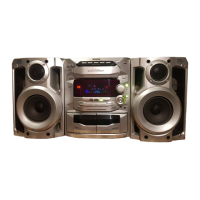
These operating instructions are applicable to the following
systems,
These operating instructions, however, fundamentally explain the
operation of system SC-AKg5,
System
Main unit
Front
Speakers Center
Surround
SC-AK95
SA-AK95
SB-AK95
SB-PC55
SB=PS55
SC-AK75
SA-AK75
SB-AK75
SB-PS55A
The model number and seria! number of this product can be
found on either the back or the bottom of the unit.
Please note them in the space provided below and keep for
future reference.
Main unit
Speakers
MODEL NUMBER
SERIAL NUMBER
User memo:
DATE OFPURCHASE
DEALER NAME
DEALER ADDRESS
TELEPHONE NUMBER
CAUTION_
THIS PRODUCT UTILIZES A LASER.
USE OF CONTROLS OR ADJUSTMENTS OR PERFORM-
ANCE OF PROCEDURES OTHER THAN THOSE SPECI-
FIED HEREIN MAY RESULT IN HAZARDOUS RADIATION
EXPOSURE.
DO NOT OPEN COVERS AND DO NOT REPAIR
YOURSELF. REFER SERVICING TO QUALIFIED
PERSONNEL.
Supplied accessories ........................... 2
Precautions ................................... 4
Concerning the remote control ................... 5
Placement of speakers .......................... 6
Connections .................................. 7
Basic connections (for supplied accessories) .............. 7
Optional antennaconnections .......................... 8
Externatunitconnection .............................. 8
Front panel controls ............................ 9
Dame function ................................ 11
Setting the time ............................... 11
Presetting radio broadcasts .................... 12
Listening to radio broadcasts ................... 13
Listening to CDs .............................. 14
Setting/Removing CDs ............................... 14
Sequential play ..................................... 15
Direct access play ................................... 16
Single CD play ..................................... 17
Repeat play ........................................ 17
Random play ....................................... 17
Program p_ay ....................................... 18
To {isten to special CDs and tracks
(CD MANAGER function) ........................... 20
CD-TEXT function ................................... 21
CAUTION:
TO PREVENT ELECTRIC SHOCK MATCH
WIDE BLADE OF PLUG TO WIDE SLOT,
FULLY INSERT.
Listening to tapes ............................. 25
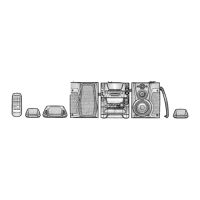
Please check and identify the supplied acces-
sories.
Use numbers indicated in parentheses when ask _
ing for replacement parts_
(Only for U.S.A.)
To order accessories contact 1-800_211W262 or
web site (http:/iwww.panasonic.com).
] AC power supply cord ........................... 1 pc.
(SJA172)
] FM indoor antenna (RSA0006-J) ................... I pc.
[_ AM loop antenna set (RSAO022)
eAM loop antenna .............................. 1 pc.
oAM antenna holder ............................. 1 pc.


 To Next Page
 Loading...