Speaker connections
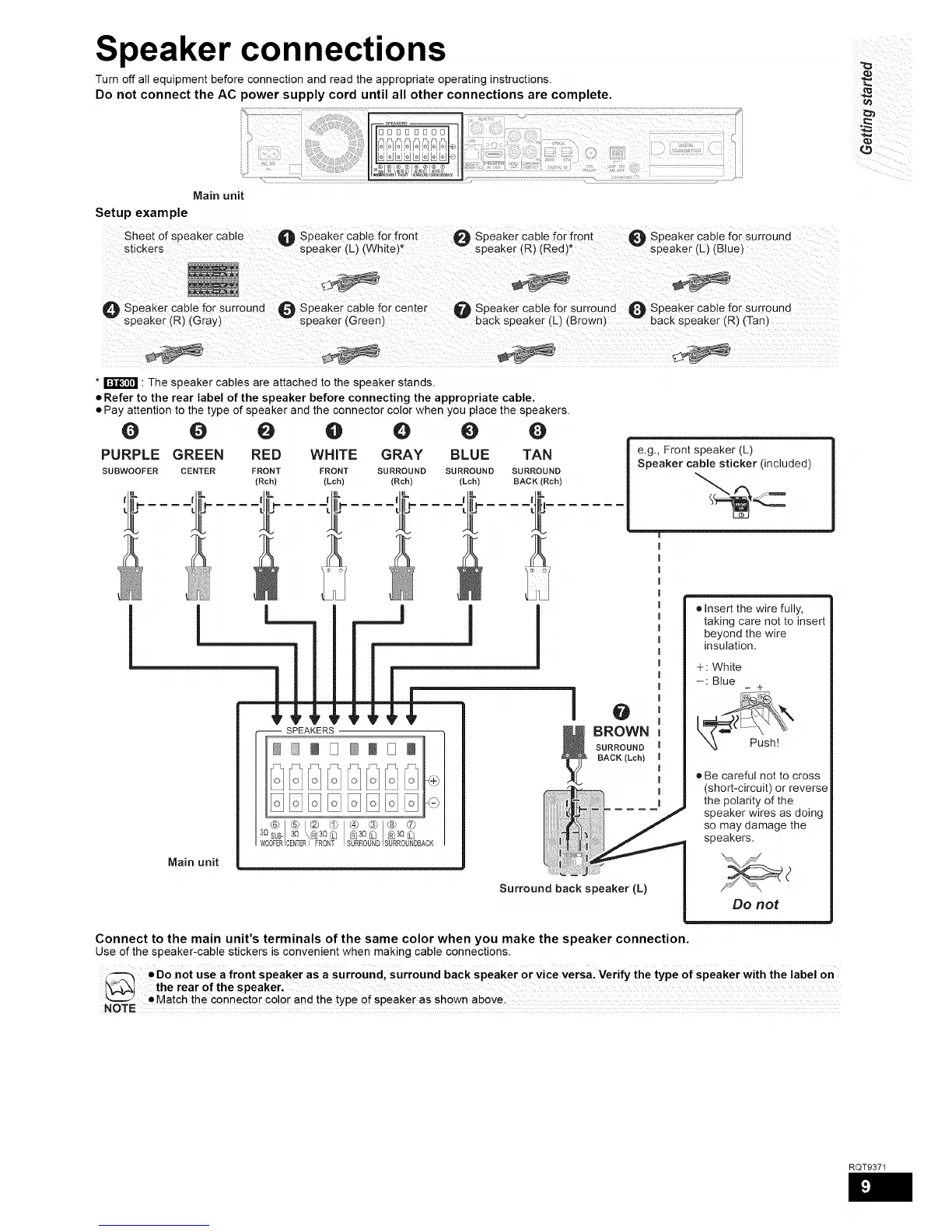
Turn off all equipment before connection and read the appropriate operating instructions.
Do not connect the AC power supply cord until all other connections are complete.
i_ ¸
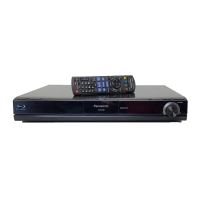
Main unit
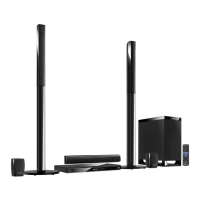
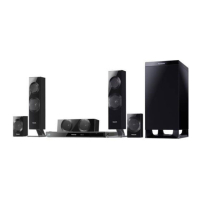
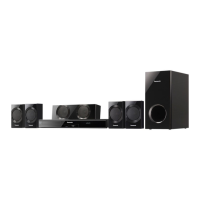
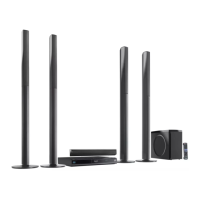
Setup example
Sheet of speaker cable
stickers
O Speaker cable for front _ Speaker cable for front
speaker (L) (White)* v speaker (R) (Red)*
O Speaker cable for surround
speaker (L) (Blue)
O Speaker cable for surround O Speaker cable for center O Speaker cable for surround _[_ Speaker cable for surround
speaker (R) (Gray) speaker (Green) back speaker (L) (Brown) w back speaker (R) (Tanl
* _ : The speaker cables are attached to the speaker stands.
• Refer to the rear label of the speaker before connecting the appropriate cable.
• Pay attention to the type of speaker and the connector color when you place the speakers.
0 O 0
PURPLE GREEN RED
SUBWOOFER CENTER FRONT
(Rch)
I--
@ @ 0 0
WHITE GRAY BLUE TAN
FRONT suRROuND suRROuND suRROuND
(Lch) (Rch) (Lch) BACK (Rch)
e.g., Front speaker (L)
Speaker cable sticker (included)
!
-- SPEAKERS
i I D @ I D l<÷
@1®/® @ ® ® ® ®
3Osu_so \®so© _so© _so©
WOOFERCENTE_FRONT SURROUNDSURROUNDBADK
I @
_ BROWN
SURROUND
BACK (Lch)
Main unit
Surround back speaker (L)
Connect to the main unit's terminals of the same color when you make the speaker connection.
Use ofthe speaker-cable stickers is convenientwhen making cable connections.
• Insert the wire fully,
taking care not to insert
beyond the wire
insulation.
÷ White
-: Blue
- +
• Be careful not to cross
(short-circuit) or reverse
the polarity of the
speaker wires as doing
so may damage the
speakers.
Do not
RQT9371





 To Next Page