J Unit GUI screen I
Icon Content Operation
.......... Start and finish points for A-S repeat. Press [ENTER] at the start point and press
t,L--/ again at the finish point.
Press [ENTER[ to cancel A-B repeat.
.......... Select a repeat play mode: C (chapter), T (title), OFF Press [A] or [V].
€.30PF
First press [ENTER] to Mark a position Press [ENTER],
select the icon.
Recall a mark Press [4] or [1_] to select the mark and press
'_ [ENTER] to recall the position.
P *****
Erase a mark Press [<1]or [1_]to select the mark and press
[CANCEL[.
CINEMA mode on (C) or off (N). Press [&] or [Y].
I Shuttle GUI J
m
t.-
o
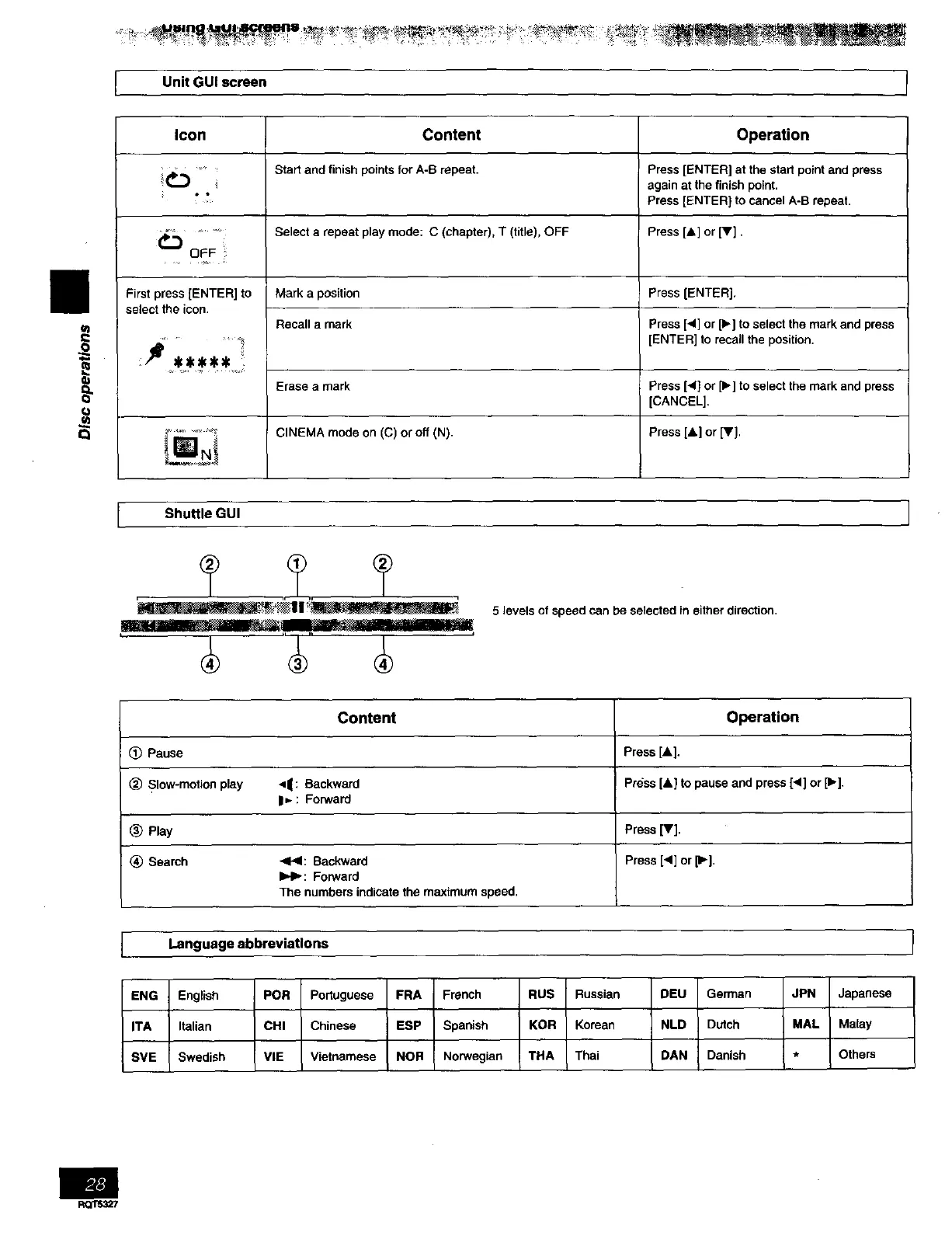
5 levels of speed can be selected in either direction.
(_ Pause
(_ Slow-motion play
(_) Play
_) Search
Content
•q|: Backward
|=. : Forward
<1,4: Backward
I_1_: Forward
The numbers indicate the maximum speed.
Operation
Press[A].
Press[&] to pause and press [<] or [1_],
Press [V].
Press [_1] or [1_].
Language abbreviations
ENG English POR Portuguese FRA French RUS Russian DEU German JPN Japanese
ITA Italian CHI Chinese ESP Spanish KOR Korean NLD Dutch MAL Malay
SVE Swedish VIE Vietnamese NOR Norwegian THA Thai DAN Danish * Others
Rccrs._7



 To Next Page