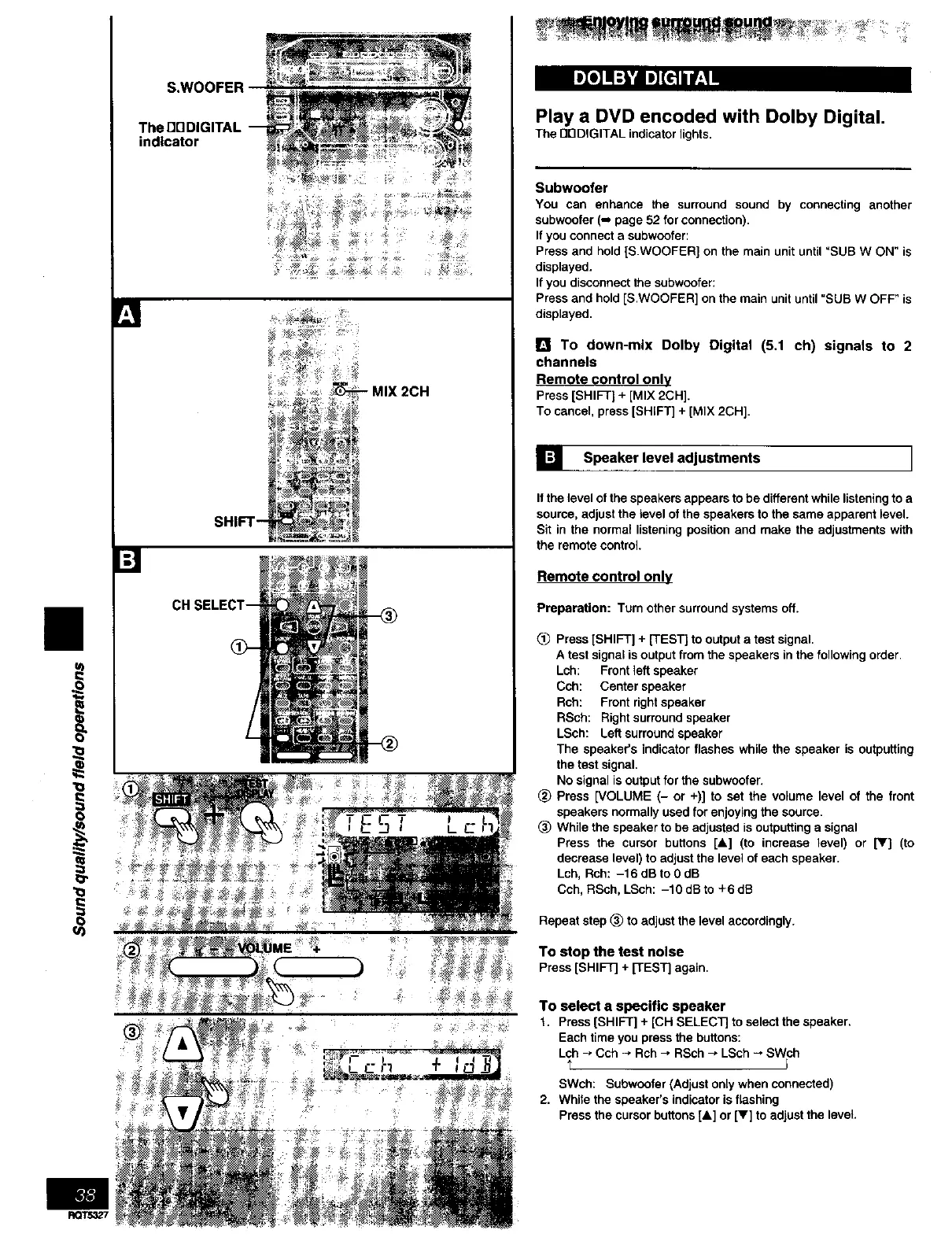
The
indicator
i
RQT5327
SHIFT--
Play a DVD encoded with Dolby Digital.
The nnDIGITAL indicator lights.
Subwoofer
You can enhance the surround sound by connecting another
subwoofer (-, page 52 for connection).
If you connect a subwoofer:
Press and hold {S.WOOFER] on the main unit until "SUB W ON" is
displayed.
If you disconnect the subwcofer:
Press and hold [S.WOOFER] on the main unit until _SUB W OFF" is
displayed.
[] To down-mix Dolby Digital (5.1 ch) signals to 2
channels
Remote control only
Press[SHIFT] + [MIX 2CH].
To cancel, press [SHIFT] + [MIX 2CH].
] Speaker level adjustments I
If the level of the speakers appears to be different while listening to a
source, adjust the level of the speakers to the same apparent level.
Sit in the normal listening position and make the adjustments with
the remote control.
Remote control only
Preparation: Turn other surround systems off.
(_ Press [SHIFT] + [TEST] to output a test signal.
A test signal is output from the speakers in the following order•
Lch: Front left speaker
Cch: Center speaker
Rch: Front right speaker
RSch: Right surround speaker
LSch: Left surround speaker
The speaker's indicator flashes while the speaker is outputting
the test signal.
No signal is output for the subwcofer.
_) Press [VOLUME (- or +)] to set the volume level of the front
speakers normally used for enjoying the source.
(_) While the speaker to be adjusted is outputting a signal
Press the cursor buttons [A] (to increase level) or IV] (to
decrease level) to adjust the level of each speaker.
Lch, Rch: -16 dB to OdB
Cch, RSch, LSch: -10 dB to +6 dB
Repeat step (_) to adjust the level accordingly.
To stop the test noise
Press [SHIFT] + [TEST] again.
To select a specific speaker
t. Press [SHIFT] + [CHSELECTJto select the speaker.
Each time youpressthebuttons:
Lch * Cch ÷ Rch_ RSch_ LSch_ SWch
t J
SWch: Subwcofer (Adjust only when connected)
2. While the speaker's indicator is flashing
Press the cursor buttons [&] or [V] to adjust the level.



 To Next Page