I
i
==
B_
RQT5327
FM MODE/
BP
2
[]
• • _ • _i ¸
FM MODE/BP
1
n_uuruq!y ul_ fuylu
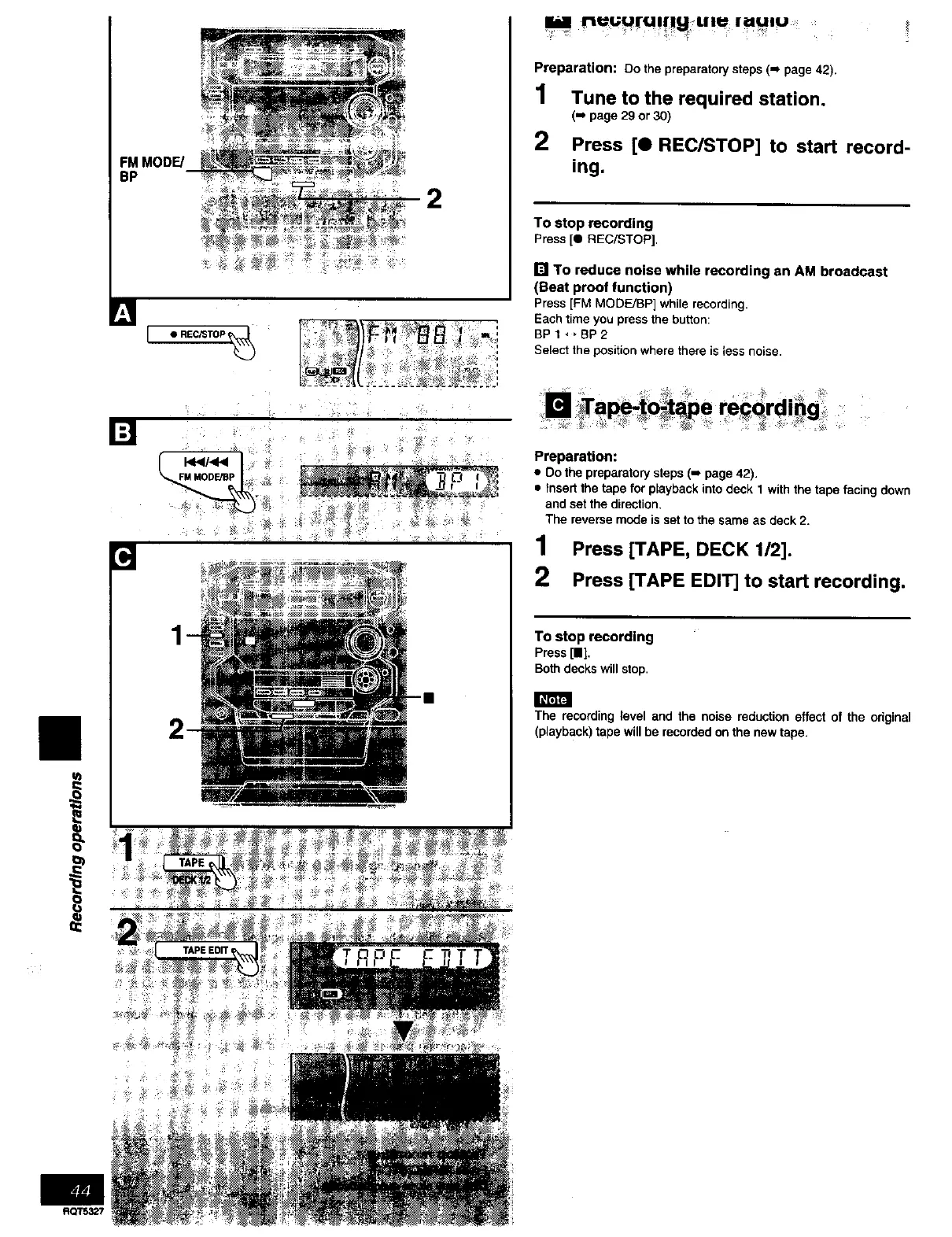
Preparation: Do the preparatory steps (-_ page 42).
1 Tuneto the required station.
('_ page 29 or 30)
2 Press [O REC/STOP] to start record-
ing.
To stop recording
Press [e REC/STOP],
[] To reduce noise while recording an AM broadcast
(Beat proof function)
Press [FM MOOFJBP] while recording.
Each time you press the button:
BPI,*BP2
Select the position where there is less noise.
[] _Tape-_o@_e re_qrd=_g
Preparation:
• Do the preparatory steps (-, page 42).
• Insert the tape for playback into deck 1 with the tape facing down
and set the direction.
The reverse mode is set to the same as deck 2.
1 Press [TAPE, DECK 1/2].
2 Press [TAPE EDIT] to start recording.
To stop recording
Press [I],
Both decks willstop.
The recording level and the noise reduction effect of the original
(playback) tape will be recorded on the new tape.



 To Next Page