l
0
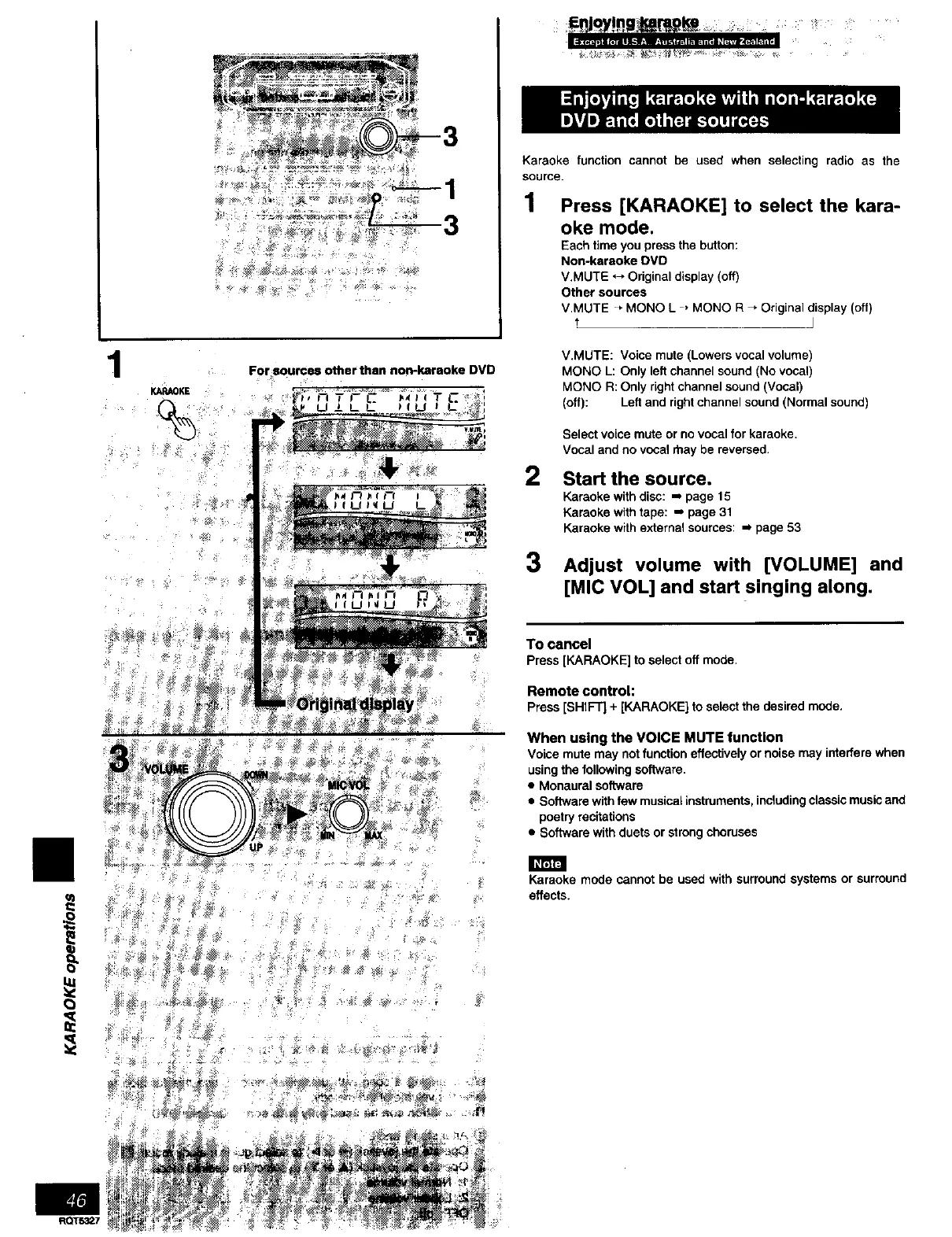
For sources other than non-karaoke DVD
XA_OKE
%1
Karaoke function cannot be used when selecting radio as the
source.
1 Press [KARAOKE] to select the kara-
oke mode.
Each time you press the button:
Non-karaoke DVD
V.MUTE ,_, Original display (off)
Other sources
V.MUTE * MONO L , MONO R _ Original display (off)
J
V.MUTE: Voice mute (Lowers vocal volume)
MONO L: Only left channel sound (No vocal)
MONO R: Only right channel sound (Vocal)
(off): Left and right channel sound (Normal sound)
2
3
Select voice mute or no vocal for karaoke.
Vocal and no vocal rhay be reversed.
Start the source.
Karaoka with disc: -, page 15
Karaoke with tape: m page 31
Karaoke with external sources: m page 53
Adjust volume with [VOLUME] and
[MIC VOL] and start singing along.
To cancel
Press[KARAOKE] to selectoff mode.
Remote control:
Press[SHIFT] + [KARAOKE} to selectthedesired mode.
When using the VOICE MUTE function
Voice mute may not function effectively or noise may interfere when
using the following software,
• Monaural software
• Software with few musical instruments, including classic music and
poetry recitations
• Software with duets or strong choruses
Karaoke mode cannot be used with surround systems or surround
effects.
t_Ts_t7



 To Next Page