EasyManua.ls Logo

Panasonic SC-HT65 - User Manual

Panasonic SC-HT65
24 pages
Print Icon
To Next Page IconTo Next Page
Loading...
RQTV0225-B
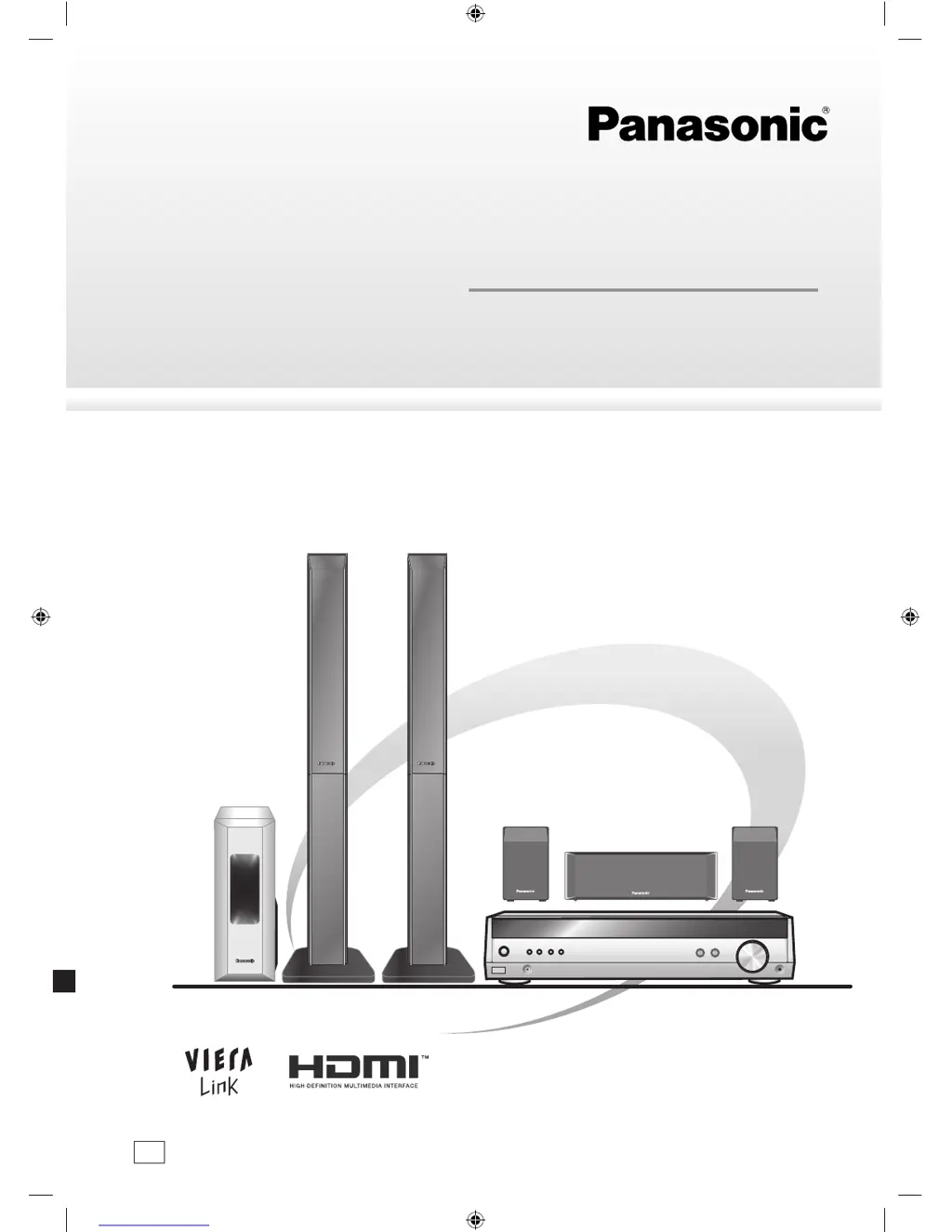
Operating Instructions
Home Theater Audio System
Model No. SC-HT65
GN
SC-HT65 GN-En.indb 1 8/17/2007 4:19:29 PM

Questions and Answers

  • G
    gregorymichaelJul 30, 2025
    What to do if my Panasonic SC-HT65 says 'CHECK CONNECTION TO LS/RS SPEAKERS'?
    • H
      higginsaudreyJul 30, 2025
      If your Panasonic Stereo System displays the message 'CHECK CONNECTION TO LS/RS SPEAKERS', it indicates that one or both of your surround speakers are not detected. The solution is to check the speaker connections to ensure they are properly connected.
  • B
    Brandon MorrisonAug 10, 2025
    What to do if my Panasonic SC-HT65 Stereo System says 'CHECK CONNECTION TO L/R SPEAKERS'?
    • J
      Justin CoxAug 10, 2025
      If your Panasonic Stereo System shows 'CHECK CONNECTION TO L/R SPEAKERS', check the front (L) and (R) connections to ensure they are properly connected.
  • Q
    qwatsonAug 18, 2025
    How to fix 'INSERT MIC' error on Panasonic SC-HT65 Stereo System?
    • S
      stephaniejohnsonAug 18, 2025
      The 'INSERT MIC' error on your Panasonic Stereo System means the calibration microphone is not detected. To resolve this, ensure the microphone is correctly inserted.

Summary

The Remote Control

Remote Control Guide

Explains the buttons and functions of the remote control.

Control Guide

Speaker Setup

Speaker Placement Guidelines

Provides instructions on optimal speaker positioning for best sound.

Speaker Setup

Connecting Speakers to the Receiver

Guides on how to connect speaker cables to the receiver unit.

Home Theater Connections

HDMI and VIERA Link Setup

Connecting the system via HDMI for audio/video and VIERA Link control.

Home Theater Connections

Connecting AV Sources

Details connections for TV, BD/DVD recorders, and DVD players.

Antenna and AC Mains Supply Connections

AC Mains Lead Connection

Instructions for securely connecting the power supply cord.

Auto Speaker Setup

Auto Speaker Setup Process

Step-by-step guide for performing automatic speaker calibration.

Setup Parameters Explained

Details the settings adjusted during the auto speaker setup process.

Auto Speaker Setup

Initiating and Completing Auto Setup

Instructions for starting, finishing, and cancelling the auto setup.

Auto Speaker Setup Troubleshooting

Solutions for common error messages encountered during setup.

Settings

Basic Operations

Menu Operation

Radio Operation

Sound Field Adjustments

The RESET Function

Factory Reset Procedure

Instructions to initialize the unit to factory default settings.

Remote Control Operation

Troubleshooting Guide

Common Problems and Solutions

Troubleshooting steps for common operational issues.

Safety Precautions

Unit Placement and Voltage Warnings

Guidelines for safe placement and power source usage.

AC Mains Lead and Foreign Matter Safety

Precautions regarding the power cord and preventing internal contamination.

Panasonic SC-HT65 Specifications

General IconGeneral
TypeHome Theater System
Total Power Output1000 W
Speaker Configuration5.1 Channel
Disc PlaybackDVD, CD
DVD PlayerYes
Radio TunerFM
Dolby DigitalYes
DTS DecoderYes
OutputsSpeaker Outputs

Related product manuals