EasyManua.ls Logo

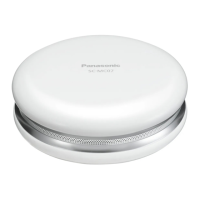
Panasonic SC-MC07 - User Manual

Panasonic SC-MC07
120 pages
Print Icon
To Next Page IconTo Next Page
Loading...
VQT4E49
English
Deutsch
Italiano
Español
Français
Português
Svenska
Dansk
Suomi
中文
Nederlands
ﻴﺑﺮﻌﻟﺍ
until
2012/03/05
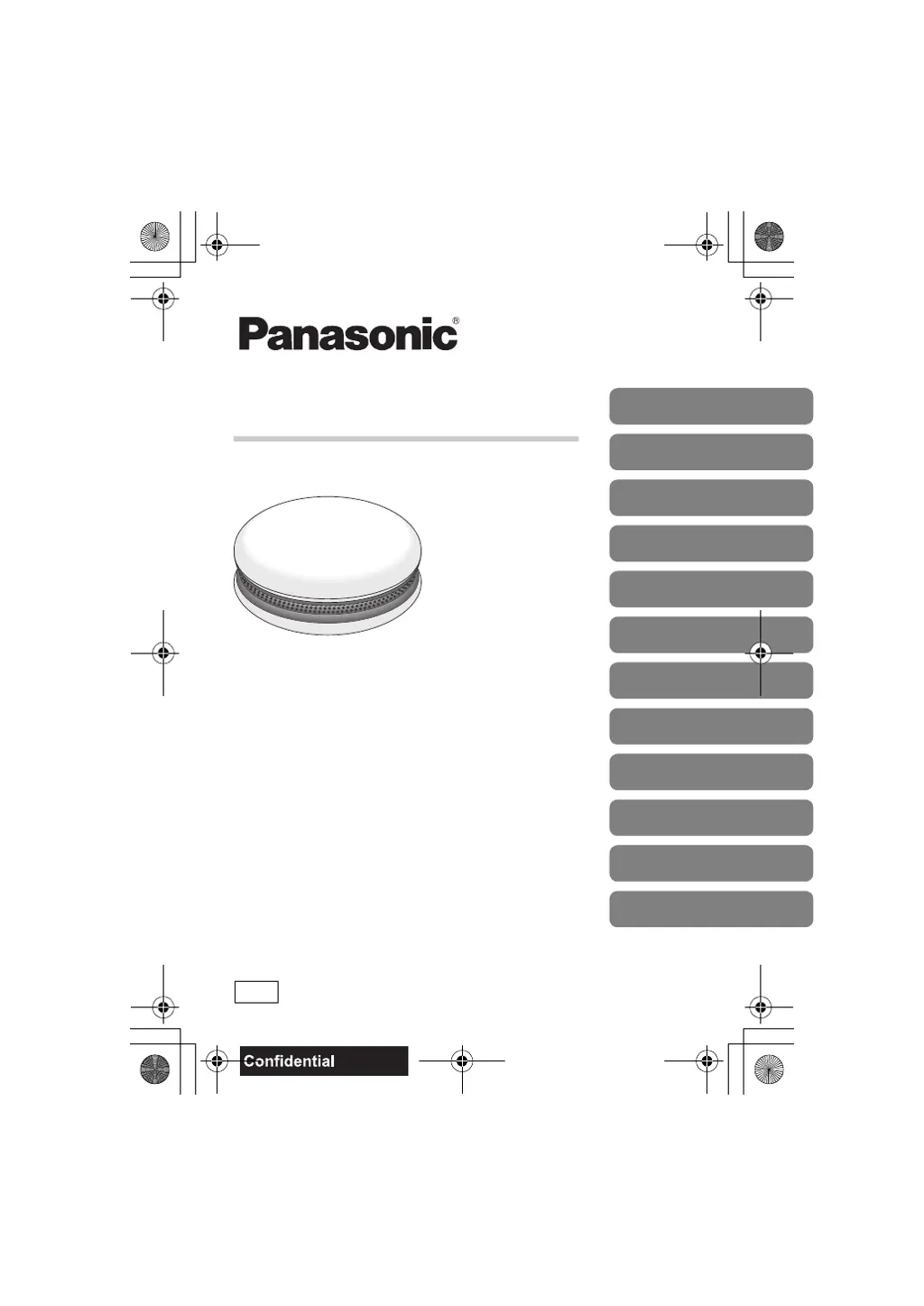
Compact Speaker System
Model No. SC-MC07
Operating Instructions
Bedienungsanleitung
Mode d’emploi
Istruzioni per l’uso
Instrucciones de funcionamiento
Betjeningsvejledning
Gebruiksaanwijzing
Bruksanvisning
Käyttöohjeet
Instruções de Funcionamento
使用说明书
ﻞﻴﻐﺸﺘﻟﺍ ﺕﺎﻤﻴﻠﻌﺗ
E
SC-MC07_E.book 1 ページ 2012年2月14日 火曜日 午後5時26分

Questions and Answers

  • S
    Samantha ArnoldAug 10, 2025
    What to do if Panasonic SC-MC07 cannot be connected?
    • J
      Jennifer BruceAug 10, 2025
      If your Panasonic Speaker System cannot be connected, the pairing of the device may have been unsuccessful or replaced. Try reading the instructions and try again, or do pairing again. Delete the pairing information for this unit from the Bluetooth device, then perform the pairing operation again. Make sure that this unit is not connected to a different device.
  • S
    Sara ThomasAug 15, 2025
    What to do if Panasonic Speaker System turns on but no audio and indicator blinks?
    • C
      Cynthia AdamsAug 15, 2025
      If, when you turn on the Panasonic Speaker System, audio is not output and the indicator blinks alternately in red and blue, a problem has occurred. Disconnect the USB cable from the speaker and remove the batteries. After waiting for a few moments, reconnect the USB cable or reinsert the batteries and turn on the power.
  • S
    Steven KellerAug 22, 2025
    What to do if Panasonic SC-MC07 is connected but no audio?
    • A
      Amanda LloydAug 22, 2025
      For some built-in Bluetooth devices, you have to set the audio output to “SC-MC07” manually. Read the operating instructions of the device for details.
  • A
    Amber FarleyAug 27, 2025
    Why does the Panasonic SC-MC07 sound keep cutting off?
    • M
      Misty MoonAug 28, 2025
      Sound from your Panasonic Speaker System might be disrupted if signals are blocked. Avoid fully covering the unit with your palm. If the device is out of the 10 m communication range, move it nearer to the unit. Also, remove any obstacle between the unit and the device, and switch off any wireless LAN device. Selecting “MODE 1” for stable communication may also help. Finally, if the indicator lights up red, replace the batteries.
  • C
    Christopher SmithSep 2, 2025
    What to do if there is no response when buttons are pressed on Panasonic Speaker System?
    • K
      Kelly JohnsonSep 3, 2025
      Press [Í/I] to turn the power on. Press and hold [Í/I] for about 10 seconds until the indicator turns off.

Summary

Safety Precautions

Unit Safety Guidelines

Safety warnings related to the unit's placement and usage environment.

Battery Handling Precautions

Warnings and precautions for handling and using batteries to prevent hazards.

Powering the Unit

Bluetooth Audio Operation

Pairing and Wireless Audio Playback

Step-by-step guide to pair a Bluetooth device and play audio wirelessly.

Troubleshooting and Reset

Device Connectivity Issues

Addresses problems with pairing and connecting Bluetooth devices.

Audio Playback Problems

Solutions for issues like no sound or intermittent audio during playback.

Indicator Light Diagnostics

Explains specific indicator light patterns and their meanings.

Factory Reset Procedure

Steps to reset the unit to factory settings and clear pairing information.

Technical Specifications

Understanding Bluetooth

Panasonic Limited Warranty

Warranty Coverage Details

Details the 12-month warranty, coverage limitations, and exclusions for the product.

Panasonic SC-MC07 Specifications

General IconGeneral
BrandPanasonic
ModelSC-MC07
CategorySpeaker System
LanguageEnglish

Related product manuals