EasyManua.ls Logo

Panasonic TH-42PHD5 - User Manual

Panasonic TH-42PHD5
40 pages
Print Icon
To Next Page IconTo Next Page
Loading...
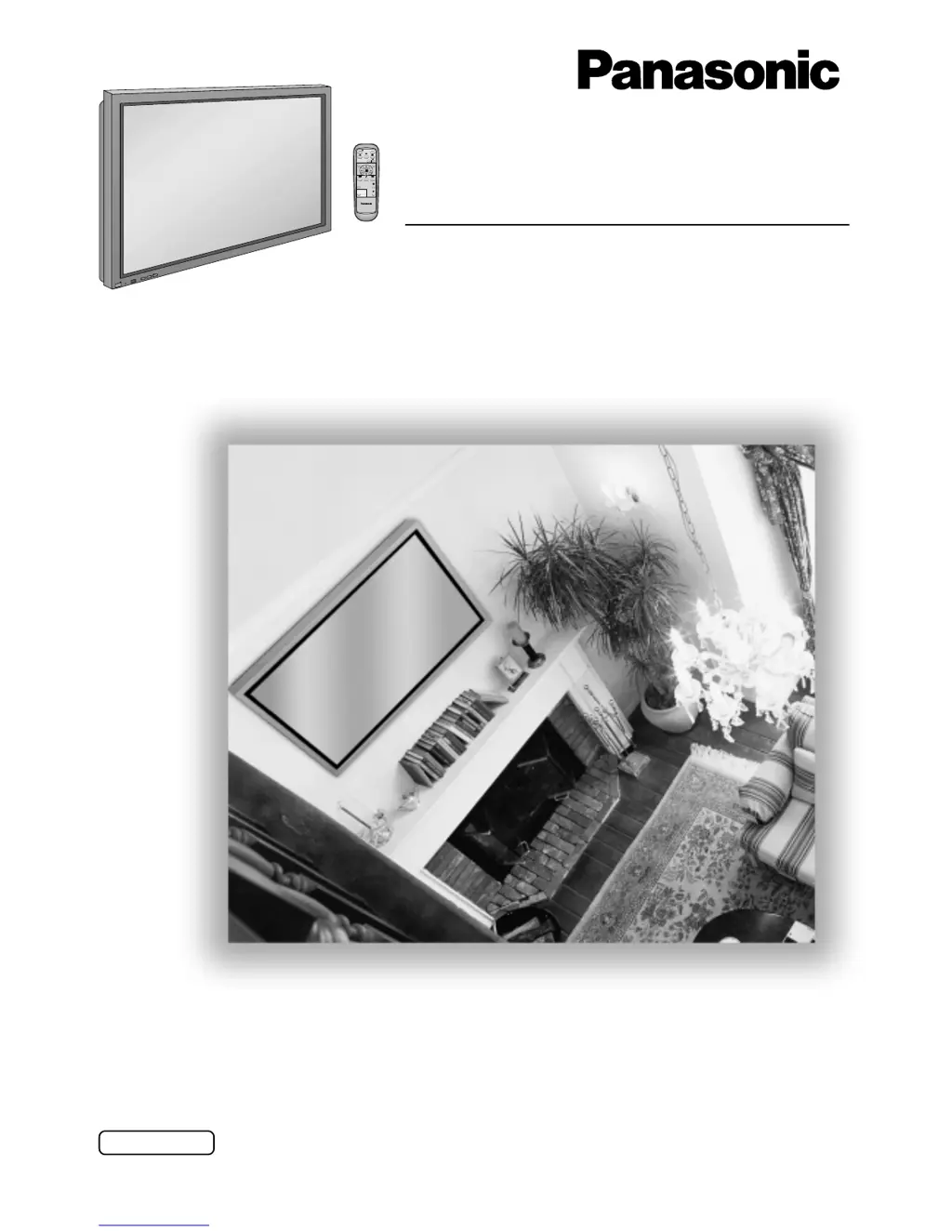
High Definition Plasma Display
Operating Instructions
TH-42PHD5
TH-50PHD5
Model No.
®
R
-
S
T
A
N
D
B
Y
G
P
O
W
E
R
O
N
I
N
P
U
T
V
O
L
+
P
O
W
E
R
/
PLASMA DISPLAY
TQBC0467-1
Before connecting, operating or adjusting this product, please read these instructions completely. Please keep this
manual for future reference.
English

Questions and Answers

  • A
    Alison LopezAug 11, 2025
    What to do if my Panasonic Monitor has no picture?
    • D
      Danielle WilliamsAug 11, 2025
      If your Panasonic Monitor displays no picture, ensure it is plugged into an AC outlet and switched on. Also, check the Picture and Brightness/Volume settings by pressing the power switch or standby button on the remote control. If a signal with a non-applicable colour system format, or frequency is input, only the input terminal indication is displayed.
  • A
    April BurnsAug 17, 2025
    Why does my Panasonic TH-42PHD5 Monitor have no sound?
    • D
      Daniel RuizAug 17, 2025
      If your Panasonic Monitor has no sound, check whether the mute function has been activated on the remote control by checking the volume.
  • P
    portersusanAug 23, 2025
    What to do if after-images appear on my Panasonic TH-42PHD5 Monitor?
    • G
      Gilbert SanchezAug 23, 2025
      To prevent after-images on your Panasonic Monitor, avoid displaying still pictures for extended periods, as this can cause a permanent after-image. This product is not designed to display fixed images for extended periods of time.
  • M
    Miranda PerezAug 29, 2025
    Why does my Panasonic TH-42PHD5 Monitor have no colour?
    • H
      Heather NolanAug 29, 2025
      If your Panasonic Monitor displays no color, check if the color controls are set at the minimum level. Also, check the color system.
  • A
    Alan HartSep 4, 2025
    Why does my Panasonic TH-42PHD5 Monitor make whirring sounds?
    • S
      Scott RiveraSep 4, 2025
      The whirring sound from your Panasonic Monitor is caused by the rotation of the fan and is not a malfunction.

Panasonic TH-42PHD5 Specifications

General IconGeneral
Screen Size42 inches
Panel TypePlasma
Brightness1000 cd/m²
Contrast Ratio3000:1
Viewing Angle160°
Weight25 kg
Aspect Ratio4:3
Resolution1024 x 768 pixels
Native Resolution1024 x 768 pixels
Input TerminalsBNC, RCA

Related product manuals