EasyManua.ls Logo

Panasonic TH-42PWD5 - User Manual

Panasonic TH-42PWD5
44 pages
Print Icon
To Next Page IconTo Next Page
Loading...
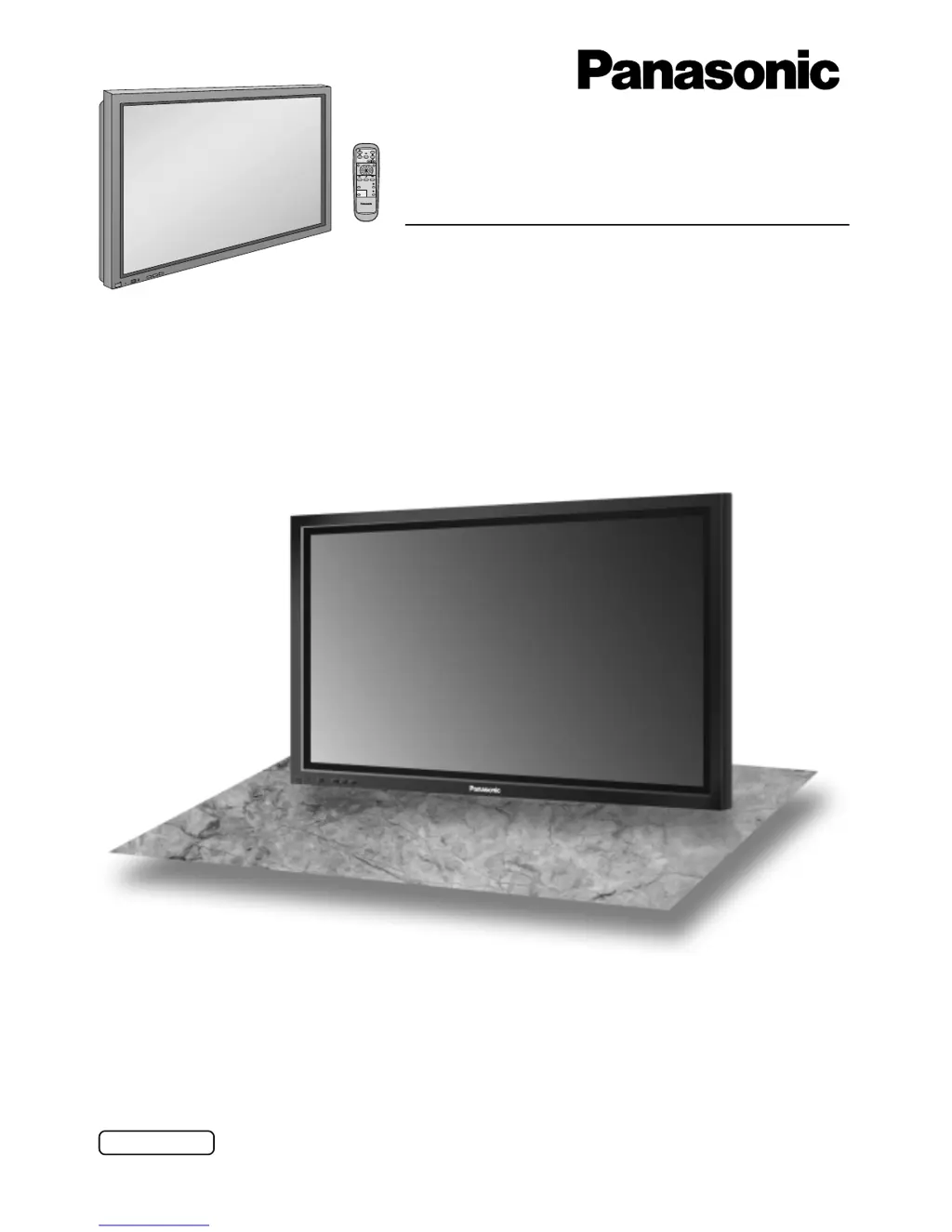
Progressive Wide Plasma Display
Operating Instructions
TH-42PWD5
Model No.
®
R
-
S
T
A
N
D
B
Y
G
P
O
W
E
R
O
N
I
N
P
U
T
V
O
L
+
P
O
W
E
R
/
PLASMA DISPLAY
TQBC0430-1
Before connecting, operating or adjusting this product, please read these instructions completely. Please keep this
manual for future reference.
English

Questions and Answers

  • D
    Daniel HebertJul 31, 2025
    What to do if my Panasonic Monitor shows no picture?
    • B
      bruce87Jul 31, 2025
      If your Panasonic Monitor displays no picture, ensure it is plugged into the AC outlet and switched on. Check this by pressing the power switch or stand-by button on the remote control. Also, verify the Picture and Brightness/Volume settings.
  • J
    Joshua ScottAug 8, 2025
    Why does my Panasonic TH-42PWD5 have a normal picture, but no sound?
    • U
      umitchellAug 8, 2025
      If your Panasonic Monitor displays a normal picture but you have no sound, check whether the mute function has been activated on the remote control.
  • T
    Thomas CampbellAug 15, 2025
    Why does my Panasonic TH-42PWD5 Monitor have no colour?
    • V
      vhensleyAug 16, 2025
      If your Panasonic Monitor displays no color, check the Colour system setting. The colour controls may also be set at the minimum level.
  • A
    Alexander GloverAug 22, 2025
    Why do some parts of the screen on my Panasonic TH-42PWD5 Monitor not light up?
    • D
      Donald LongAug 22, 2025
      This is not a malfunction.

Summary

Important Safety Notice

Connections Overview

PC Input Terminal Connection

Serial Terminal Connection

Basic Controls Overview

Power and Input Signal Handling

AC Power Cord Connection

Steps for connecting the AC power cord to the display.

Power On;Off Operation

How to turn the display on and off using the remote and unit.

Input Signal and Menu Language Setup

Selecting the Input Signal

How to choose the active input source for the display.

On-Screen Menu Navigation

Picture Adjustments

Basic Picture Settings

Adjusting Picture Mode, Contrast, Brightness, Colour, Tint, and Sharpness.

Advanced Picture Settings

Accessing advanced picture adjustments like Black Extension and White Balance.

Input Signal Configuration

Component;RGB Input Selection

Selecting between Component and RGB signal inputs.

Troubleshooting Common Issues

Optional Terminal Board Connectivity

AV Input Terminal Connections

Component and RGB Input Connectivity

Digital RGB Input Connection

Panasonic TH-42PWD5 Specifications

General IconGeneral
BrandPanasonic
ModelTH-42PWD5
CategoryMonitor
LanguageEnglish

Related product manuals