EasyManua.ls Logo

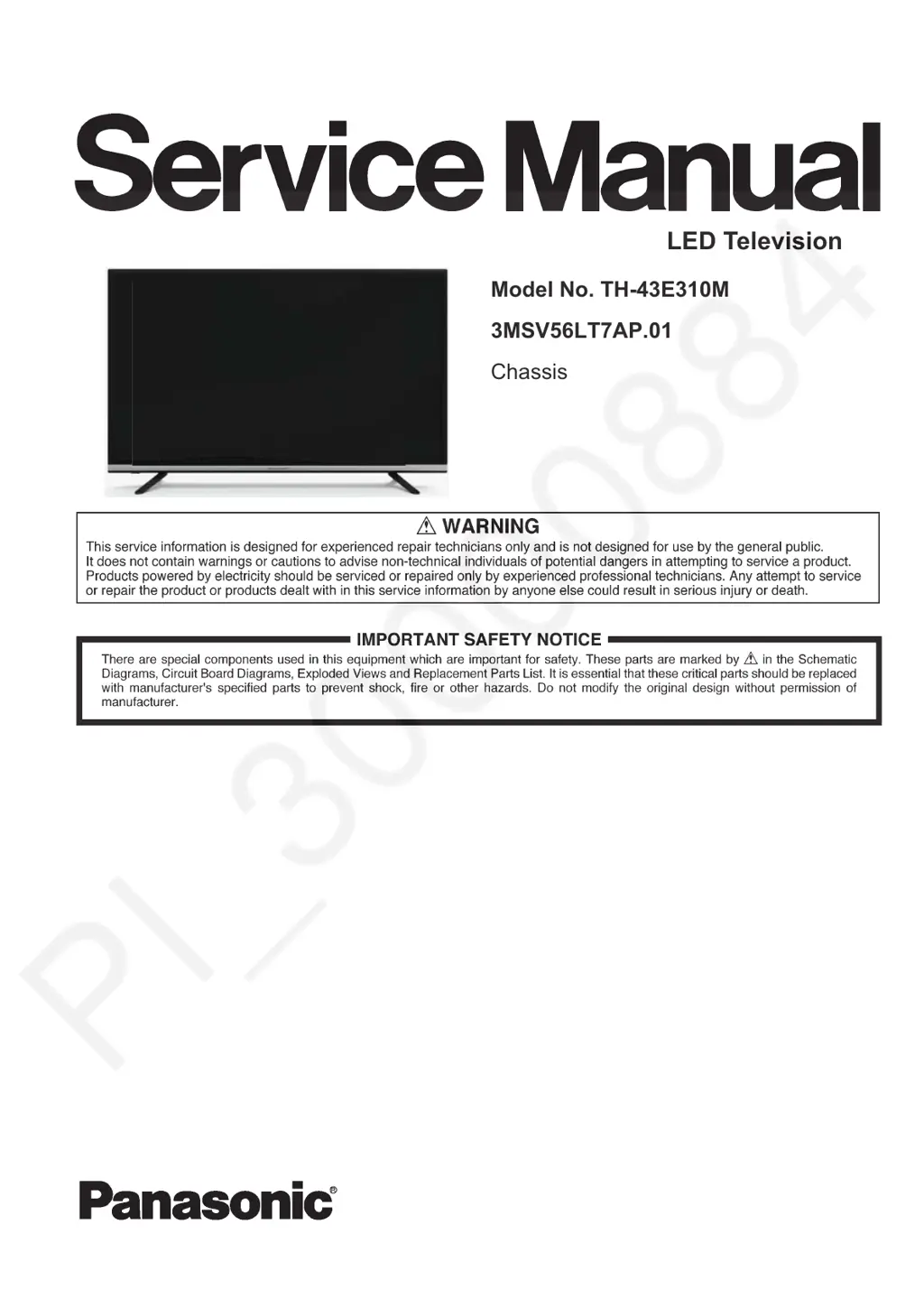
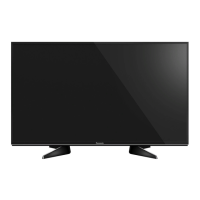
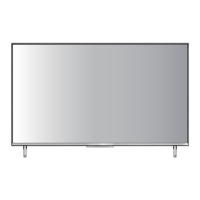
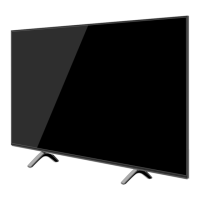
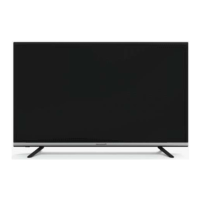
Panasonic TH-43E310M - User Manual

Panasonic TH-43E310M
34 pages
Print Icon
To Next Page IconTo Next Page
Loading...
3DQDVRQLF&RUSRUDWLRQ
8QDXWKRUL]HG FRS\LQJ DQG GLVWULEXWLRQ LV D YLRODWLRQ
RIODZ
/('7HOHYLVLRQ
0RGHO1R7+(0
069/7$3
&KDVVLV

Questions and Answers

Summary

Important Safety Notices

General Safety Warnings

Warnings for experienced technicians regarding product servicing and potential dangers.

Critical Component Replacement

Emphasis on using manufacturer-specified parts for safety and hazard prevention.

Operational Cautions

Radiation Exposure Warning

Caution against improper adjustments leading to hazardous radiation exposure.

Electrical Shock Prevention

Warnings to avoid removing covers and refer servicing to qualified personnel.

Appliance Protection Warning

Warning against exposing the appliance to rain or moisture.

Safety and Operating Instructions

Manual Reading and Retention

Instructions on reading, retaining, and heeding warnings within the manual.

Personal Safety Precautions

Guidelines for safe operation, handling, placement, and cleaning of the TV.

Protection and Location

Environmental and Placement Advice

Recommendations on where and where not to place the television set.

Antenna Grounding and Lightning Protection

Guidance on antenna grounding and surge protection for lightning storms.

Operation and Service

Basic Operation and Holiday Mode

Instructions for operating the TV and preparing for periods of non-use.

Troubleshooting Improper Operation

Steps to take when the television set does not operate correctly.

Service and Modification Advice

Guidance on using correct parts and performing safety checks after service.

Product Specifications

Troubleshooting Guide

No Power Troubleshooting

Diagnostic steps for when the TV does not power on.

No Display;Black Panel Troubleshooting

Steps for diagnosing a black screen with sound and backlight present.

No Backlight Troubleshooting

Diagnostic steps for a TV with power and sound but no backlight.

No Sound Troubleshooting

Steps for diagnosing audio issues on the television.

Signal Source Functionality

Troubleshooting steps for when specific signal sources fail to function.

Abnormal Display Troubleshooting

Steps for diagnosing OSD or picture quality issues.

Summary

Important Safety Notices

General Safety Warnings

Warnings for experienced technicians regarding product servicing and potential dangers.

Critical Component Replacement

Emphasis on using manufacturer-specified parts for safety and hazard prevention.

Operational Cautions

Radiation Exposure Warning

Caution against improper adjustments leading to hazardous radiation exposure.

Electrical Shock Prevention

Warnings to avoid removing covers and refer servicing to qualified personnel.

Appliance Protection Warning

Warning against exposing the appliance to rain or moisture.

Safety and Operating Instructions

Manual Reading and Retention

Instructions on reading, retaining, and heeding warnings within the manual.

Personal Safety Precautions

Guidelines for safe operation, handling, placement, and cleaning of the TV.

Protection and Location

Environmental and Placement Advice

Recommendations on where and where not to place the television set.

Antenna Grounding and Lightning Protection

Guidance on antenna grounding and surge protection for lightning storms.

Operation and Service

Basic Operation and Holiday Mode

Instructions for operating the TV and preparing for periods of non-use.

Troubleshooting Improper Operation

Steps to take when the television set does not operate correctly.

Service and Modification Advice

Guidance on using correct parts and performing safety checks after service.

Product Specifications

Troubleshooting Guide

No Power Troubleshooting

Diagnostic steps for when the TV does not power on.

No Display;Black Panel Troubleshooting

Steps for diagnosing a black screen with sound and backlight present.

No Backlight Troubleshooting

Diagnostic steps for a TV with power and sound but no backlight.

No Sound Troubleshooting

Steps for diagnosing audio issues on the television.

Signal Source Functionality

Troubleshooting steps for when specific signal sources fail to function.

Abnormal Display Troubleshooting

Steps for diagnosing OSD or picture quality issues.

Panasonic TH-43E310M Specifications

General IconGeneral
Screen Size43 inches
Display TypeLED
Panel TypeIPS
Refresh Rate60 Hz
HDMI Ports2
USB Ports1
Smart TVNo
Built-in Wi-FiNo
Resolution1920 x 1080
Weight8 kg

Related product manuals