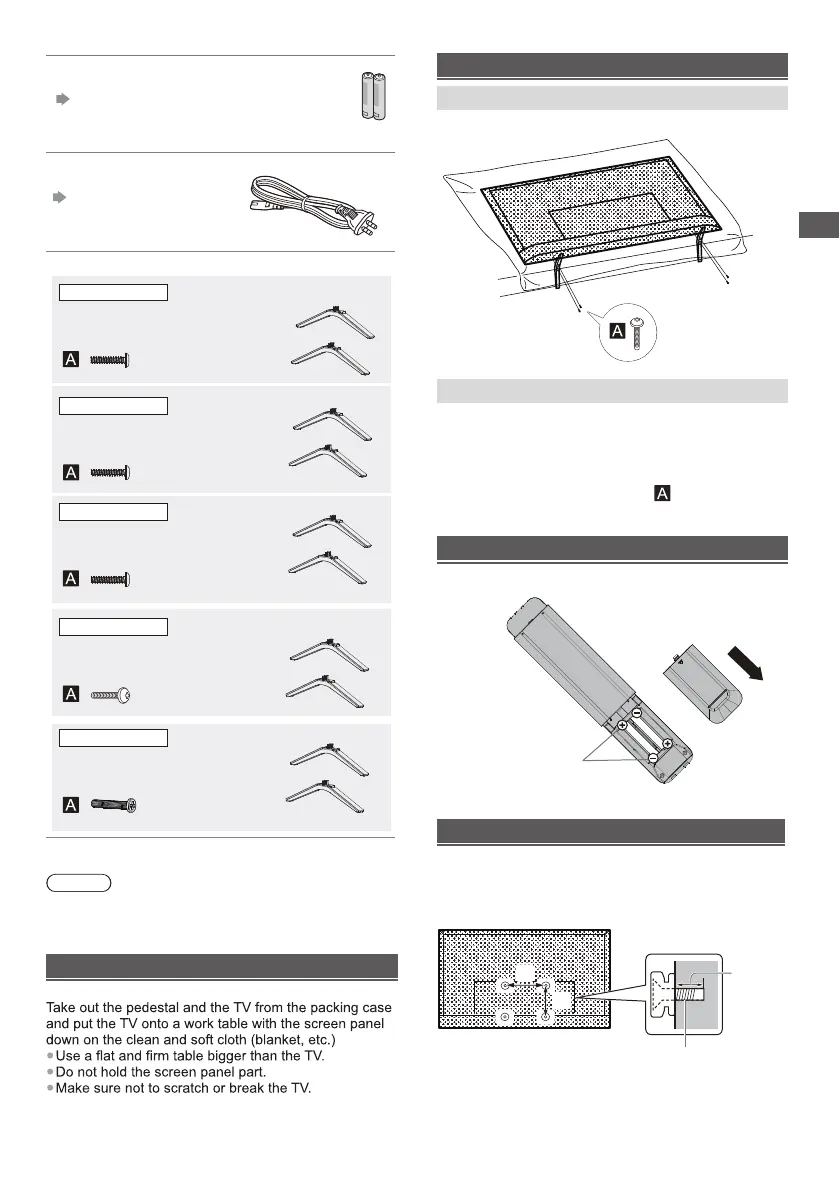
Batteries (AAA) × 2
(p.5)
Mains Lead
(p.8)
5
Setting Up the TV
’Inserting remote s batteries
Note the correct
polarity (+ or -)
push down
the cover
Please contact your local Panasonic dealer to purchase the
recommended wall-hanging bracket.
Rear of the TV
(View from the side)
Wall mounting the TV (optional)
Pedestal
●
Assembly screws
●
Base
(ST5 x 25) × 4
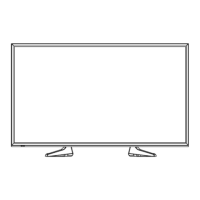
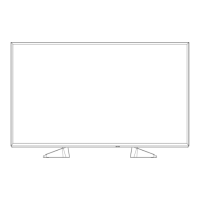
50-inch model
55-inch model
●Assembly screws
●
Base
(ST5 x 25) × 4
Preparation
Illustrations shown may be different between models
and countries.
Note
65-inch model
Assembly screws
●
Base
(M5 × 25) × 4
●
Attaching the pedestal
Assemble the pedestal
Be sure to remove the pedestal in the following way when
using the wall-hanging bracket or repacking the TV.
Removing the pedestal from the TV
1
Lay the TV on a foam mat or thick soft cloth on a
table.
2 Remove the assembly screws from the TV.
Screw for fixing the TV onto the
wall-hanging bracket(not supplied)
Depth of
screw
b
a
43-inch model
●
Assembly screws
(ST4 × 20) × 4
●
Base
●
75-inch model
Assembly screws
(M6 × 35) × 4
●
Base



 To Next Page