Signal
[
Digital
]
HDMI Range
Auto
Noise reduction
Cinema reality
Off
Off
H-Freq.
V-Freq.
kHz
Hz
63.98
60.02
Signal Format
1280×1024/60
H-Freq.
Dot Clock Freq.
kHz
MHz
63.98
108.0
V-Freq. Hz
60.02
Signal Format 1280×1024/60
37
Setup for Input Signals
Switches the dynamic range according to the input signal from HDMI terminal.
Video(16-235): If the input signal is the video range, Example: HDMI terminal output for DVD player
Full(0-255): If the input signal is full range, Example: HDMI terminal output for personal computer
Auto:
Switches the dynamic range automatically between “Video(16-235)” and “Full(0-255)” according to the input signal.
Note:
This function can be set only for HDMI signal input.
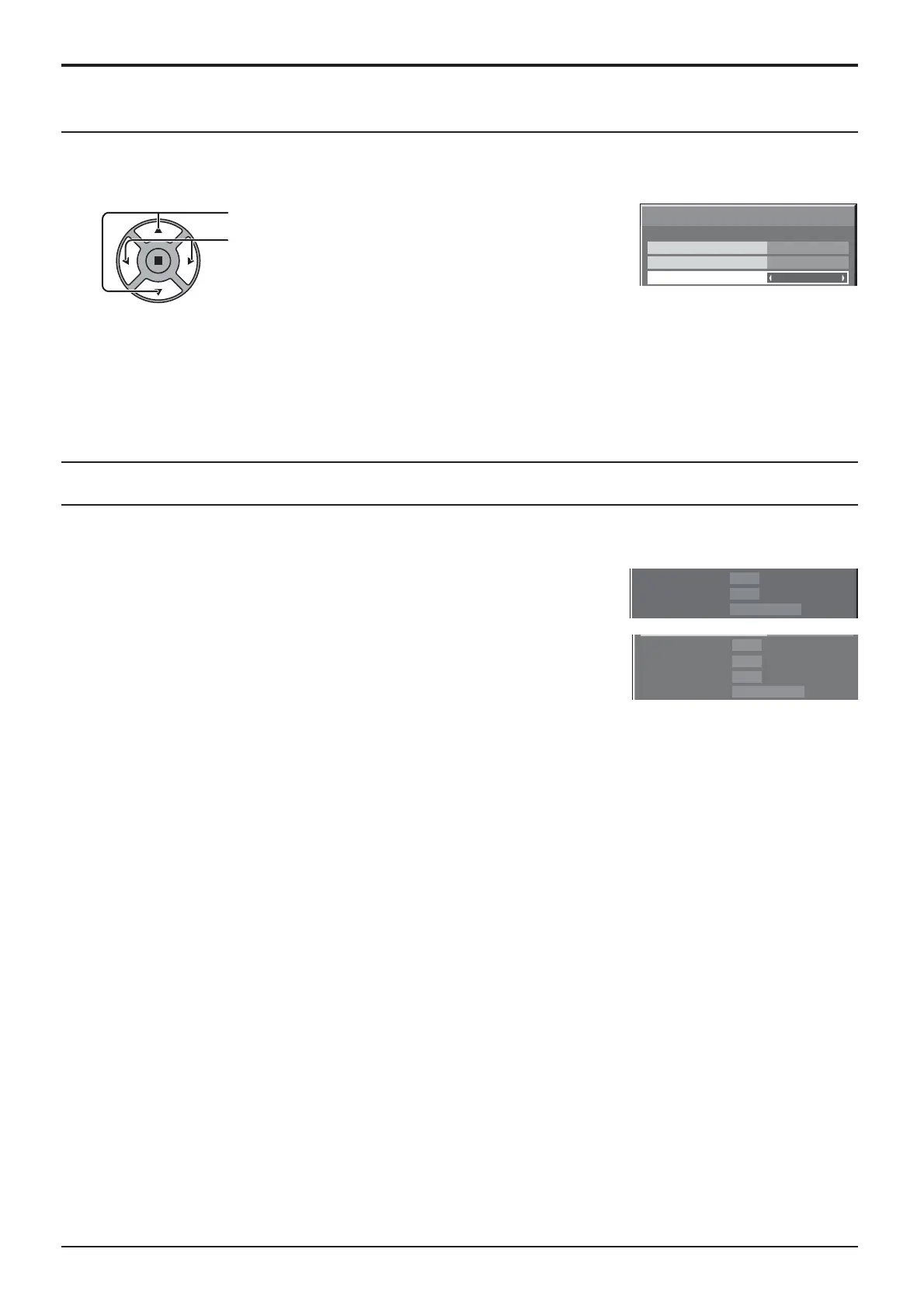
HDMI Range
Press to select “HDMI Range”.
Press to select “Video(16-235)”, “Full(0-255)”, “Auto”.
Displays the frequency and the type of the current input signal.
Display range:
Horizontal 30 - 110 kHz
Vertical 48 - 120 Hz
The dot clock frequency is displayed during digital signal input.
Note:
The automatically detected signal format may be displayed differently than the
actual input signal.
Input signal display





 To Next Page