EasyManua.ls Logo

Panasonic TH-86CQE1W - Page 28

Panasonic TH-86CQE1W
61 pages
Print Icon
To Next Page IconTo Next Page
To Previous Page IconTo Previous Page
Loading...
English
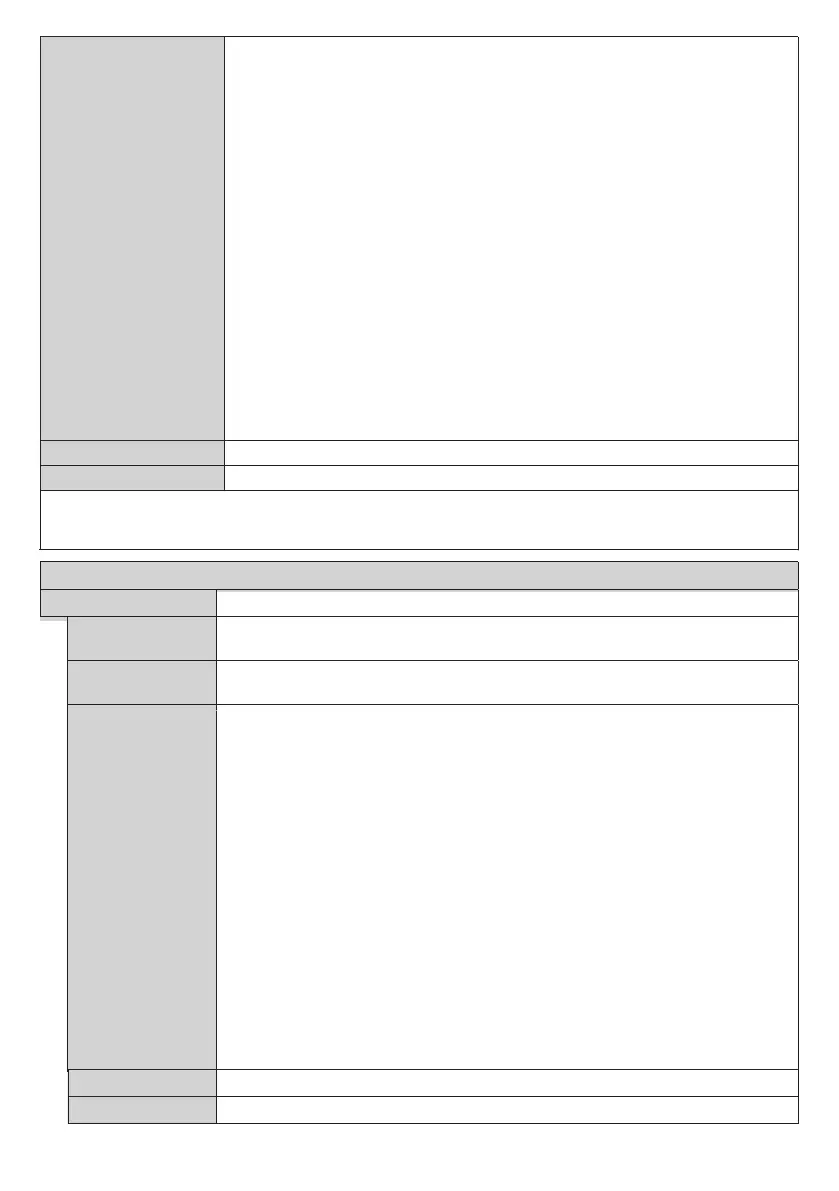
SNMP settings



















Display Name

Reset

Note: For detailed information on the options of this menu refer to the Connectivity section.

This menu cannot be changed when Wireless Display source is selected.
Signage Menu Content
Device Info
Display ID


Serial ID Function


Software
upgrade



Automatic scanning :





Automatic scanning:




Note: Software upgrade updates to the next version of the current software. It may be
necessary to Software upgrade several times to get the latest version.
Serial number

Model name
