EasyManua.ls Logo

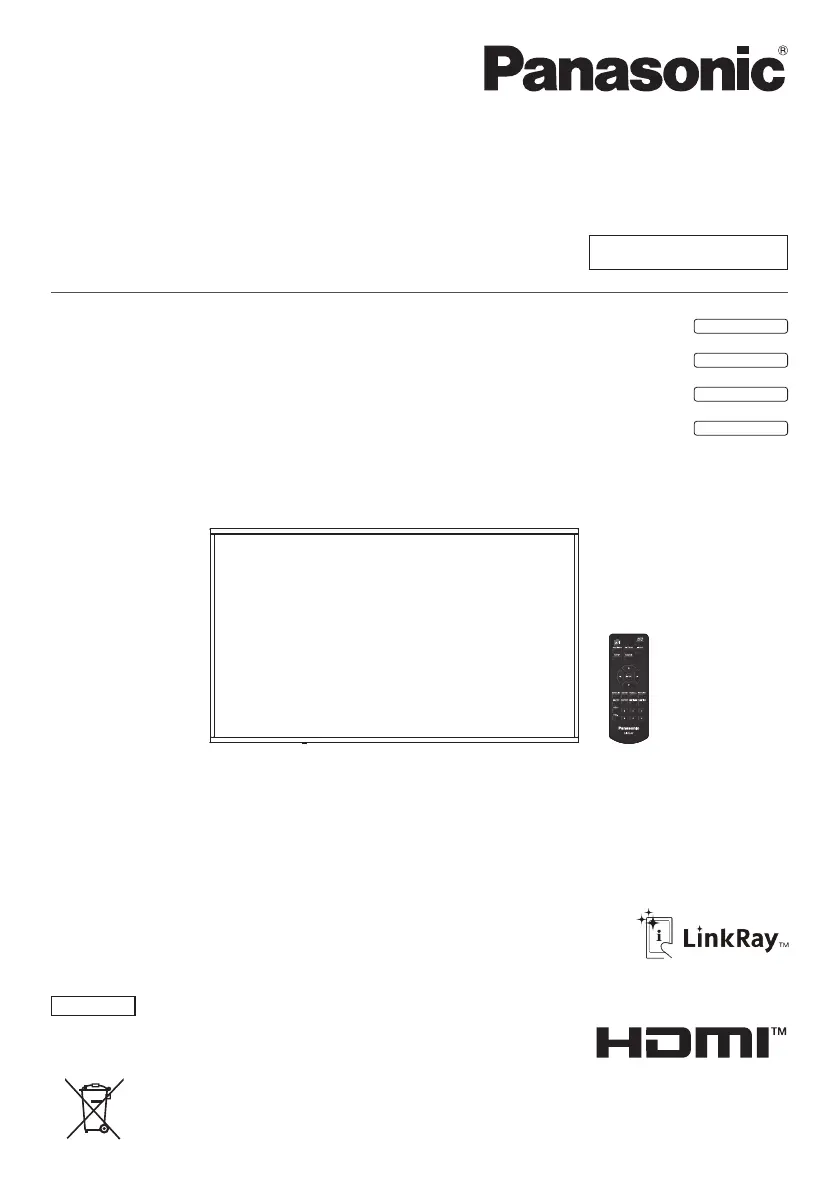
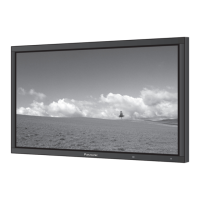
Panasonic TH-80SF2H - User Manual

Panasonic TH-80SF2H
132 pages
Print Icon
To Next Page IconTo Next Page
Loading...
Operating Instructions
Functional Manual
FULL HD LCD Display For business use
Model No. TH-80SF2HU
80-inch model
TH-70SF2HU
70-inch model
TH-80SF2HW
80-inch model
TH-70SF2HW
70-inch model
English
Please read these instructions before operating your set
and retain them for future reference.
*
This manual is common to all the models regardless of suffixes of the
model number.
U : for US, Canada and Mexico
W : for EU, CIS, South East Asia and Middle East Asia
DPQP1204ZB
EU

Table of Contents

Other manuals for Panasonic TH-80SF2H

Questions and Answers

  • A
    anthonymathisSep 18, 2025
    How to fix cut off picture on Panasonic TH-80SF2H?
    • A
      Anna DyerSep 18, 2025
      If the top or bottom of the picture on the screen is cut off on your Panasonic Monitor, adjust the position of the picture on the screen, because the image position has been adjusted in the [Position] menu.
  • L
    Lisa HurleyAug 25, 2025
    How to fix Panasonic TH-80SF2H Monitor when there is picture but no sound?
    • P
      Paul AllenAug 25, 2025
      If your Panasonic Monitor displays a normal picture but has no sound, ensure that the mute function on the remote control hasn't been activated.
  • A
    Amy CrossAug 25, 2025
    What to do if my Panasonic TH-80SF2H Monitor has no picture and no sound?
    • J
      Jared CrossAug 26, 2025
      If your Panasonic Monitor isn't displaying a picture and there's no sound, verify that the device is properly plugged into the AC outlet and switched on. Also, check the Picture and Brightness/Volume settings by pressing the or the .
  • J
    jose10Aug 27, 2025
    Why is my Panasonic TH-80SF2H remote control not working?
    • M
      Micheal CooperAug 27, 2025
      If your Panasonic Monitor remote control isn't working, check if the batteries are completely discharged or improperly inserted. Also, ensure that the remote control sensor isn't exposed to outdoor light or strong fluorescent light and that there are no obstacles between the sensor and the remote.
  • R
    Renee BakerSep 18, 2025
    Why is there no picture or sound from the DIGITAL LINK terminal on my Panasonic TH-80SF2H?
    • D
      Debbie MurraySep 18, 2025
      If there is no picture displayed or sound output from the [DIGITAL LINK] terminal, check whether the connection has been made properly between the video (output) equipment and twisted pair cable transmitter and between the twisted pair cable transmitter and this product.
  • B
    Brendan MckaySep 23, 2025
    Why does my Panasonic Monitor screen darken with bright pictures?
    • R
      Renee SmithSep 23, 2025
      The screen darkens slightly when bright pictures with minimal movements are shown to reduce image retention on the screen and the shortening of the screen’s service life. This is normal and not indicative of malfunctioning.
  • T
    Taylor WaltersSep 9, 2025
    Why are there spots on my Panasonic TH-80SF2H Monitor screen?
    • V
      vicki94Sep 9, 2025
      The red, blue, green, and black spots that may appear on your Panasonic Monitor screen are a characteristic of liquid crystal panels and are not a problem.
  • J
    jamieavilaSep 10, 2025
    How to fix image retention on Panasonic TH-80SF2H?
    • W
      wmooreSep 10, 2025
      If image retention appears on your Panasonic Monitor, display a general moving picture for a while to make it disappear.
  • C
    Chad FrancisSep 3, 2025
    Why is there no picture or sound from Panasonic TH-80SF2H Monitor's [DIGITAL LINK] terminal?
    • P
      Paul JonesSep 3, 2025
      If there's no picture or sound output from the [DIGITAL LINK] terminal on your Panasonic Monitor, check the connection between the video (output) equipment and the twisted pair cable transmitter. Also, ensure that [Network settings] - [DIGITAL LINK mode] is not set to [Ethernet].
  • R
    Rebecca JonesSep 1, 2025
    Why is the RS-232C uncontrollable on my Panasonic Monitor?
    • D
      Deborah MeyerSep 1, 2025
      If the RS-232C is uncontrollable on your Panasonic Monitor, check if the connection has been made properly and ensure that [Network settings] - [Serial control] is set to [SERIAL IN].

Panasonic TH-80SF2H Specifications

General IconGeneral
Screen Size80 inches
Panel TypeIPS
Response Time8 ms
Viewing Angle178°/178°
External Control TerminalsRS-232C, LAN
Aspect Ratio16:9
ConnectivityLAN
Input TerminalsHDMI, DVI-D, VGA
Output TerminalsAudio
Resolution1920 x 1080 pixels

Related product manuals