EasyManua.ls Logo

Panasonic TX-24ES513E - Using Your VIERA; Operations

Panasonic TX-24ES513E
72 pages
Print Icon
To Next Page IconTo Next Page
To Previous Page IconTo Previous Page
Loading...
English
17
Operations
1 Turn power on


















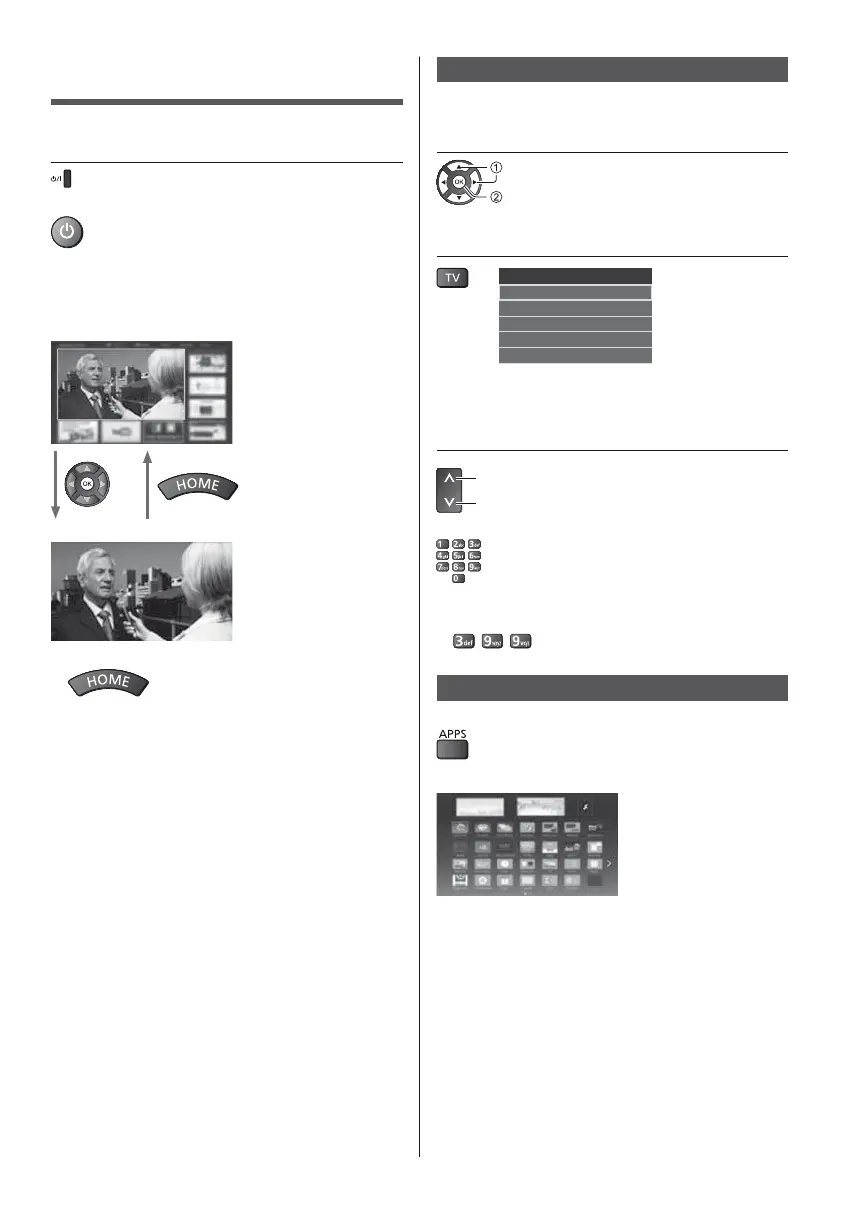
Watching TV
1 Select the TV viewer from [Home
Screen]


2 Select the mode
TV Selection
DVB-S
DVB-C
DVB-T
DVB-via-IP
Analogue



3 Select a channel





399
To access each feature
Access [APPS List] and select a feature










Other manuals for Panasonic TX-24ES513E

Related product manuals