ALIGNMENT SETTINGS
(The figures below are nominal and used for representative purposes only.)
To access Service Mode select program position 99 and set sharpness to minimum.
Press “MUTE” button on remote control and at the same time press the "V" button on the customer controls at the front of
the TV, this will place the TV set into Service Mode.
Press /Vbuttons to step up / down through the functions.
Press +/- buttons to alter the function values.
To exit Service Mode press "MENU" button.
6
Setting in indication
Note: All settings are approximate
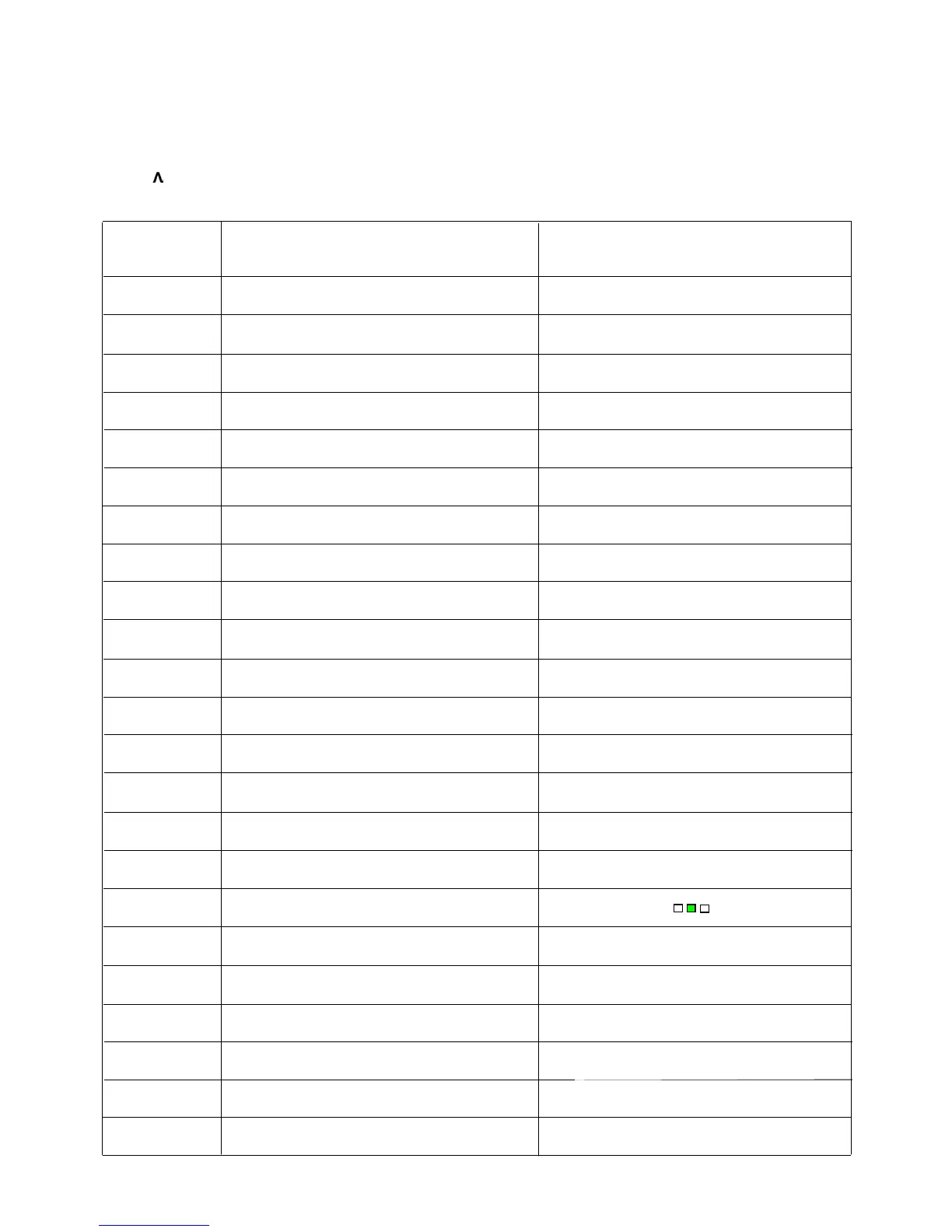
Settings / Special features
1.
HOR CEN 37
2. SHIPPING 20 67
3. VERT SIZE 38
4. VERT CENT 51
5. S CORRECT 30
6. EW TRAPEZ 22
7. V SLOPE 27
8. V LINEAR 42
9. HOR PARAL 35
10. CORNER B 47
11. CORNER T 45
12. HOR WIDTH 50
13. PARABOLA 23
14. AVL 00
15. OPTION2 01001111 4F
16. OPTION1 10111100 BC
17. G2 SCREEN
18. AGC LEVEL 21
19. GRN BIAS 32
20. RED BIAS 32
21. BLUE GAIN 32
22. GRN GAIN 32
23. RED GAIN 32









 To Next Page