Functions
Mirroring
How to use
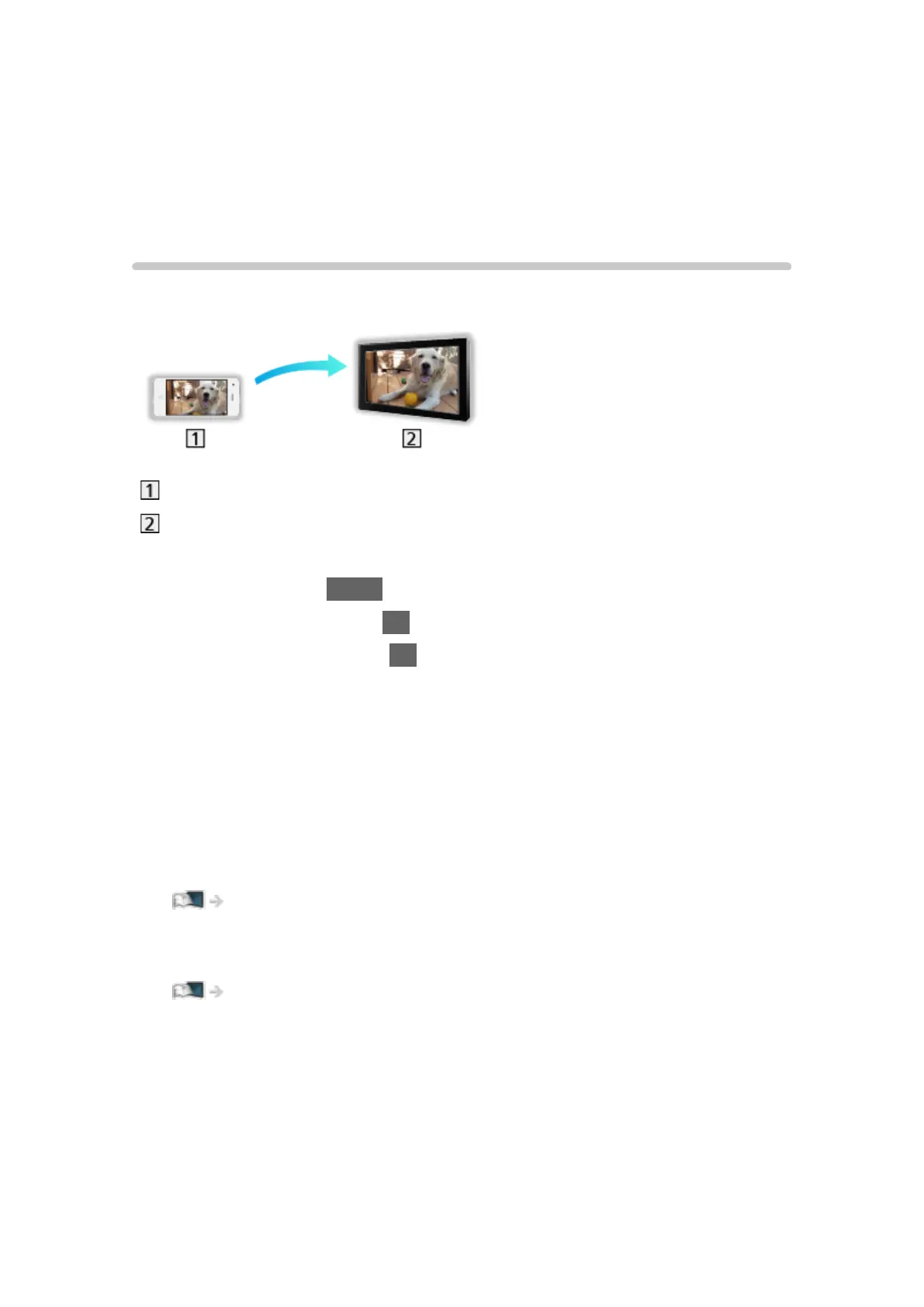
You can watch and display images of other devices (smartphone, etc.) on the
TV screen using a mirroring function.
Smartphone, etc.
TV
1. Display Home with HOME.
2. Select Devices and press OK to access.
3. Select Mirroring and press OK.
4. Follow the on-screen instructions.
●
Pairing information of the device (smartphone, etc.) is registered once you
use this function.
■ Easy Mirroring
You can also start the mirroring function from the other devices (smartphone,
etc.) when Easy Mirroring is set to On.
Functions > Mirroring > Mirroring Settings
●
You cannot use Easy Mirroring function while the TV is set to Wireless
Access Point.
Network > Network settings > Network Status
= Note =
●
This function is available with the other devices (smartphone, etc.)
supporting the mirroring function. For details, refer to the operating
instructions of the devices.
- 201 -












 To Next Page