Channel List Editor
■ Edit DVB channels
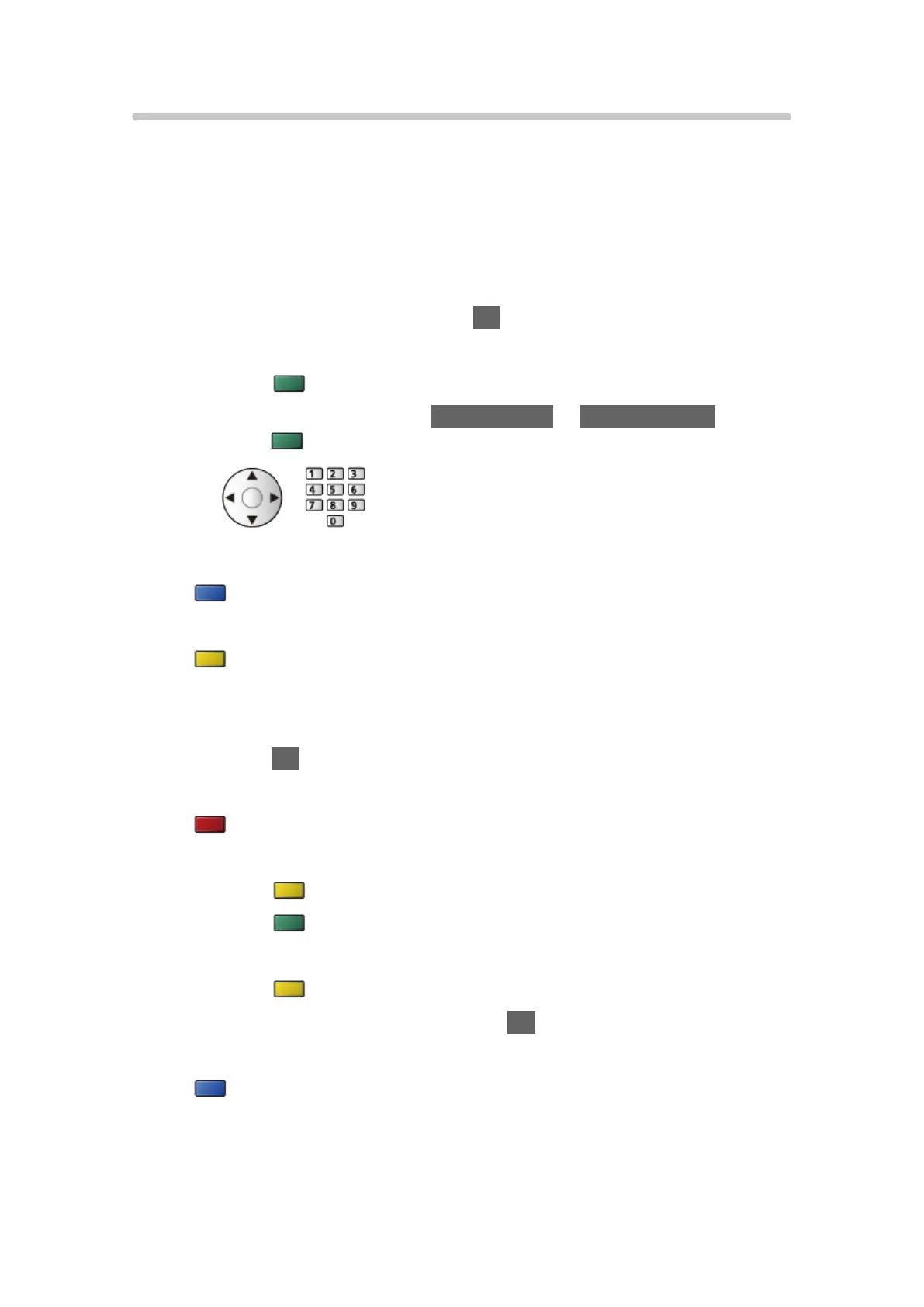
You can edit the list of All DVB Channels by adding / deleting and moving
channels.
●
Channels not in all DVB channels list cannot be displayed except in this
function.
1. Select Channel List Editor and press OK to access.
●
To swap / move the channel position
1) Press
(green) to edit.
2) Set the new position with Cursor buttons or Numeric buttons, and
press
(green) to store.
●
To delete the channel
(blue)
●
To delete all channels
(yellow)
●
To add channel
1) Select a channel from Channels Found.
2) Press OK to add it to All DVB Channels.
●
To sort channel names in alphabetical order
(red)
●
To add all channels to the list (if available)
1) Press
(yellow).
2) Press
(green) to add all (depending on the broadcaster).
●
To add consecutive channels to the list at once (if available)
1) Press
(yellow).
2) Make the channel block and press OK to add.
●
To change the category of Channels Found
(blue)
- 94 -












 To Next Page