EasyManua.ls Logo

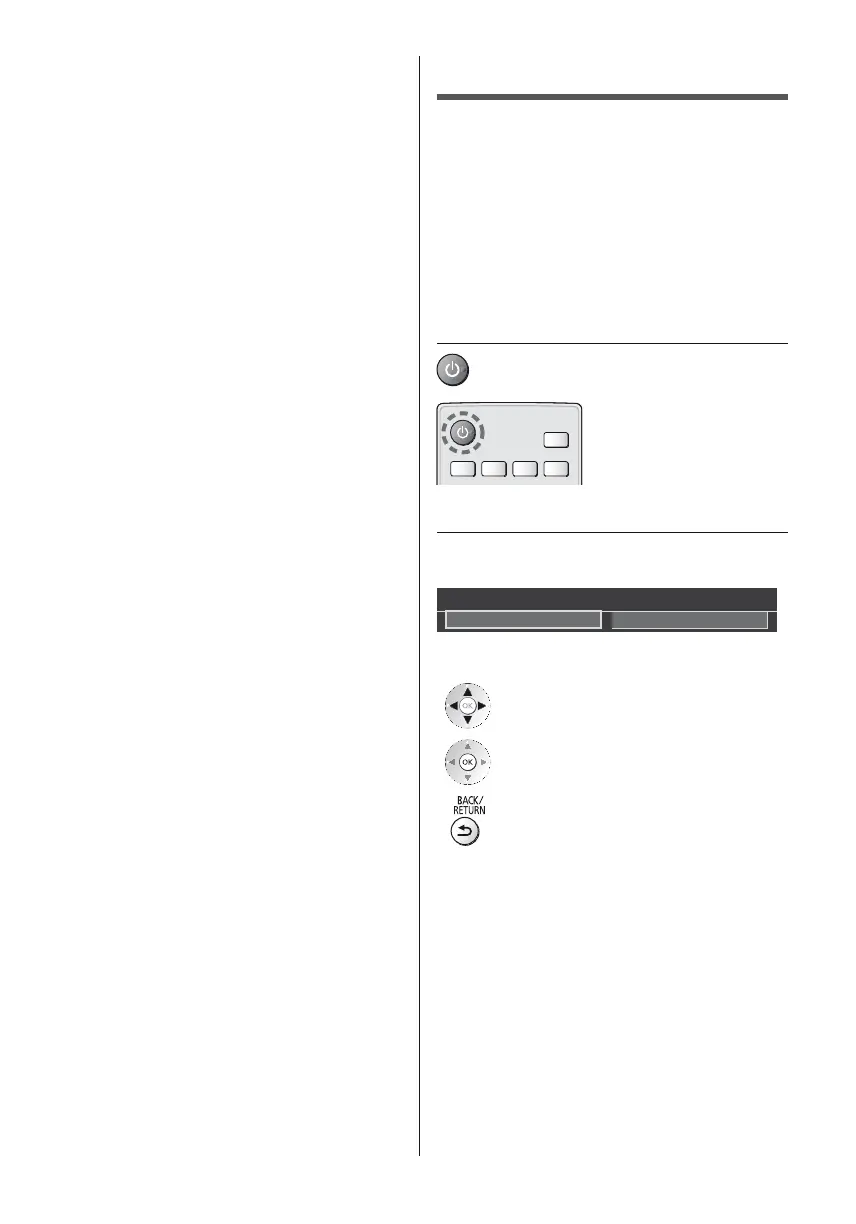
Panasonic TX-47AS800E - First time Auto Setup; Plug the TV into mains socket and turn power on; Select the following items

Panasonic TX-47AS800E
80 pages
Print Icon
To Next Page IconTo Next Page
To Previous Page IconTo Previous Page
Loading...
17
English
First time Auto Setup











1 Plug the TV into mains socket and
turn power on


2 Select the following items


Please select your viewing environment.
Home Shop
How to use remote control



Select the language
Select [Home]








Set up the network connection
Select your country




10


11
Mains power On / Off switch



Other manuals for Panasonic TX-47AS800E

Related product manuals