- 112 -
Proxy Port:
This number is also specified by the provider with the Proxy address.
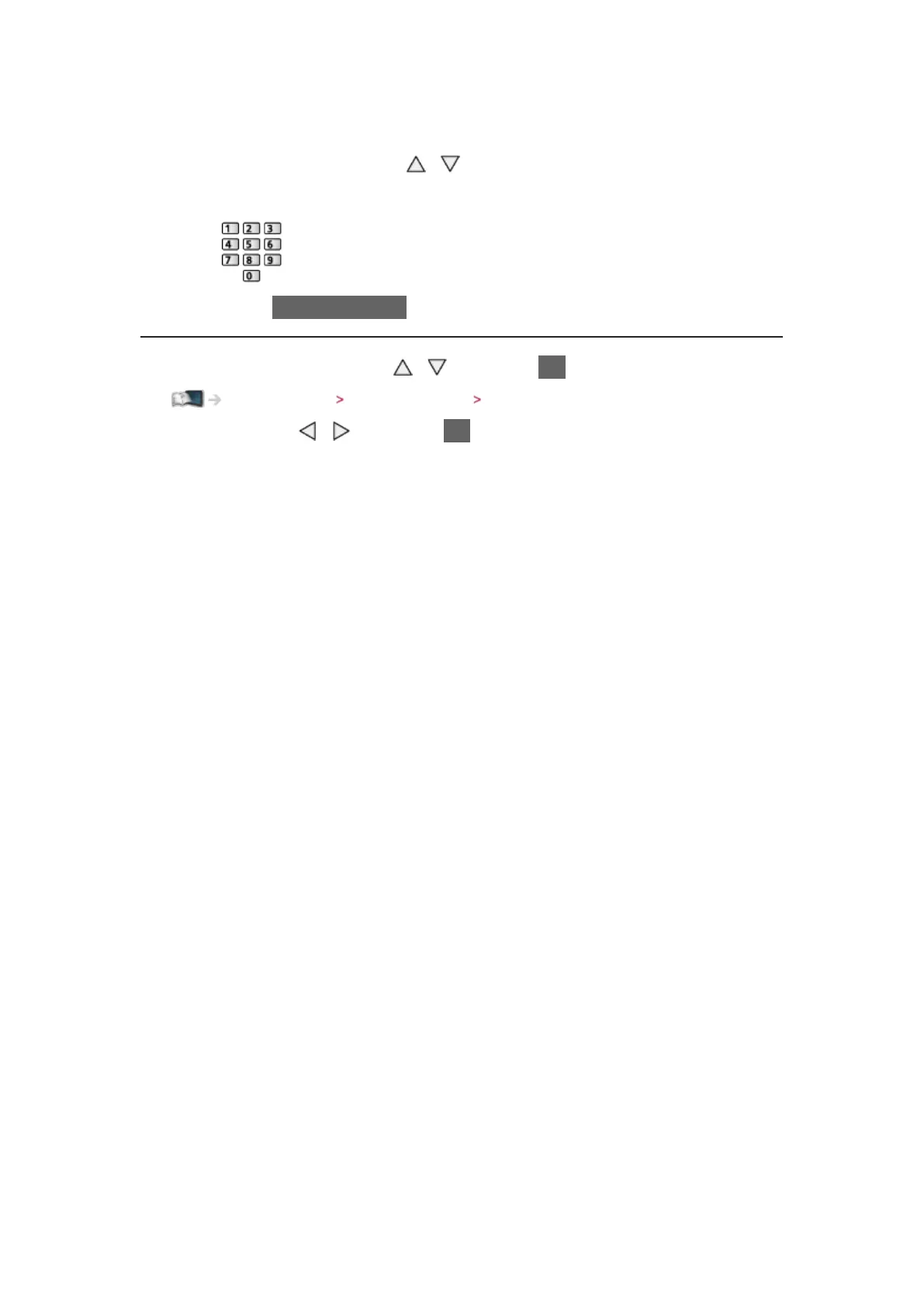
1) Select Proxy Port with
/
2) Enter the number with numeric buttons
3) Press BACK/RETURN to store
6. Select Network Status with
/ and press OK to access
Home network Network settings Network Status
7. Select Exit with / and press OK to set






 To Next Page