- 16 -
= Note =
●
To ensure your satellite dish is correctly installed, please consult your local
dealer. Also consult the received satellite broadcasting companies for
details.
●
The freesat channel uses Astra2 at 28.2° East and Eurobird1 at 28.5° East
satellites. To ensure your satellite dish is correctly installed, consult your
freesat registered dealer. (UK only)
●
External equipment and cables shown are not supplied with this TV.
●
Keep the TV away from electronic equipment (video equipment, etc.) or
equipment with an infrared sensor, otherwise distortion of image / sound
may occur or operation of other equipment may be affected.
●
Check the terminal type and cable plugs are correct when connecting.
Basic connection
Please ensure that the unit is disconnected from the mains socket before
attaching or disconnecting any cables.
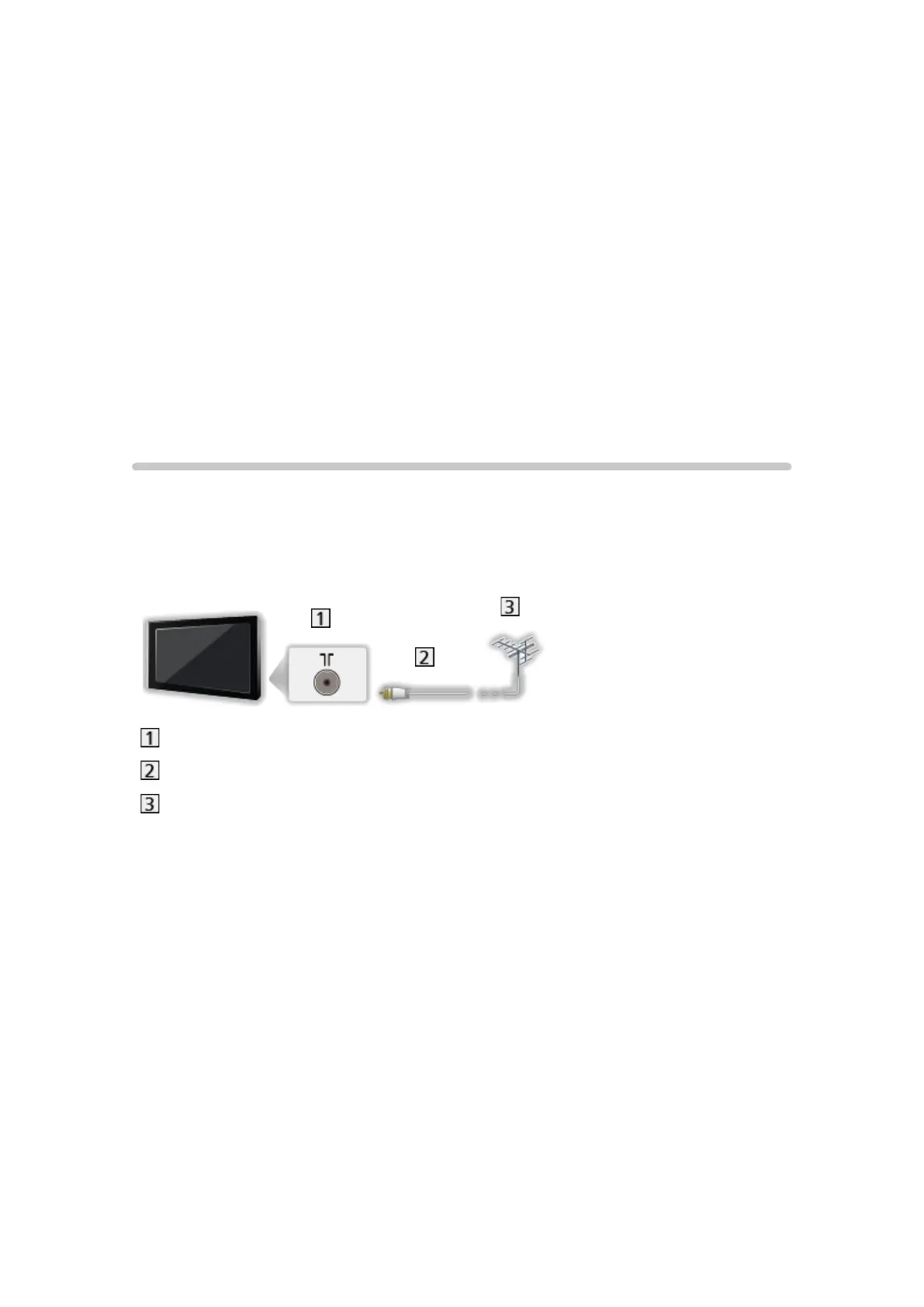
■ Aerial
Terrestrial terminal
RF cable
Terrestrial aerial
●
For DVB, Analogue






 To Next Page