- 168 -
■ Watching View
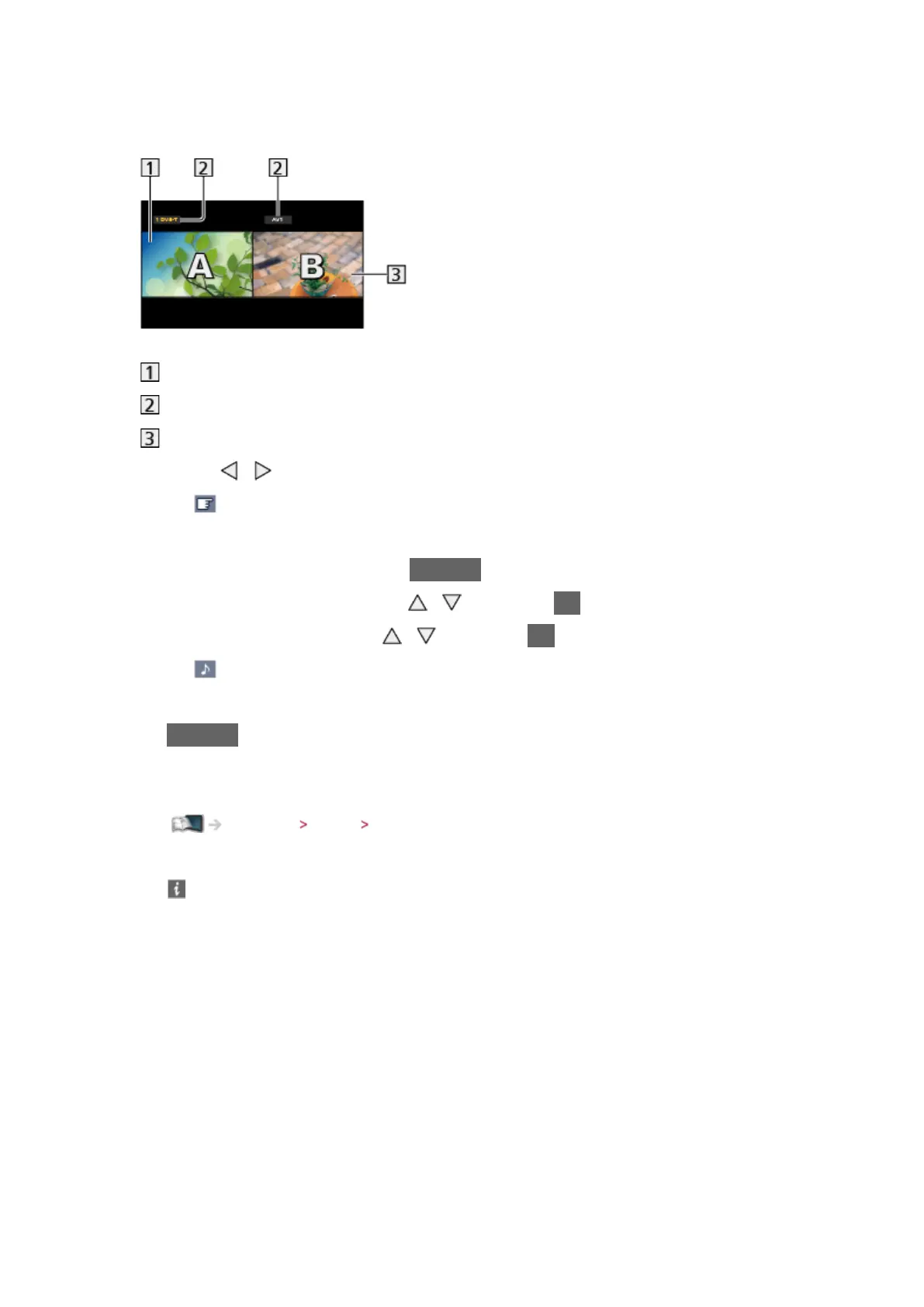
(Example)
Main screen
TV mode / input mode / channel position and name
Sub screen
●
Press / to select the screen to operate.
–
displays on the screen.
●
To select the sound
1) Display Option Menu with OPTION
2) Select Sound Output with
/ and press OK to access
3) Select Main / Sub with
/ and press OK to set
–
displays on the screen.
●
To confirm or change the current status
OPTION
– Menu items and selectable options vary between the main screen and
sub screen.
Watching Basic Option Menu
●
To display / hide the operation guide






 To Next Page